
TL;DR
The TCL Movetime MT 48 is a 2,000 kr smartwatch for children featuring a 1.68-inch screen, robust L1+L5 GPS tracking, and two to three days of battery life. However, setup via the companion app is cumbersome and charging takes several hours. It suits parents seeking a reliable way to communicate with and track their child without buying a smartphone.
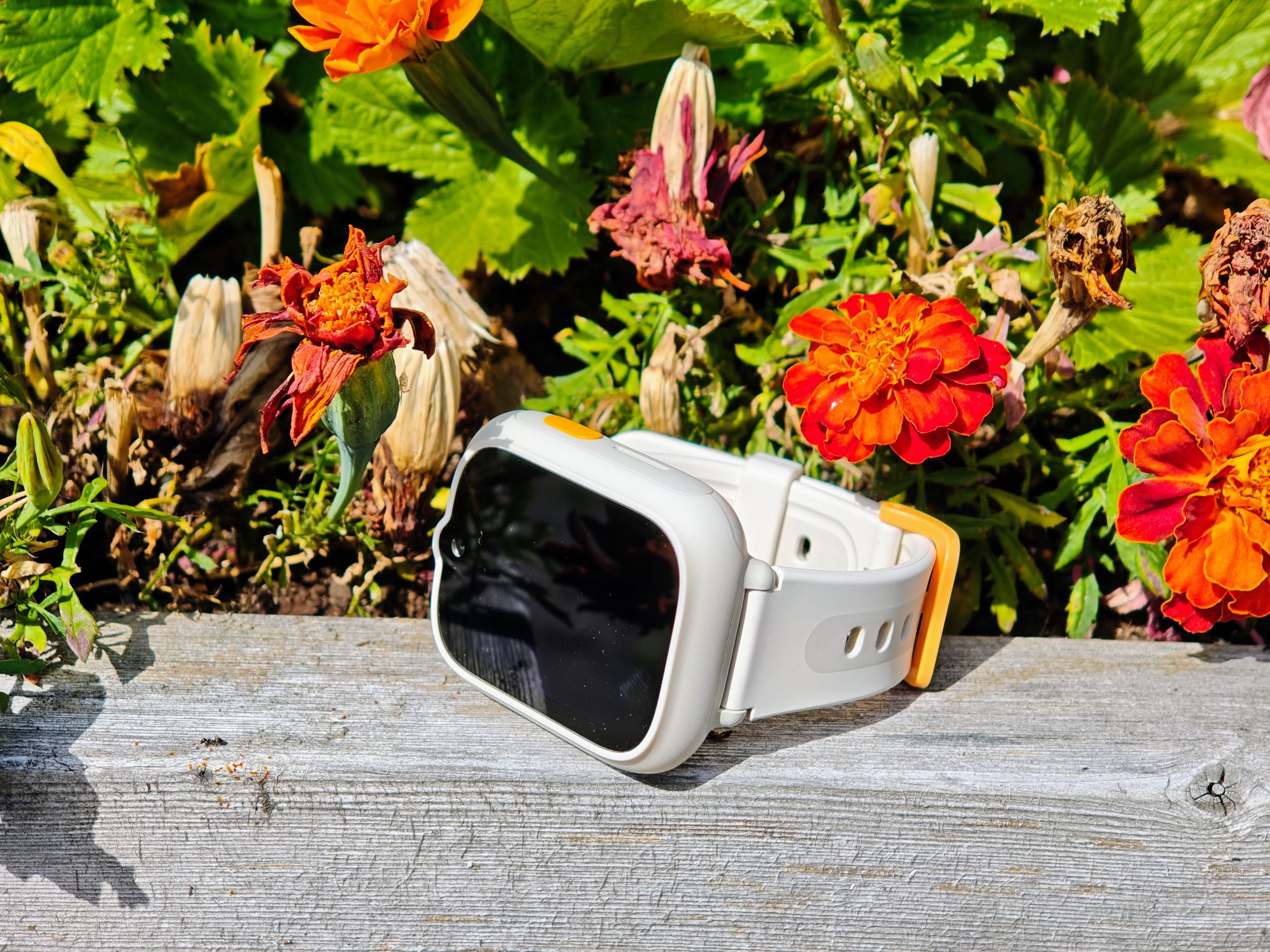
There is something special about when your child begins to grasp the concept of time. Or perhaps not time per se, but the time, “the clock” – the idea of being punctual and planning to be at a certain place at a certain time (a concept I’ve heard they lose again in their teens, we’ll see…). Many might get their first watch around the end of lower secondary or the start of middle school, but a classic wristwatch is no longer the only option in these times of smartwatches. TCL Movetime MT48 is exactly such a smartwatch, designed for children and containing most of the features one could wish for, while also leaving room for development.
Smooth interface – once the app is up and running
An important aspect of smart technology is that the installation is fast, smooth, and intuitive. Here, unfortunately, TCL does not receive top marks. Even for me, a veteran user of new technology on a daily basis, the installation honestly felt a bit cumbersome. First and foremost, it wasn’t the Movetime app (as one might think, and which remains in the App Store – despite being essentially discontinued) but the more general-sounding TCL Connect that applies. On iPhone, I experienced some trouble with the app freezing during the registration step, which meant I had to set up a TCL account online on my computer and then log in through that. Furthermore, very specific password requirements were imposed. These were not insurmountable obstacles, of course, but far from the snappy and smooth “open the app, we’ll find the device and pair it instantly” experience that, for example, Withings boasts. Once everything was up and running in the app, however, it was smooth and easy to customize the user experience; adding trusted names, contacts, safe zones (signals such as when the child walks or arrives home and connects to Wi-Fi), and so on.
Features and user experience for the child
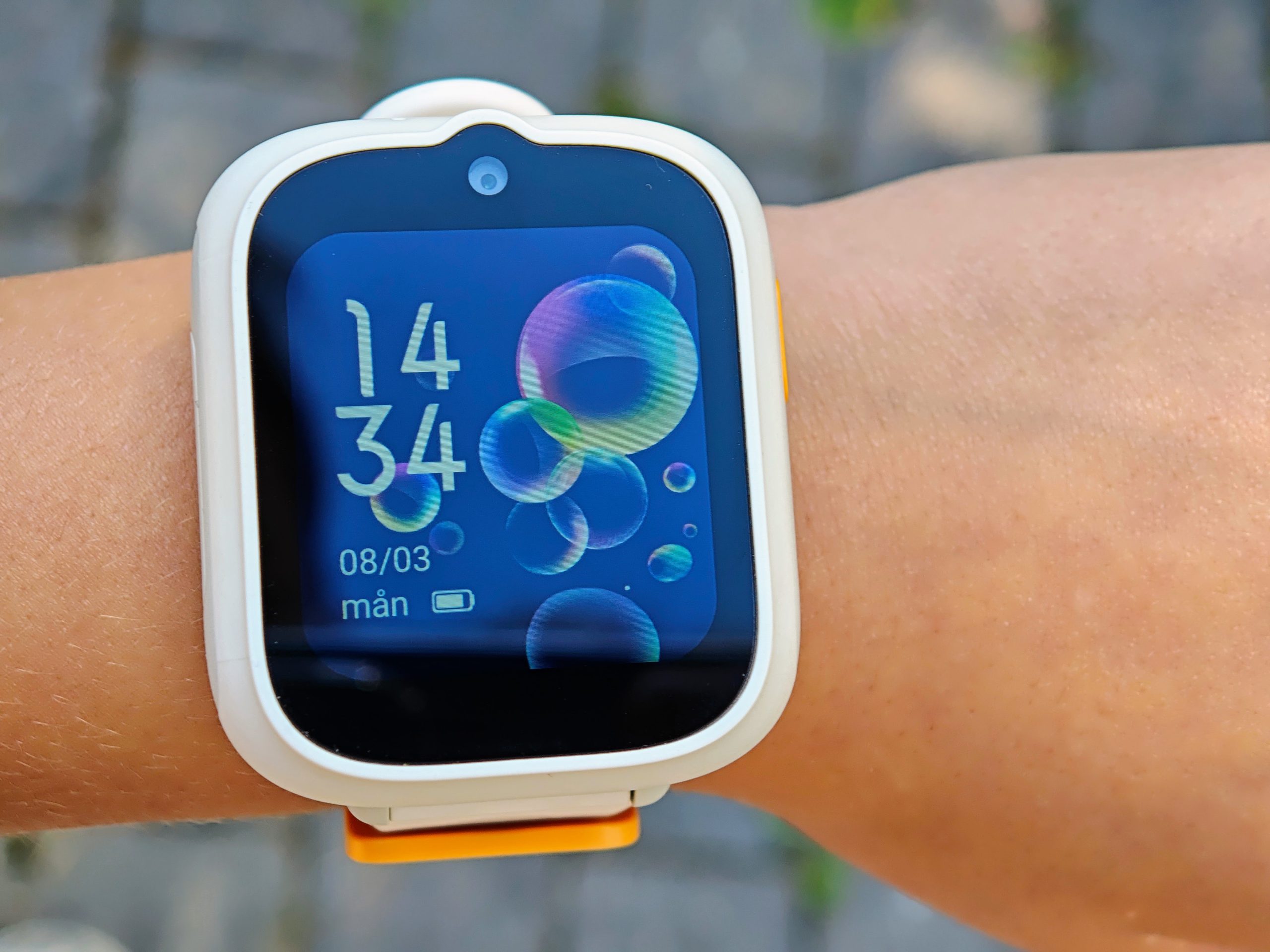
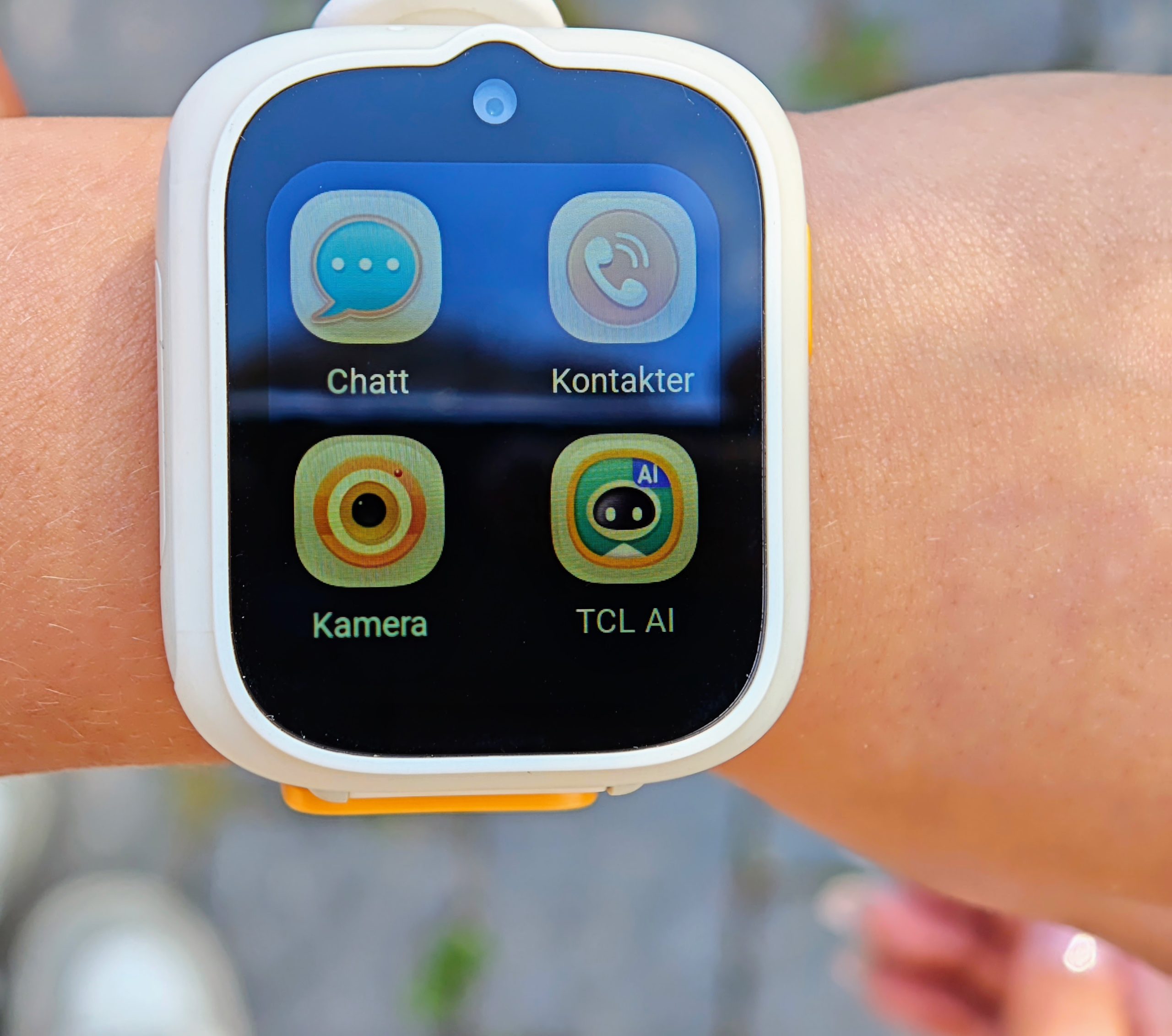
The child who used the watch found it really fun to wear. The display is large and clear, and she quickly figured out how to take photos of the neighbor’s cat and use them as wallpaper. The apps on the watch are few but functional; there is a video calling app (which requires the recipient to have TCL Connect to talk and provided good image and sound quality considering the hardware limitations), contacts to make voice calls to (on speaker), simple tap-to-screen and voice-changer apps and games, as well as messaging. Standard SMS can be received and read, but unfortunately not replied to in writing other than with short, predetermined phrases; instead, the kids’ favorite today is used: voice messages (up to 30 seconds). However, these voice messages are also sent to – you guessed it, TCL Connect – so it’s not quite like having a smartphone on your arm to keep in touch with whoever you want (which is also part of the point of the watch). At the same time, the choice is understandable as younger children rarely have the patience to type messages on a watch screen, even if 1.68″ is the perfect size to provide a clear watch face while not feeling excessively large on a ten-year-old’s wrist.
The watch also has a pedometer that you must set up with the child’s height and weight. At first, we thought it was completely off, as the child could walk 2-3 times as many steps as us, active adults, in a day – but when looking at the total distance, it actually matched surprisingly well. It’s simply that small feet take many more steps than large ones – which shouldn’t surprise anyone, yet it was still surprising how many more there were over a full day!
Slow charging, but good battery life for everyday use
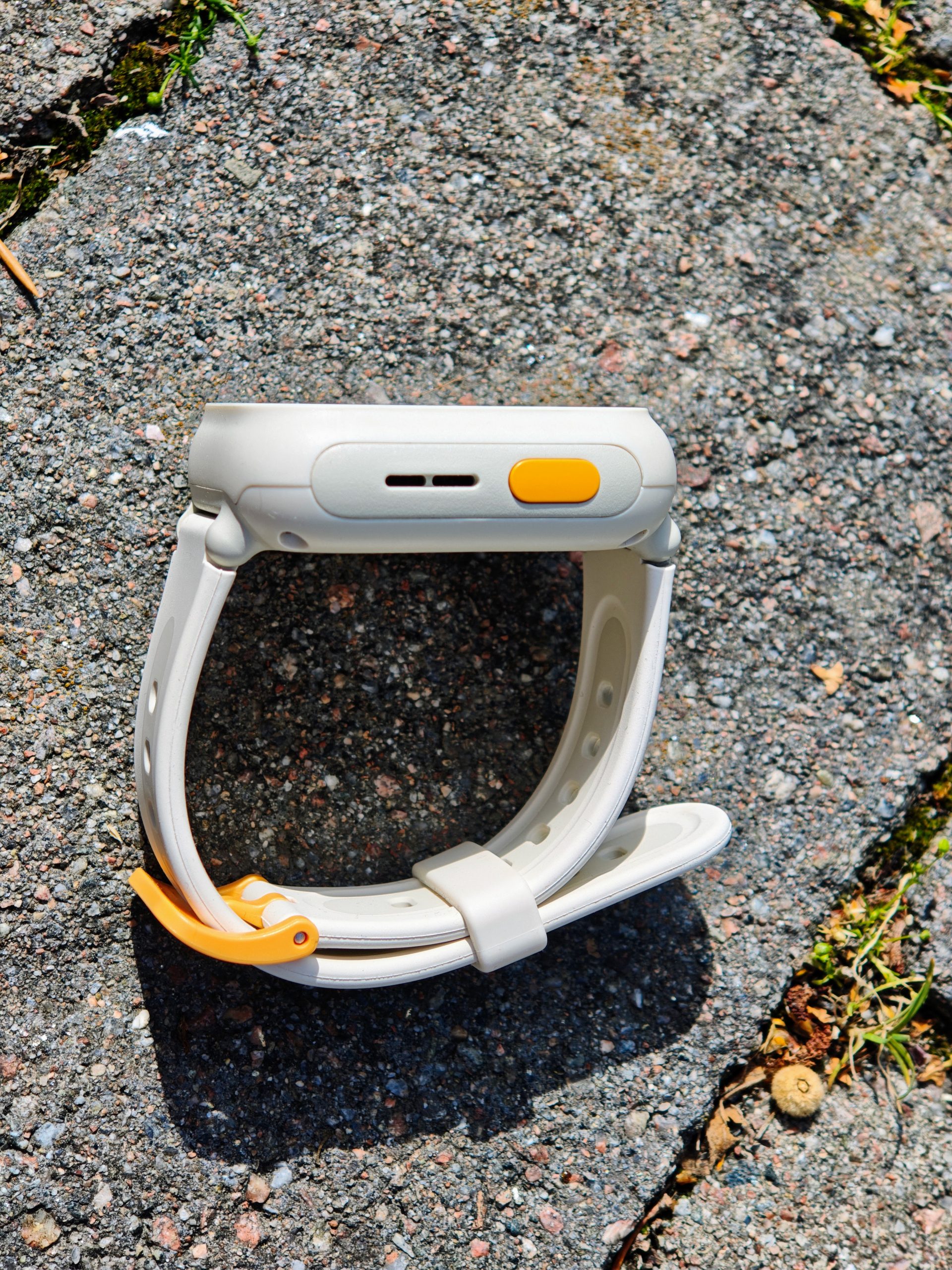
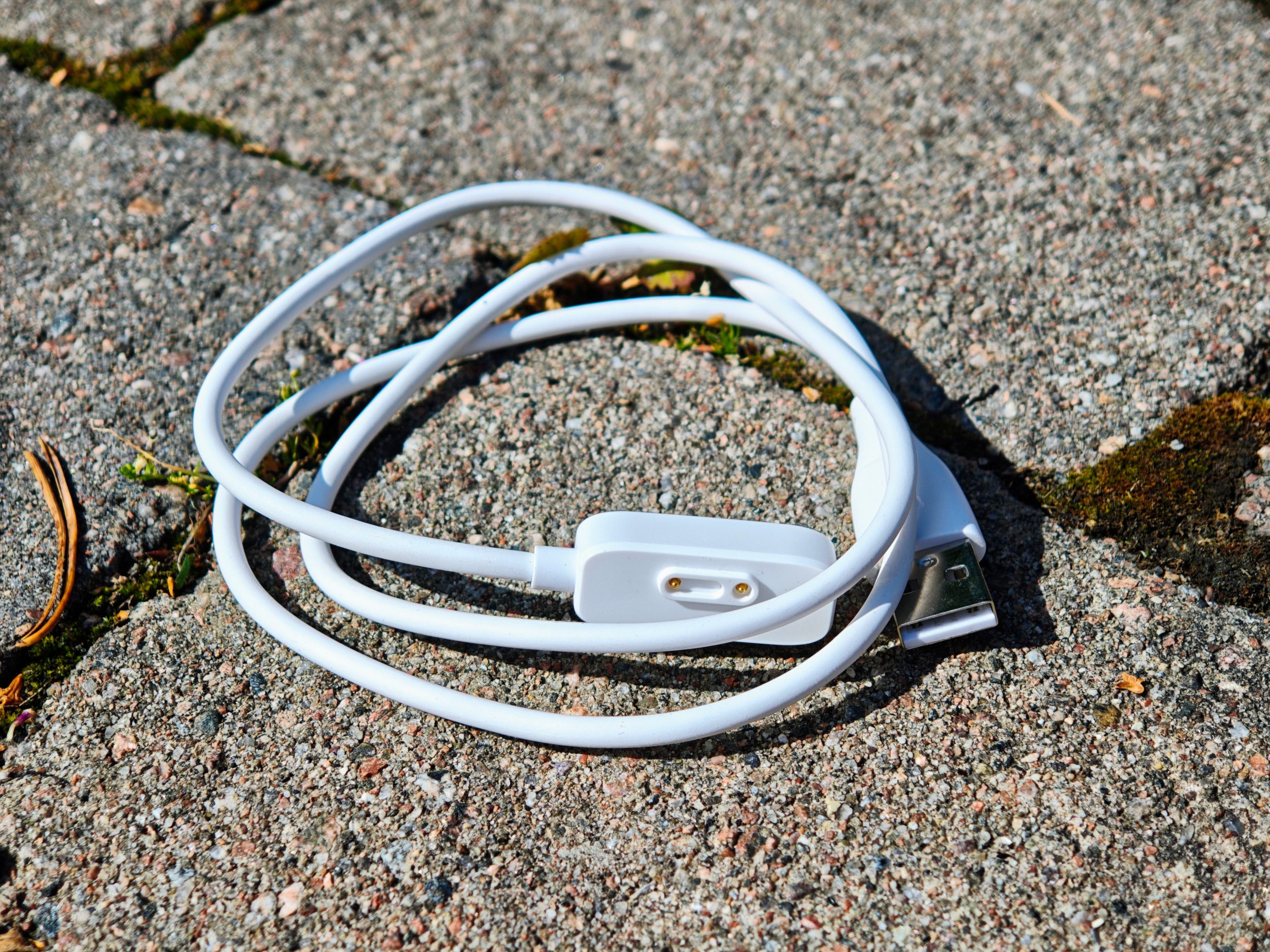
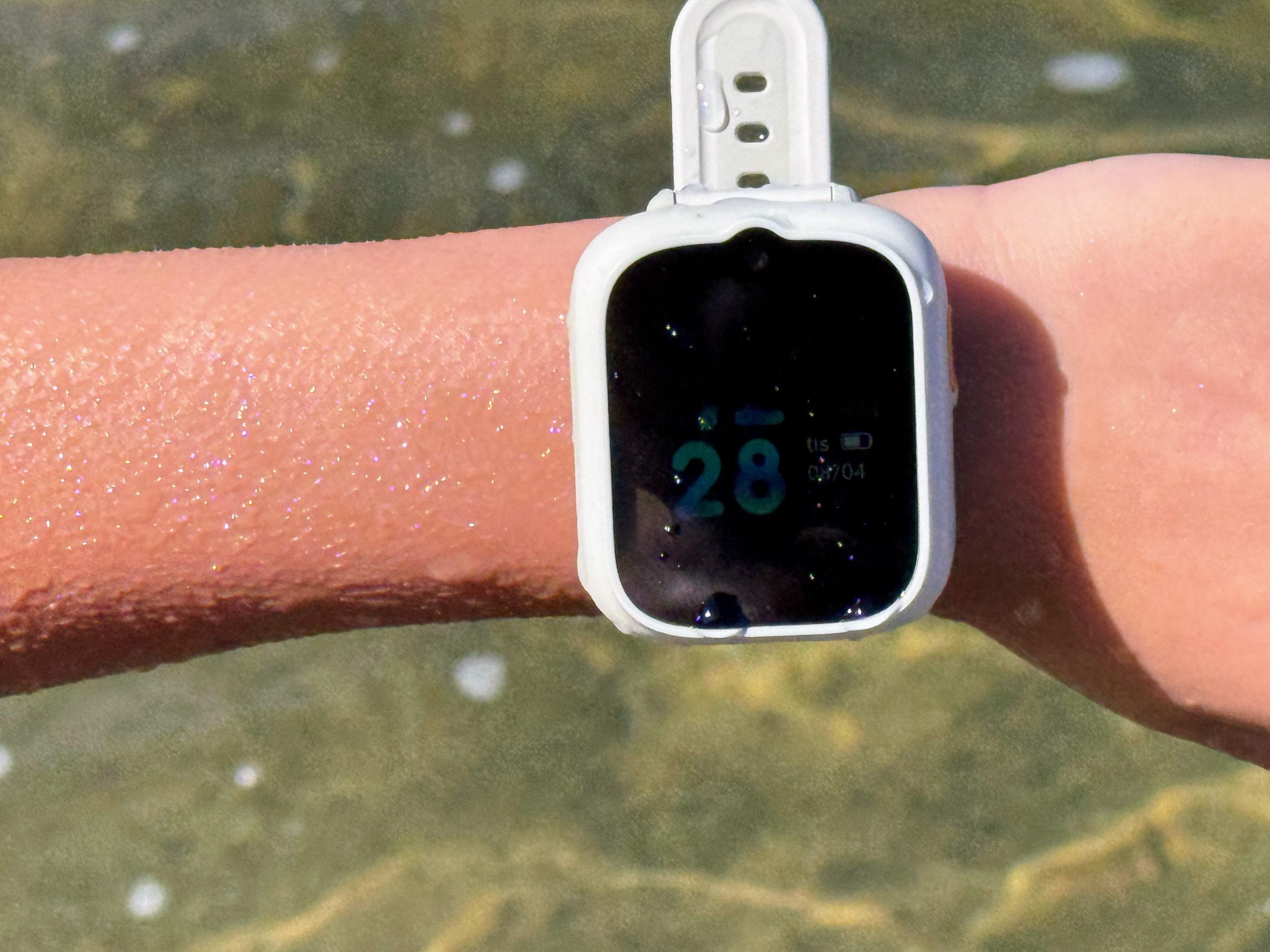
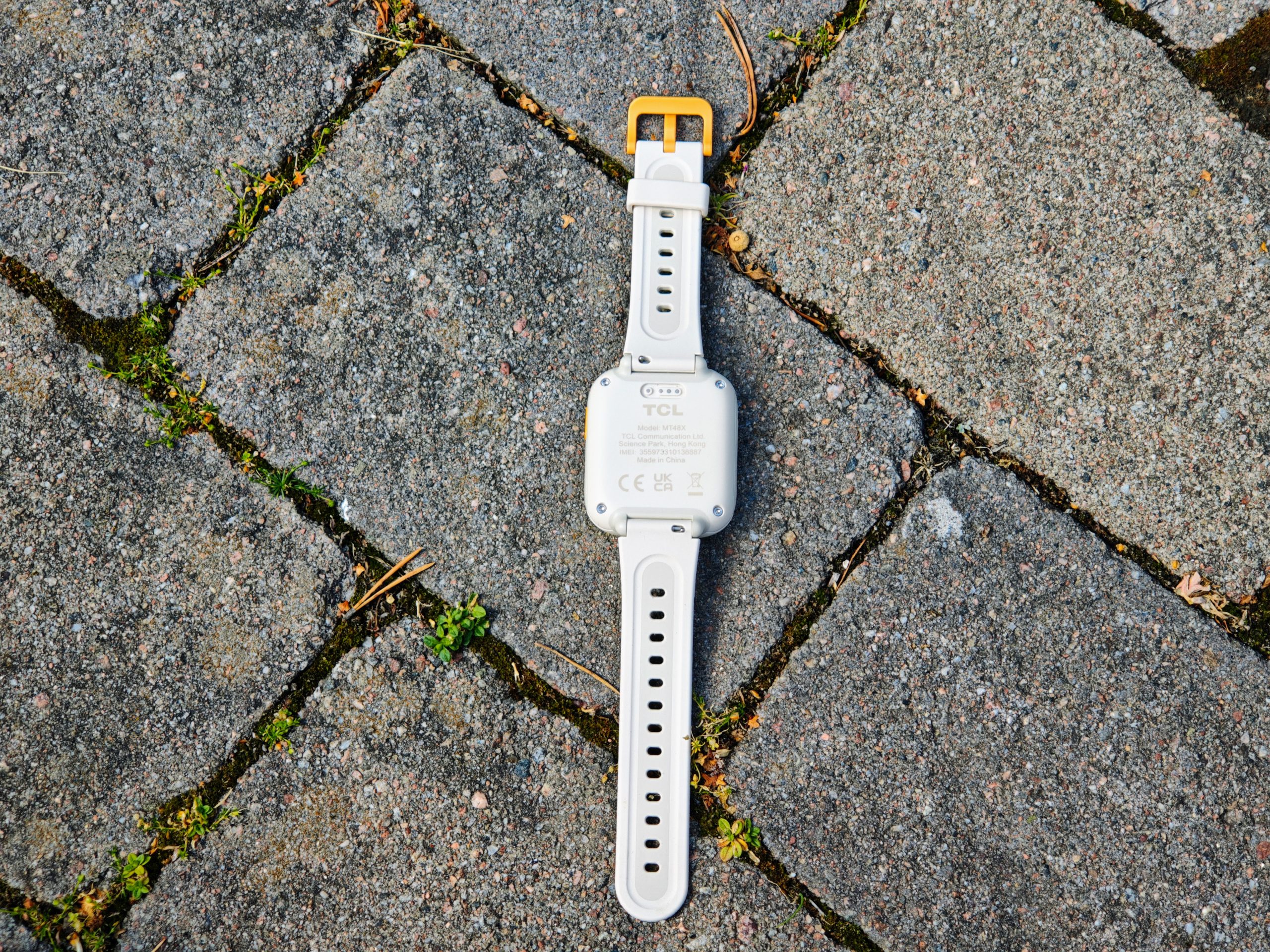
TCL MT48 comes in two models, one with support for a physical SIM card and one with support for eSIM. We tested the version with a physical card, and there were no problems at all installing a nano-SIM from any operator (we tested with both Vimla and Hallon) using the included “plastic tool,” which is generously sized, helping to prevent it from being misplaced. This watch also comes with a unique charger, likely due to its IP68 rating, which allows you to dive with it down to 2 ATM. The battery life during everyday use was around 2-3 days, and charging the watch fully took a couple of hours, which is OK when doing it overnight, for example, but felt a bit slow when you’ve forgotten and are waiting. The question is whether the fact that the cable is of the USB-A type limits the charging speed, as my 100W Anker charger with a display only showed the watch drawing 1W… However, the fact that the child could wear the watch for 2-3 days without charging compensates a lot for the slow charging, whereas we know some major smartwatches require daily charging. A smart feature to save battery, built into the app, is automatic turning on and off of the watch at selected times (e.g., late evenings and nights until early morning).
Flawless GPS tracking and SOS function for the child’s safety
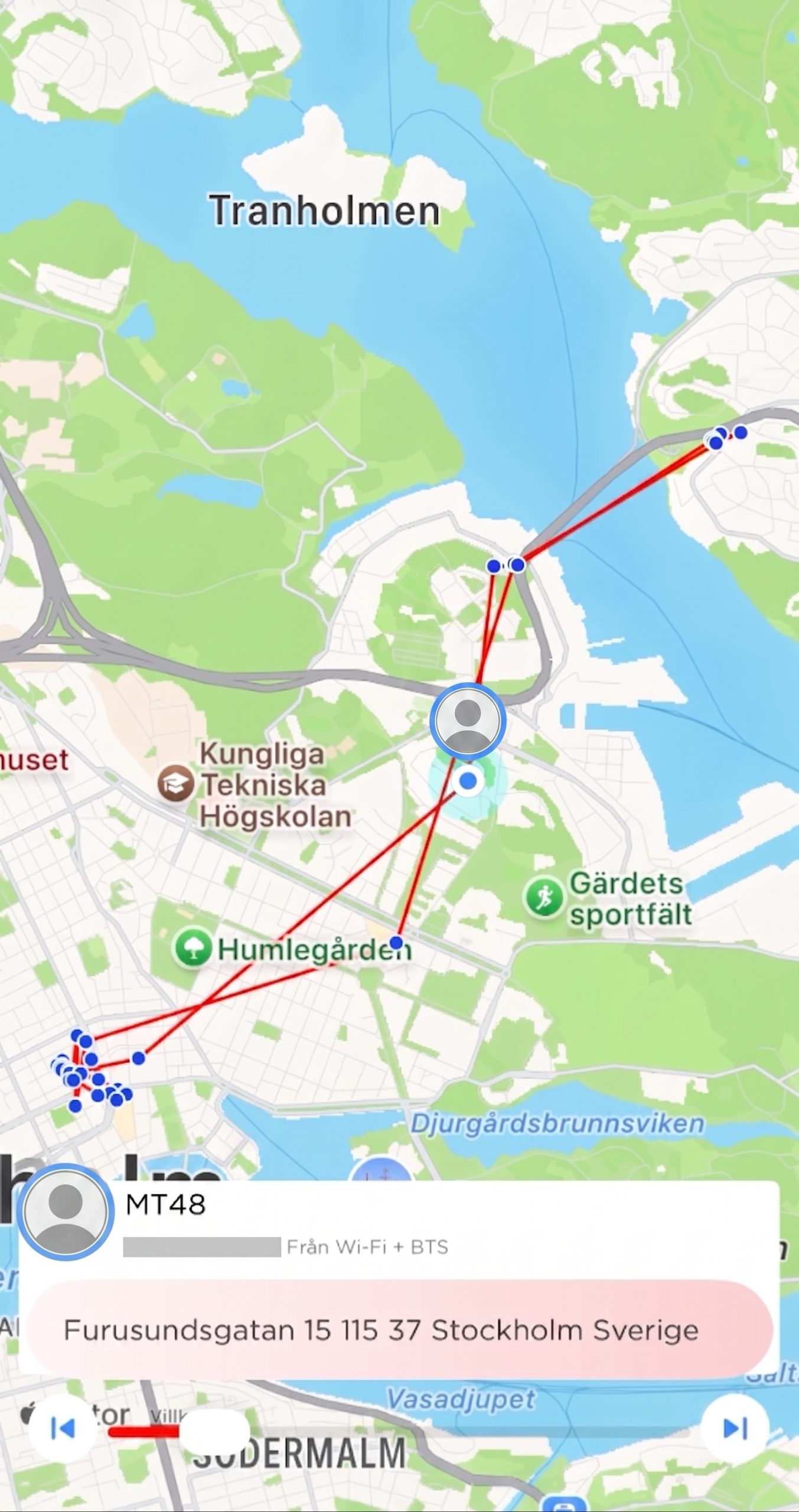
But most importantly in a children’s watch of this type is the GPS tracking – and here the MT48 certainly does not disappoint! Thanks to L1+L5 positioning, you can follow both the child’s current position in real-time and get a historical overview of how the child has moved over the past 14 days (with timeline and timestamps), which can have many benefits. This works just as well in Sweden as it did at London Zoo, where we could follow the child’s journey through the British capital from home alongside relatives on-site, with great precision.
Up to three contacts can be added as emergency contacts, and in an emergency situation, the child can simply hold down the side button to send messages and calls to the designated contacts and further to SOS Alarm (112) if no one answers. A snapshot with GPS coordinates is also sent as a message, so you can easily see the child’s last known position.
School mode, AI, and fun bonus features
In addition to having a “school mode” – a kind of do-not-disturb that turns the smartwatch into a regular “dumb” watch with just a watch face, since most schools today ban (or collect) smartwatches and mobile phones during lesson time – there is also a points system where the child receives a virtual gold coin for every day they check in, shake the watch (I assume this is to encourage movement?), and achieve their step goal. With these points, the child can then, for example, unlock new backgrounds, watch faces, and other fun items. There is even a simple AI engine where you can prompt images and play around, which also contributes to the motivation to actually want to wear the watch (although my children didn’t need any motivation at all; being allowed to have a watch on their wrist and feel “grown up” was motivation enough).
If a friend has the same watch, the children can easily add each other as contacts in true iPhone fashion by bringing the watches together (and possibly shaking them a bit). As a parent, you can then approve which friends are allowed in the watch and also block unknown numbers from calling or sending SMS.
Summary – Our verdict on the TCL Movetime MT48
TCL is relatively new to the Swedish market in this niche; they are perhaps best known today for their tablets and televisions (something that will be extra exciting to follow in the future, now that they have teamed up with Sony on that front). The watch, TCL MT48, must be seen as a clear statement of intent and could in time challenge more established brands like Xplora and ZTE. The MT48 is a pleasant and truly affordable smartwatch for children that hits the most important features but also has some development potential for future models. It is excellently suited for price-conscious and modern parents who want to be able to communicate with and keep track of their child’s activities outside the home, without yet wanting to go all the way to a mobile phone (which is also easier to forget or lose compared to a watch that stays on the wrist). This is achieved without it feeling like a budget product, but rather an affordable and good first smartwatch to invest in.
TCL sent a review unit for this test. Senders of material have no editorial influence on our tests; we always write independently with our readers and consumers in focus.
How we rate products at Senses
Review Highlights: Q&A
How long does the battery last and how fast does it charge?
The TCL Movetime MT 48 lasts about 2 to 3 days on a single charge during everyday use. Recharging fully takes a couple of hours using its unique USB-A charging cable.
How reliable is the GPS location tracking?
The watch uses L1+L5 positioning for precise real-time location tracking and provides a 14-day historical movement timeline with timestamps. Parents can also define safe zones that trigger alerts when the child arrives or leaves.
Can children make calls and send messages directly from the watch?
Children can make speakerphone calls to approved contacts and hold video calls via the TCL Connect app. They can receive standard SMS, but replies are limited to preset phrases or 30-second voice messages sent through the app.
Is the watch water-resistant?
Yes, the watch has an IP68 rating and supports diving down to 2 ATM, making it safe for swimming and bathing.
Does it have a distraction-free mode for classrooms?
It includes a school mode that acts as a do-not-disturb setting, turning the device into a basic watch displaying only the clock face during class hours.