
TL;DR
The Garmin Forerunner 165 Music offers solid core training features, excellent comfort, and phone-free music playback, but its user experience is marred by a convoluted interface and a steep learning curve for customization. While it handles workouts well, finding specific settings and features often requires navigating complex menus or multiple apps, leading to a feeling of "Fear Of Missing Out" on simpler solutions. Despite its capabilities, it lacks truly standout features to justify its price point against competitors, making it a capable but not exceptional choice. Want the full scoop on its quirks and strengths? Dive into the complete review!
The fact that a fitness watch from a recognized and major brand is good at measuring heart rate, tracking your training routes, offering a variety of training programs, and generally having solid battery life is now more or less a given. It is also not uncommon for certain watches to target a niche to stand out. And the Garmin Forerunner 165 Music is no exception. It excels at everything it promises. However, what we consider consistently important and interesting is the user experience, as that is what distinguishes modern high-quality watches from one another. Other factors are, of course, important—crucial, even—but when it comes to major brands like Suunto or Garmin, we can generally be certain from the start that you will be able to log and evaluate your training from every possible angle without any issues. But the interest lies in the details.
(Photo: senses.se)
First Impressions – Garmin Forerunner 165 Music
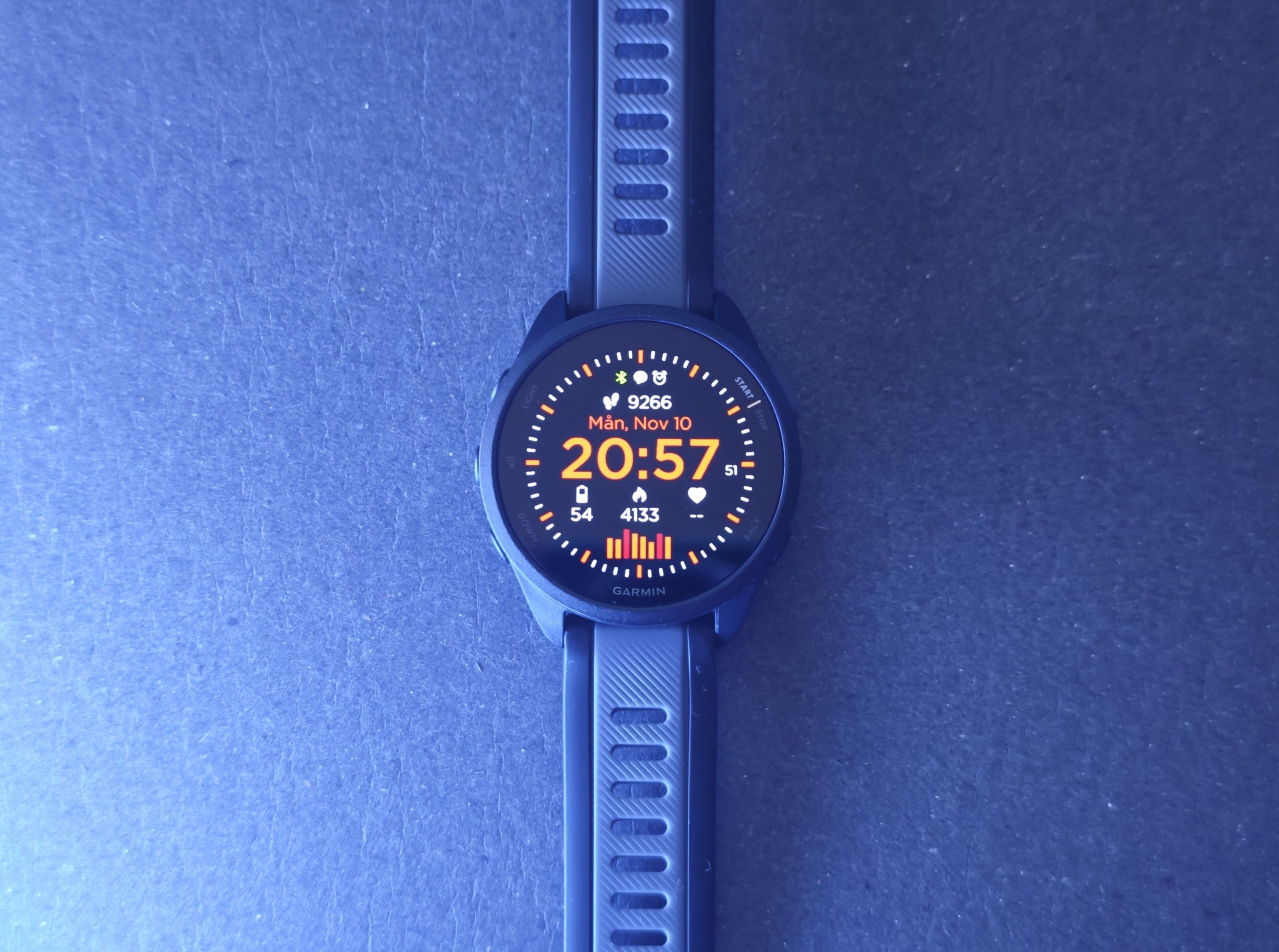
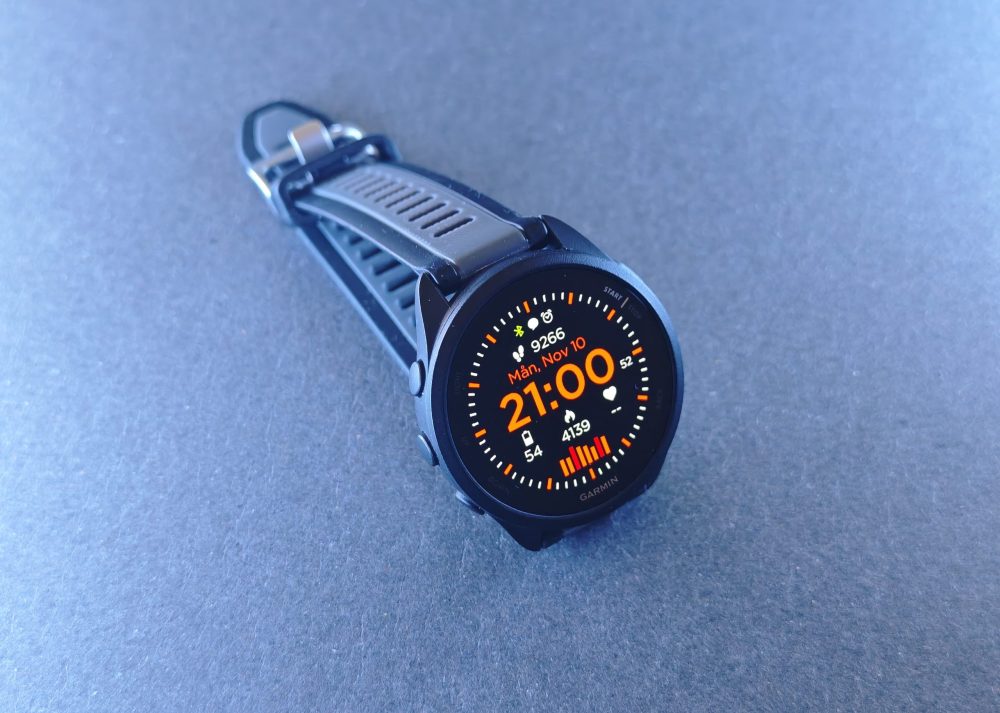
We have tested the Forerunner 165 Music for approximately two months. It has accompanied us on bike rides, runs, and plenty of walks, and we have tinkered with it enough to feel comfortable. The Forerunner 165 Music features five buttons and no crown. The buttons are small compared to many other watches, which has its pros and cons. They are convenient for daily wear as they don’t get caught on sleeves, but they aren’t entirely easy to press while wearing gloves. The case has a rounded edge, making it sleek and giving it a neat impression.
The weight is a mere 39 grams, which, combined with the soft rubber strap, makes it comfortable and easy to forget it’s on your wrist. Garmin runs its own operating system and is not a smartwatch in the traditional sense—meaning no access to Google Play or the App Store. However, it is simultaneously much more like a smartwatch than, for example, the Suunto Run, offering far more options for watch faces and various apps.
At the same time, it’s worth remembering that a certain peace of mind can be found in a limited number of choices, provided the watch’s basic functions are satisfactory. The alternative is that the paradox of choice lurks around the corner, along with a growing thought that parts you might not be happy with could be adjusted—you just haven’t figured out how. And features you miss might be there; you just haven’t found them. That has been part of our experience with the Garmin Forerunner 165 Music.
Controls
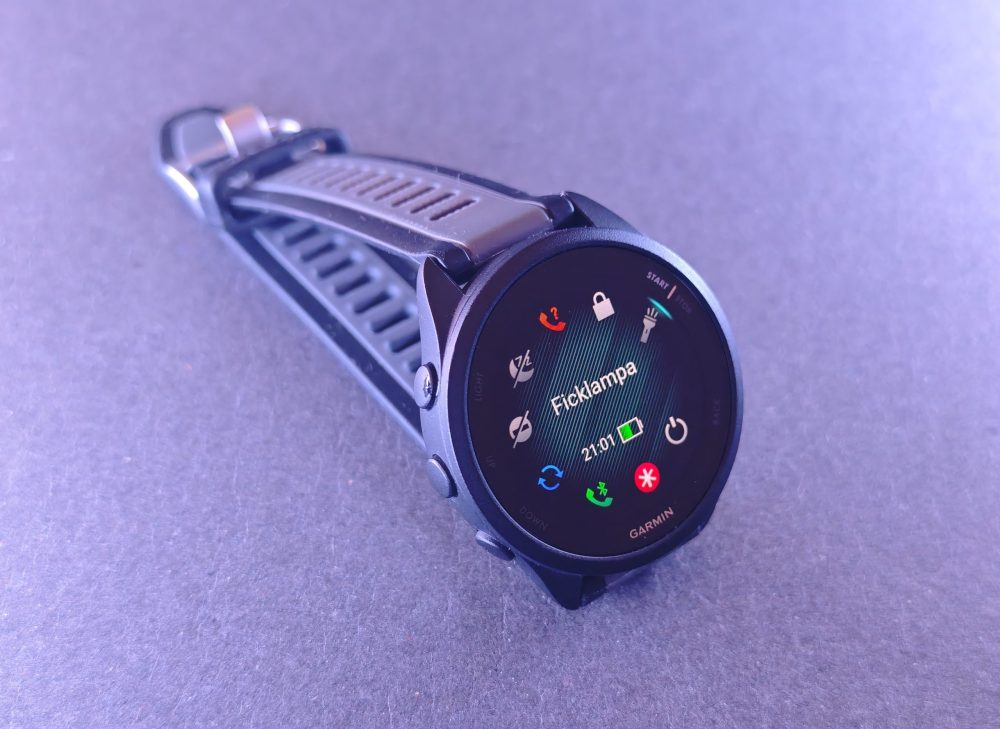
The five buttons are fairly straightforward, including a back button, a training shortcut, up and down buttons, and a button for the quick menu. What is not entirely obvious, however, is where to make adjustments to various fields and settings. Almost everything can be customized, but it is far from intuitive. All three buttons on the left side have dual functions if you hold them down.
(Photo: senses.se)
Let’s take an example. The top-left button has a long-press menu where you can add access to smart features you want to reach easily. But to adjust its content, you first need to long-press the middle button, scroll down to Appearance, and then, at the very bottom, add functions. To remove functions, however, there is no minus sign; you simply click on the function you want to remove. Once you’ve figured out this logic, it’s no longer particularly difficult, but finding it the first time is not obvious.
Regarding watch faces, as mentioned, there is a massive selection of both free and paid options. But to access them, you cannot use the Garmin Connect app; you must install an additional app, Garmin Connect IQ. Once inside, you can install new watch faces or create your own with a personal image if desired. So, you need yet another app. And a quick search on Google Play reveals another 18 apps with different specializations. This makes the system very capable but also creates a strong sense of FOMO. Garmin has enormous capacity, but not everything may be available for your specific watch, and having to research and guess to find out is quite annoying. At some point, we probably have enough apps on our phones.
Battery Capacity
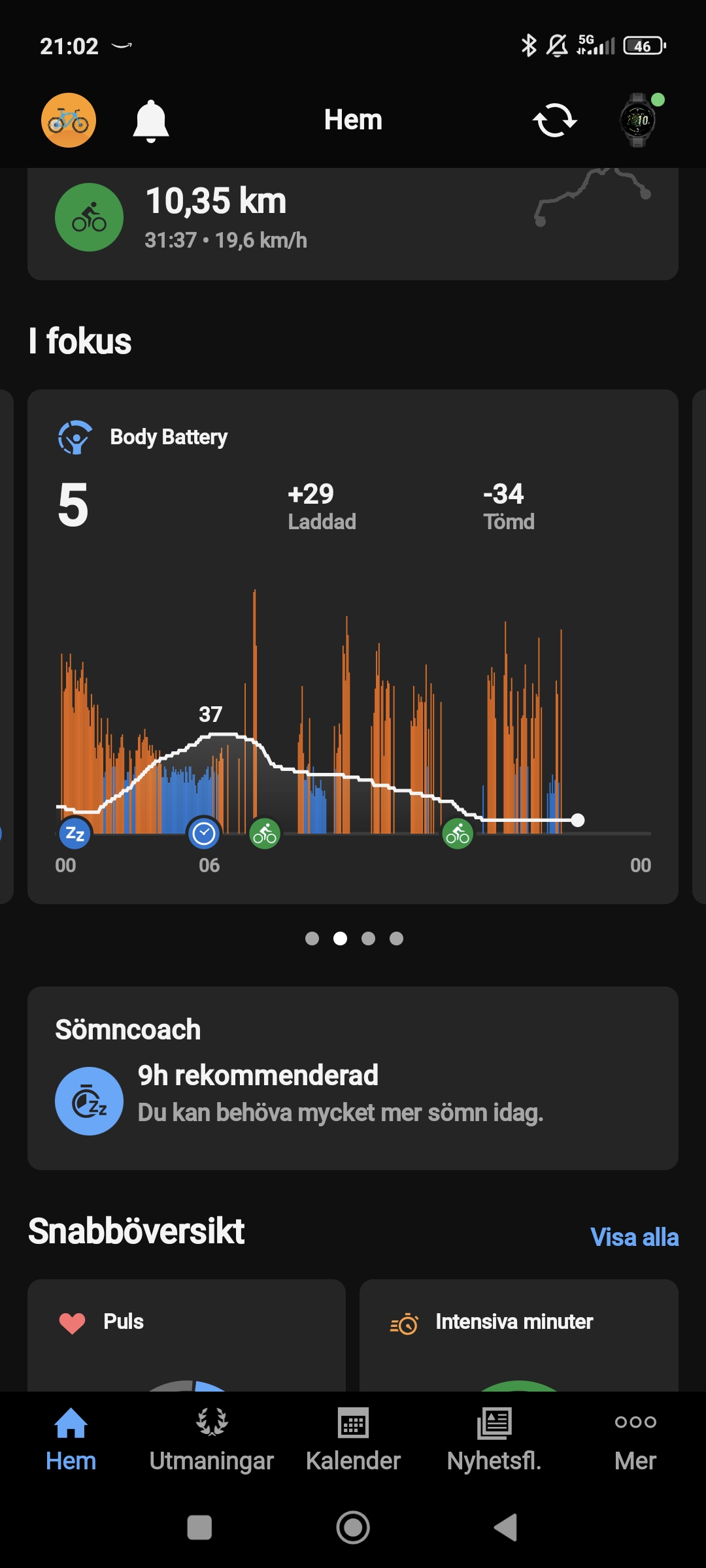
According to Garmin, the battery capacity should last 11 days (20 days in battery saver mode) if used as a smartwatch. If you activate all functions (GNSS mode for all systems plus music), the battery life shrinks to 6.5 hours. So, how long it lasts varies greatly. During our test with normal mixed use—without worrying too much about which systems were active or how many hours of music were played—the battery lasted about 6 days. This included logging commutes by bike, music, everyday use like checking notifications, having the step counter active, and simply using it normally. Recharging it takes about 45 minutes.
However, the watch is charged via a proprietary cable with a USB-C connector at the other end, and no wireless charging is offered, which is a drawback as it makes you dependent on that specific cable. This is not unique to Garmin, as most watches have their own variants. Perhaps some standardization would be appropriate, because if you happen to lose your cable, there is no substitute—you just have to order a new one. Furthermore, if you have a watch like the Suunto Vertical Solar Canyon with over 500 hours of battery life, there’s a good chance the charger might not be right in front of you when you finally need it.
Training Programs
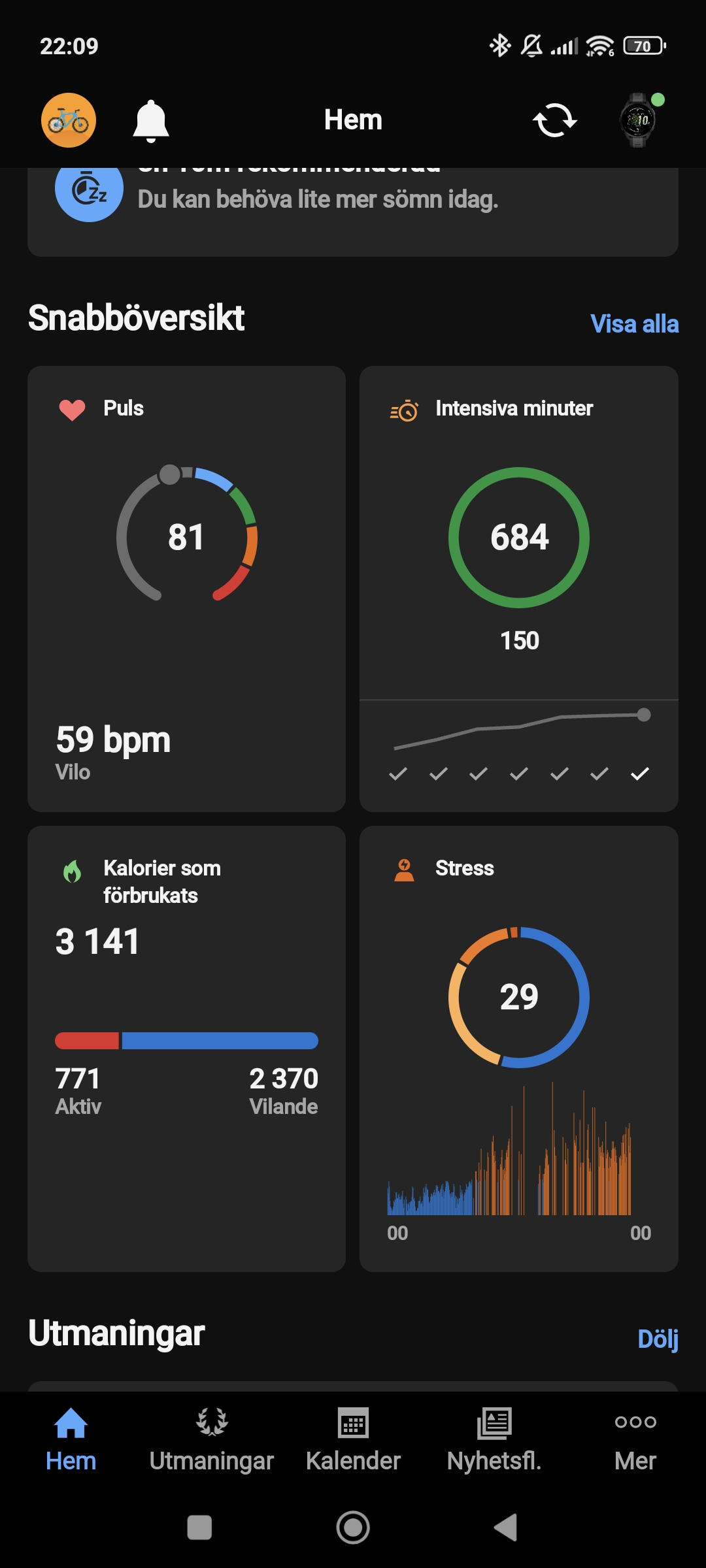
As we mentioned at the start, the Garmin Forerunner 165 Music offers a wide range of activities and Garmin apps with training programs for most things, such as pool swimming, running, cycling, walking, cardio, and treadmill, to name a few. The watch is focused on running but performs just as well in other programs. What we haven’t tested due to the season is the ability to log outdoor swimming—something the Suunto Vertical Solar Canyon did not manage particularly well. Unfortunately, we cannot comment on how well this works here. Alongside these programs, there are also various types of challenges, such as Disney, Marvel, and Star Wars step challenges during the month of November. The challenge involves logging a certain number of steps a few times a month, and the reward—and motivation—in this case is a 25% discount on a Disney watch face. It’s a bit of fun and inspiring, but again, there’s a slight FOMO warning. You don’t want to miss out on badges, discounts, and rewards.
Music
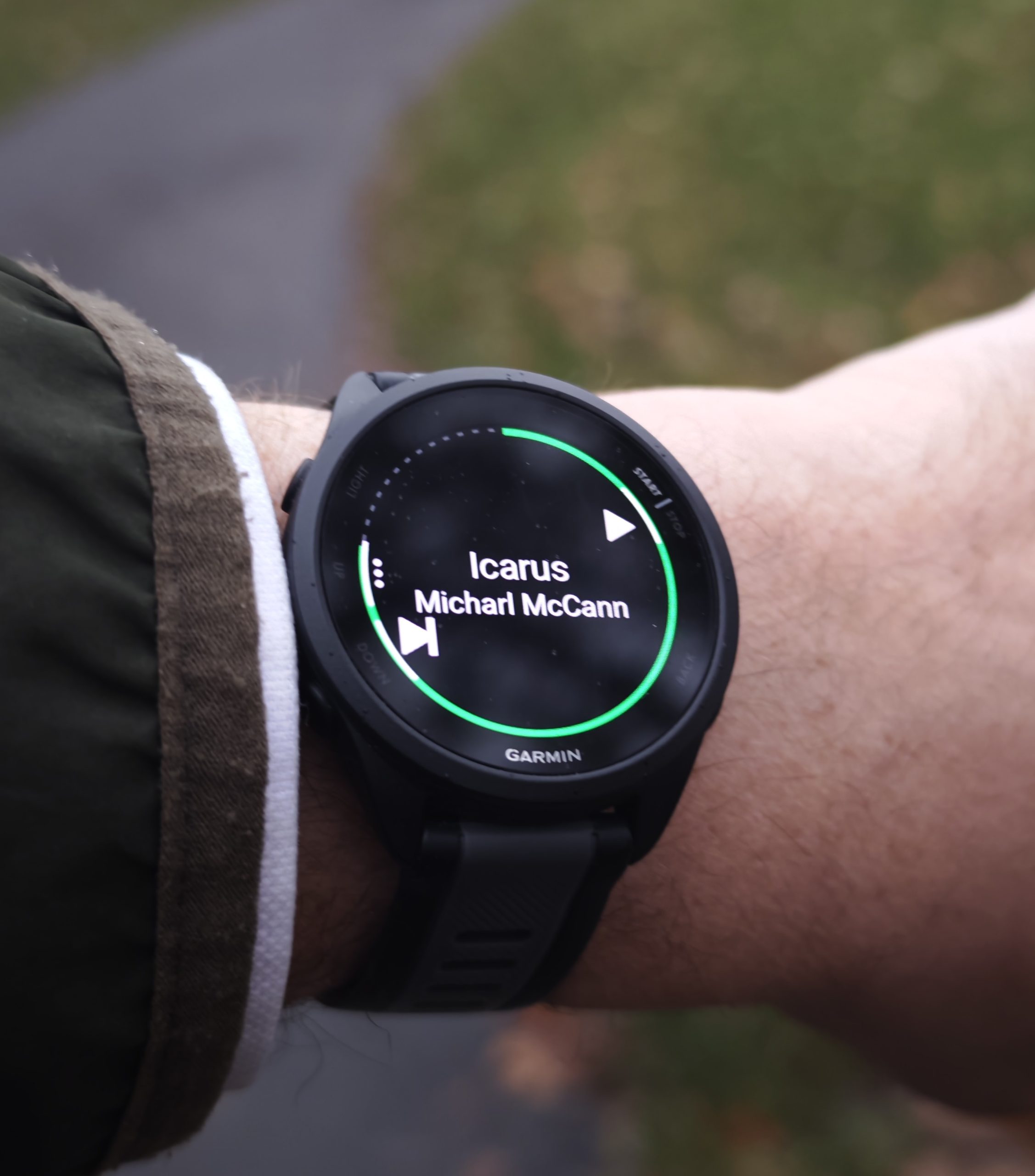
To avoid bringing your phone, you can install several music providers, such as Spotify, and download playlists to the Forerunner 165 Music. Here too, it took a moment before we figured out that Spotify had to be running before it could link to Garmin’s app. If you want to use other music providers, that is also possible, but you first have to find the setting by long-pressing the middle-left button, scrolling down to Music, and then “Control from phone.” This also isn’t very difficult once you’ve found it. But when many steps resemble the two described above, it starts to become a lot to remember. And it’s not something you want to have to spend effort on. Of course, you learn over time to do things in the right order. If you happen to start a training program, it is virtually impossible to return to the main menu and start the music without accidentally setting lap times or other clever settings in your workout. Music on first, then the workout.
(Photo: senses.se)
Specific things we don’t like about the Garmin Forerunner 165 Music
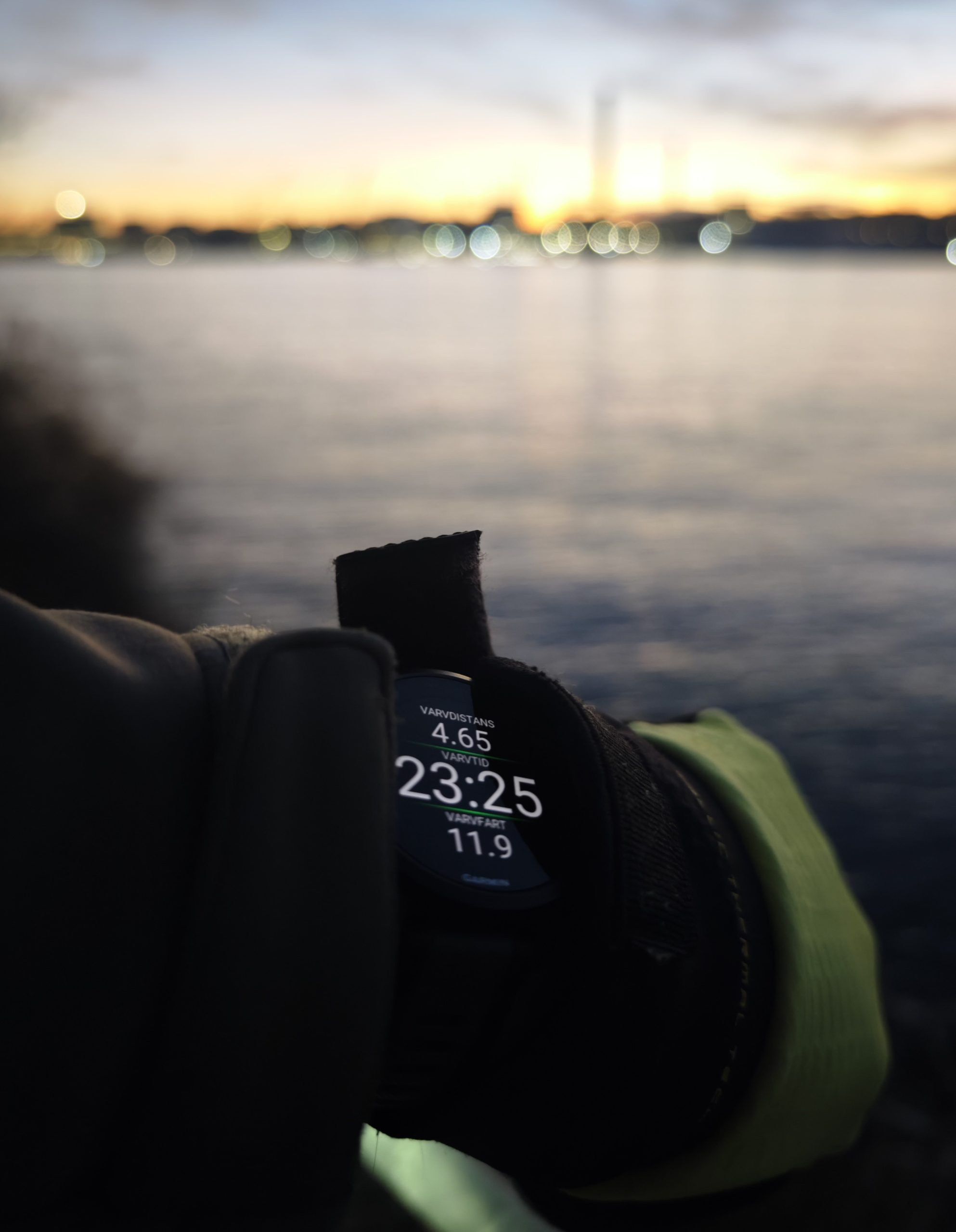
As soon as you start a workout, you can no longer see what time it is. Several other watches move the time to the top so it remains visible, which is preferable. You might think that when you’re out running, this moment shouldn’t be disturbed by other factors, and you’d be right. But if, for example, you’re bike commuting to work, knowing your progress relative to the time is highly relevant. To see the time, you have to cycle through four screens with the buttons, but then all your workout data disappears. Annoying.
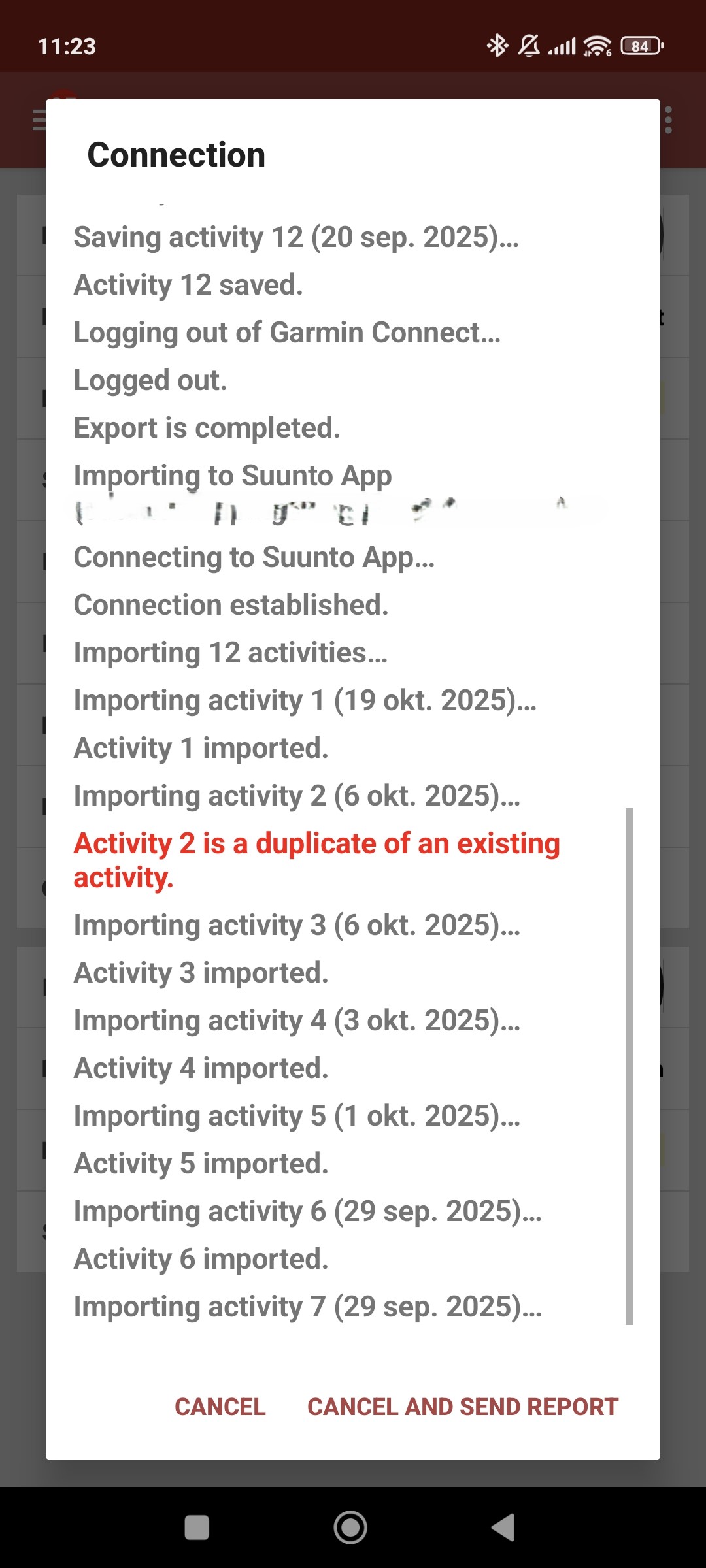
Garmin is somewhat stingy with the ability to share data with third parties. If, for example, you have used Suunto’s app previously and want to continue collecting your data there despite having a new watch, you have to rely on third-party software. We successfully tested SyncMyTracks but also had to pay extra to do so. Granted, it only cost about 30 SEK, but we are looking at the principle more than the price.
The screen’s sensing for when you turn your wrist up works so-so. Compared to the Suunto Vertical Solar Canyon, it is almost erratic. In some cases, you have to completely simulate raising your hand from your waist for the screen to light up after many failed wrist flicks.
An Overall Experience of the Garmin Forerunner 165 Music
The Forerunner 165 Music earns many points for its sleek design, its restraint with beeps, and its overall capacity for settings and adjustments. However, it is cluttered, and after two months of use, it hasn’t improved much. It is tricky to navigate the menus, everything must be done in the correct order to avoid a mess, and some basic functions are patched with workaround solutions. There is no simple screen lock for daily use; instead, you can set the system to lock automatically. Every time it locks, it vibrates, and to use the watch again, it takes a second for a completely pointless animation to finish. On quite a few occasions, the watch also lost its Bluetooth link without any warning, yet it vibrates clearly when it stops using Wi-Fi. Being able to save your Spotify playlists on the watch is very convenient, but it’s also something we feel most fitness watches should offer without it being a “feature” in the name.
As a training companion, it lacks almost nothing, although we couldn’t find a way to get our workout elegantly presented in a video, something you get in the Suunto app without even asking.
(Photo: senses.se)
The Bottom Line: Garmin Forerunner 165 Music
What we miss most with the Forerunner 165 Music is that it doesn’t really offer anything that makes it stand out. Price-wise, it is well-positioned compared to many of Garmin’s watches, and at 2,800 SEK, it sits side-by-side with the Suunto Run, which is also focused on running. However, the Suunto Run offers some innovative and impressive running training options that make it feel a bit more unique.
The Garmin Forerunner 165 Music is an excellent fitness watch, but the cluttered menu solutions mean that it occasionally falls on its own sword. Perhaps it is a matter of habit and taste, but after two months, that habit should have set in, and it hasn’t.
Garmin provided a review unit for this test. The provider of the material has no editorial influence on our tests; we always write independently with you, the readers and consumers, in focus.
Review Highlights: Q&A
How long does the battery last?
It lasts about 6 days with normal mixed use during testing.
Is the watch comfortable to wear?
The watch weighs 39 grams and feels light and comfortable.
Can I listen to music without my phone?
Yes, you can download Spotify playlists directly to the watch.
Does it support wireless charging?
No, it requires a proprietary cable with a USB-C connector.
Are the buttons easy to use with gloves?
No, the small buttons are not entirely easy to press with gloves.
How do I install new watch faces?
You must install and use the separate Garmin Connect IQ app.
Is the menu system easy to navigate?
The menus are cluttered and often feel unintuitive to navigate.
Can I see the time during a workout?
You must cycle through four screens to see the current time.
