
TL;DR
The JBL Live Buds 4 are turning heads with a bold, smartphone-inspired touchscreen built right into the charging case. Designed for listeners who want to control their music without the distraction of phone notifications, these buds offer a unique blend of futuristic tech and superior ergonomics. Bass lovers will find plenty to celebrate, as the buds deliver a powerful, warm soundstage perfect for pop and house music. Plus, with a standout companion app that includes a genius EQ setting for crystal-clear calls, the software experience is top-tier. However, the innovation brings questions about pocketability and genre versatility. Can this "mini-smartphone" case truly justify its bulk, or is it just a high-tech distraction? With a recent price drop making them a strong contender in the mid-range market, discover all the pros and cons by diving into our full review.
We live in a time where screens are relentlessly creeping closer to us. We have them in our pockets, on our wrists, on refrigerator doors, and now the industry clearly believes we also need them on our headphone cases. When the JBL Live Buds 4 landed on the test bench, it was impossible not to be immediately fascinated by the case that lights up like a miniature smartphone. But is it truly a necessary innovation that changes how we consume music, or is it just another scratch-prone gimmick that makes our pockets unnecessarily crowded? After a couple of weeks with these bass-happy buds in our ears, we have the answer.
Design and fit
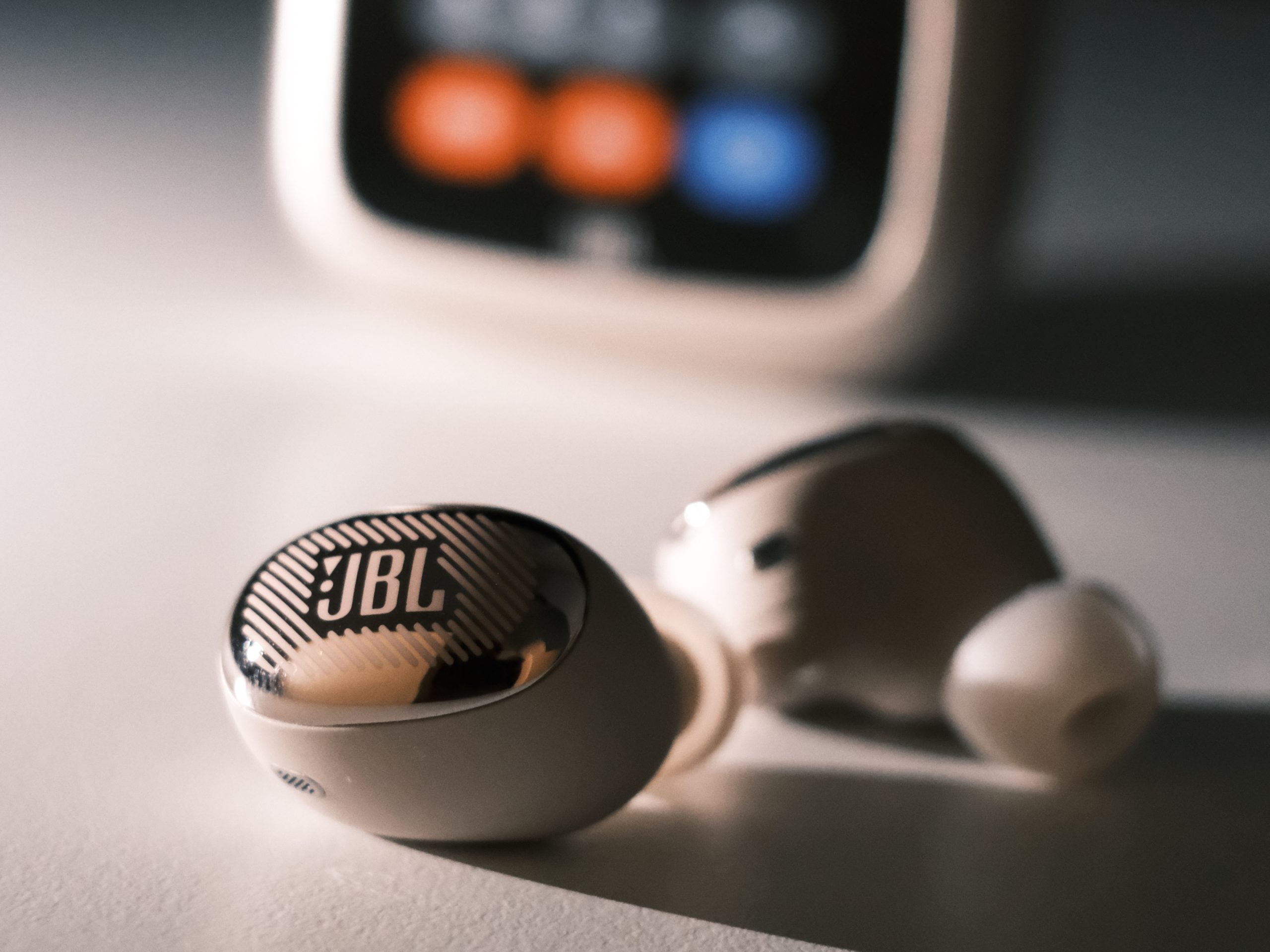
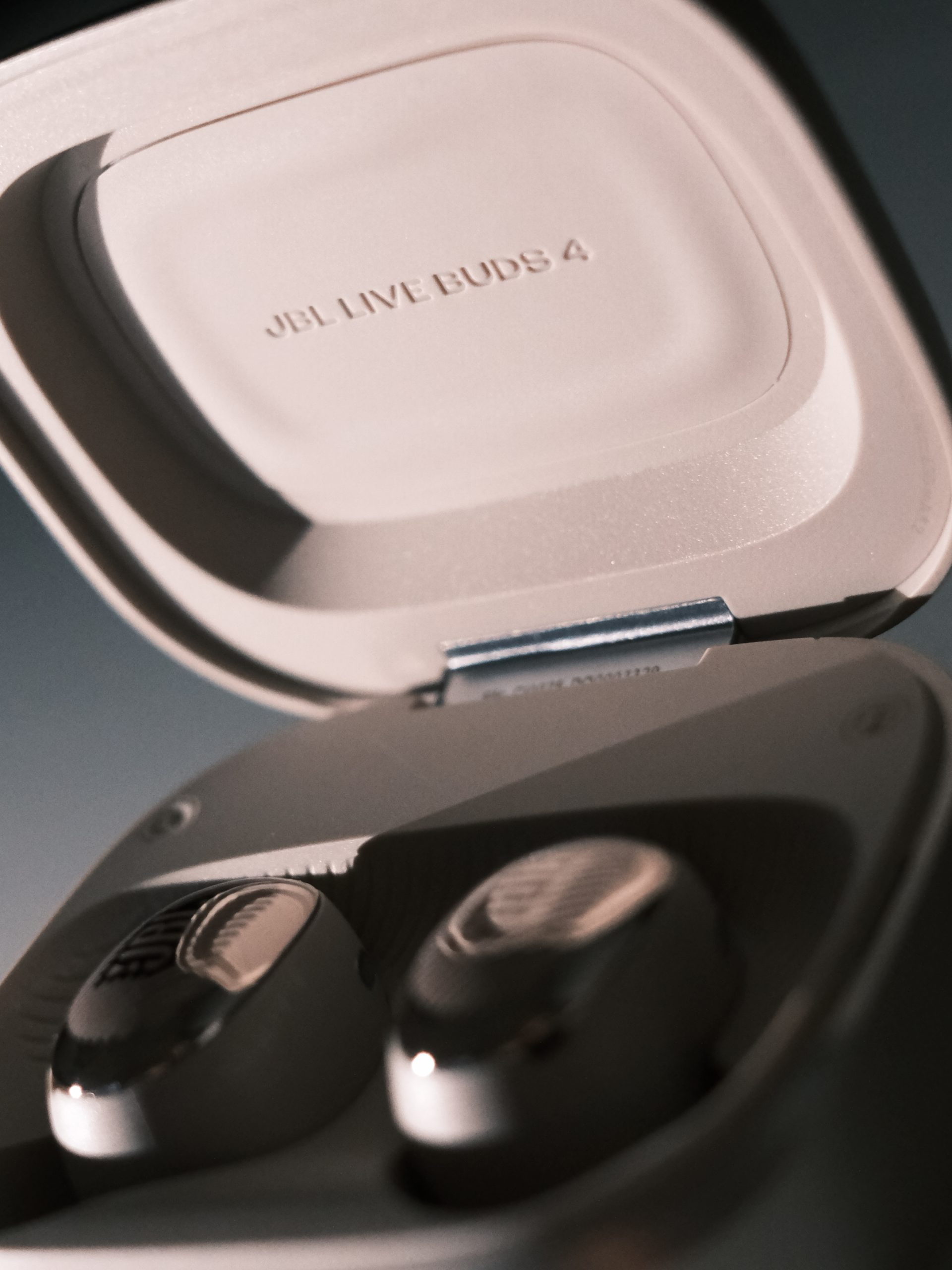
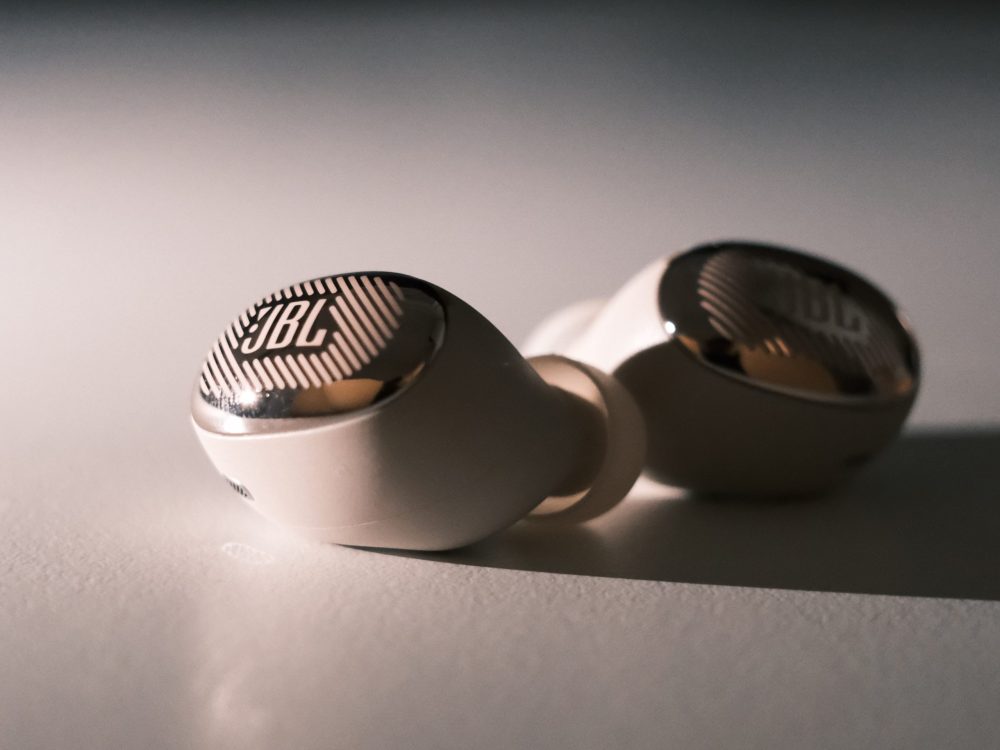
Let’s start with the buds themselves. Ergonomically, JBL has done a stellar job. While fit is always deeply subjective, the Live Buds 4 sit incredibly comfortably in our ears, even during long work sessions. The color we were assigned is officially called “Sand.” However, we must issue a warning to all of you expecting a neutral beige tone: in most lighting conditions, the headphones look almost pink. It is by no means an ugly color—on the contrary—but it would have been more honest toward the consumer to simply name them pink.
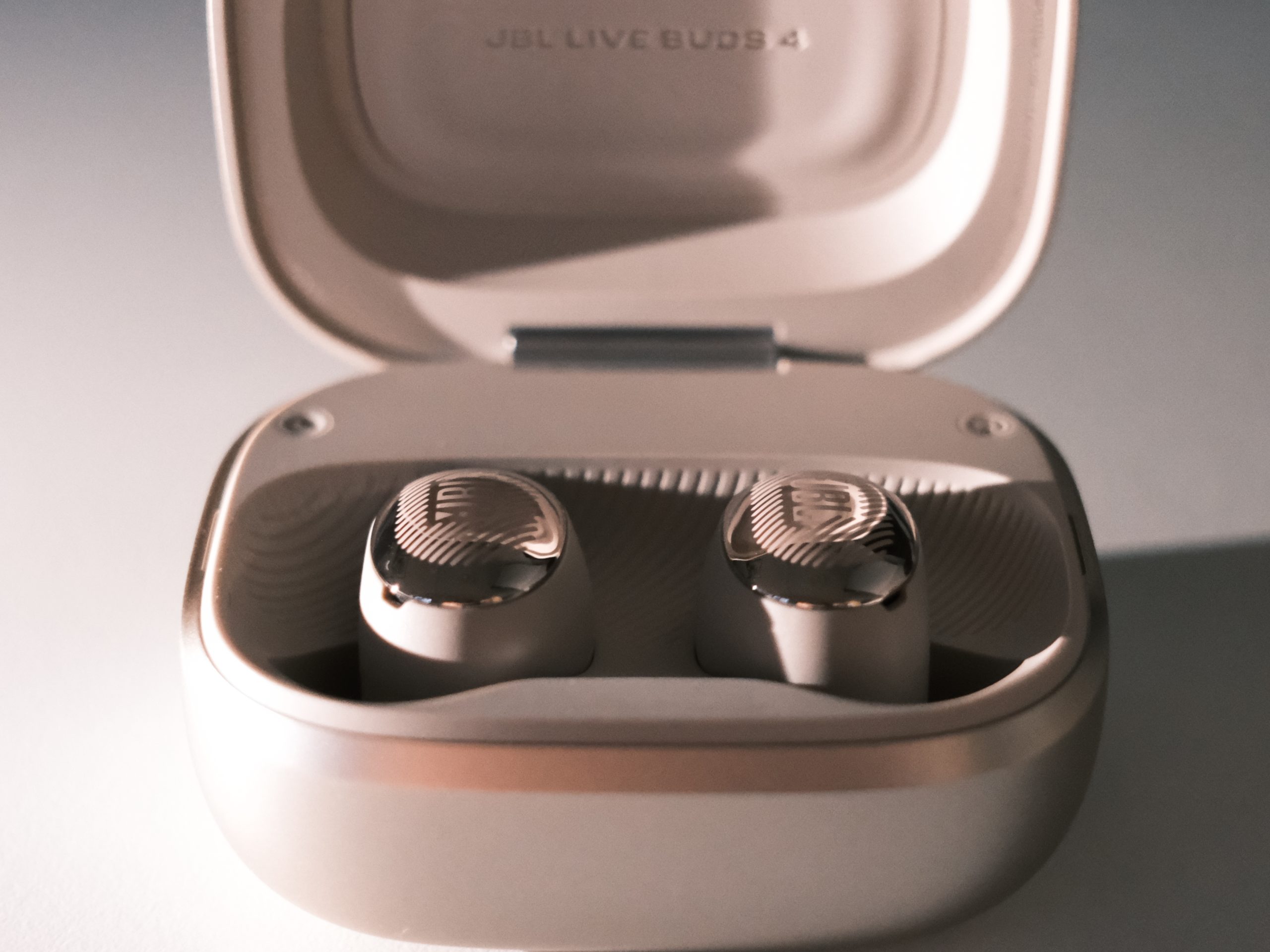
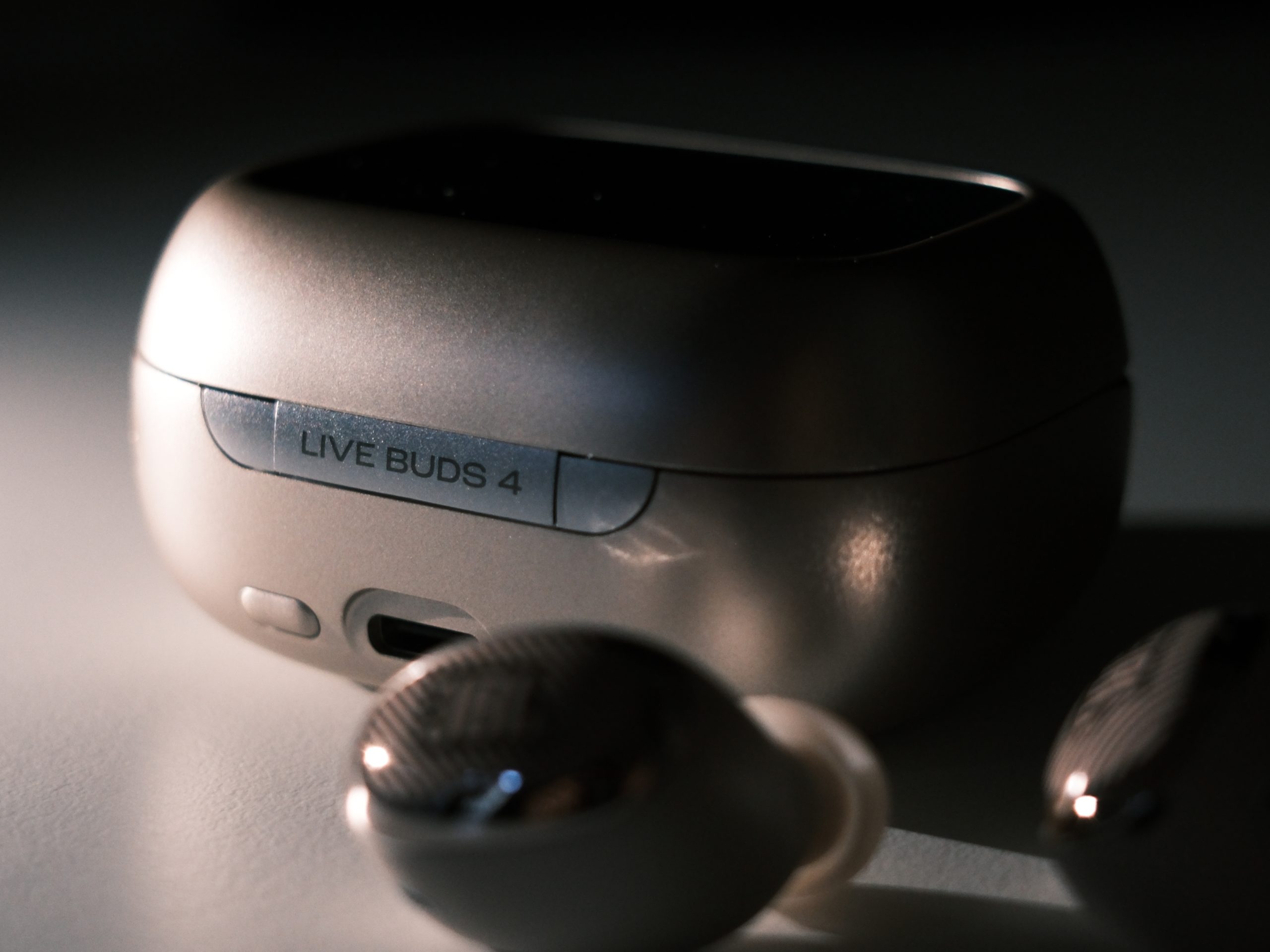
When we then turn our attention to the interesting case, however, we run into some issues. Sure, the screen on the case provides an extremely high cool factor when placed on a desk. The problem is just that the case has become quite bulky in the process. It is noticeably too thick to slide smoothly into a tight pants pocket, which, frankly, is the place where many of us store our headphones. Additionally, there is a constant nagging stress: you simply don’t dare keep the case in the same pocket as your keychain for fear of scratching the small touchscreen.
Screen and software
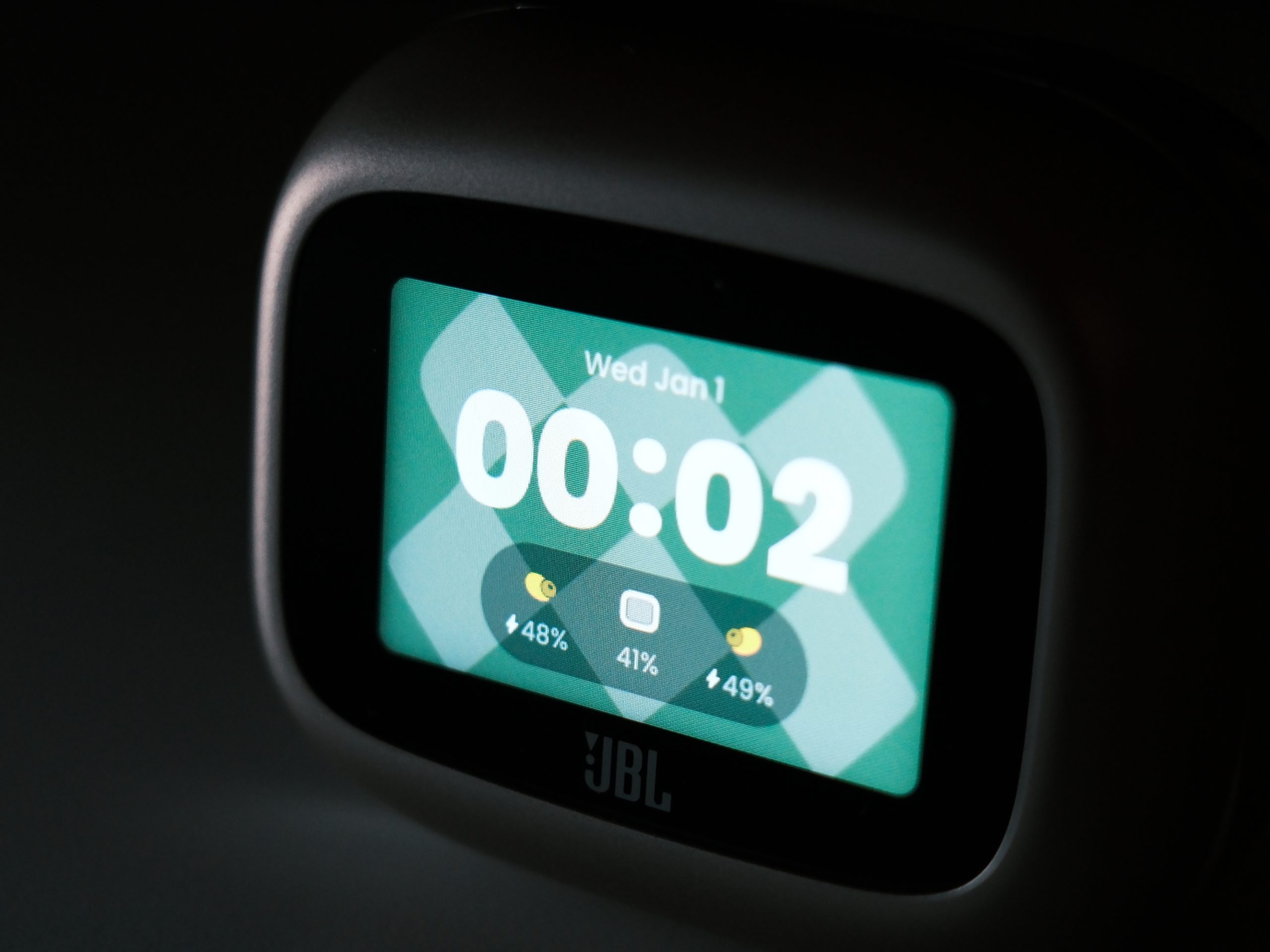
What do you actually use the screen for? The use case is, honestly, quite limited. It is great for those who want to put their phone away to avoid being distracted by push notifications, but still want to be able to change tracks or control noise cancellation directly via the case. It’s a pity that JBL didn’t go all the way; you can change themes and decide how information is displayed, but you cannot, for example, receive notifications or similar.
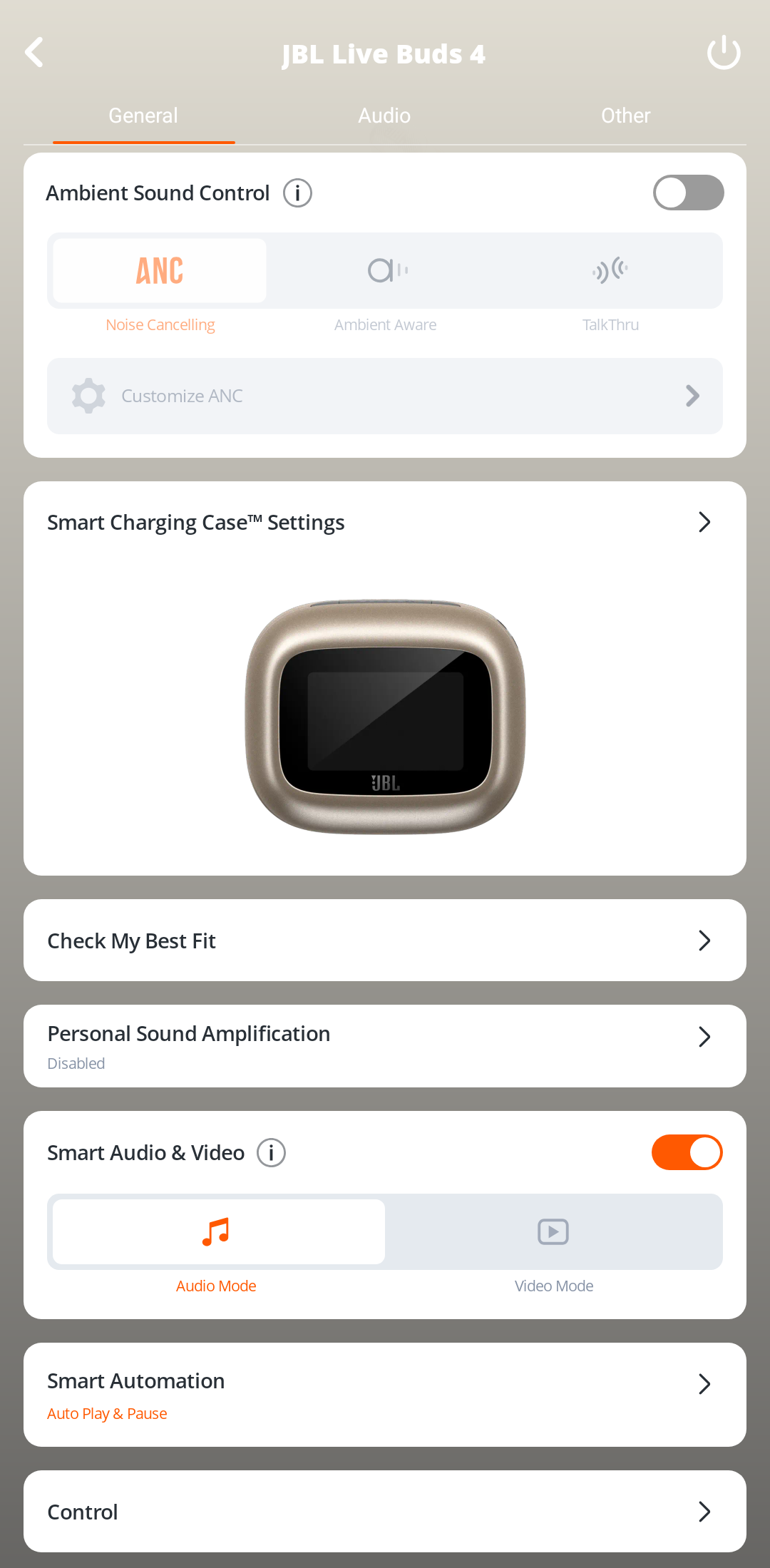
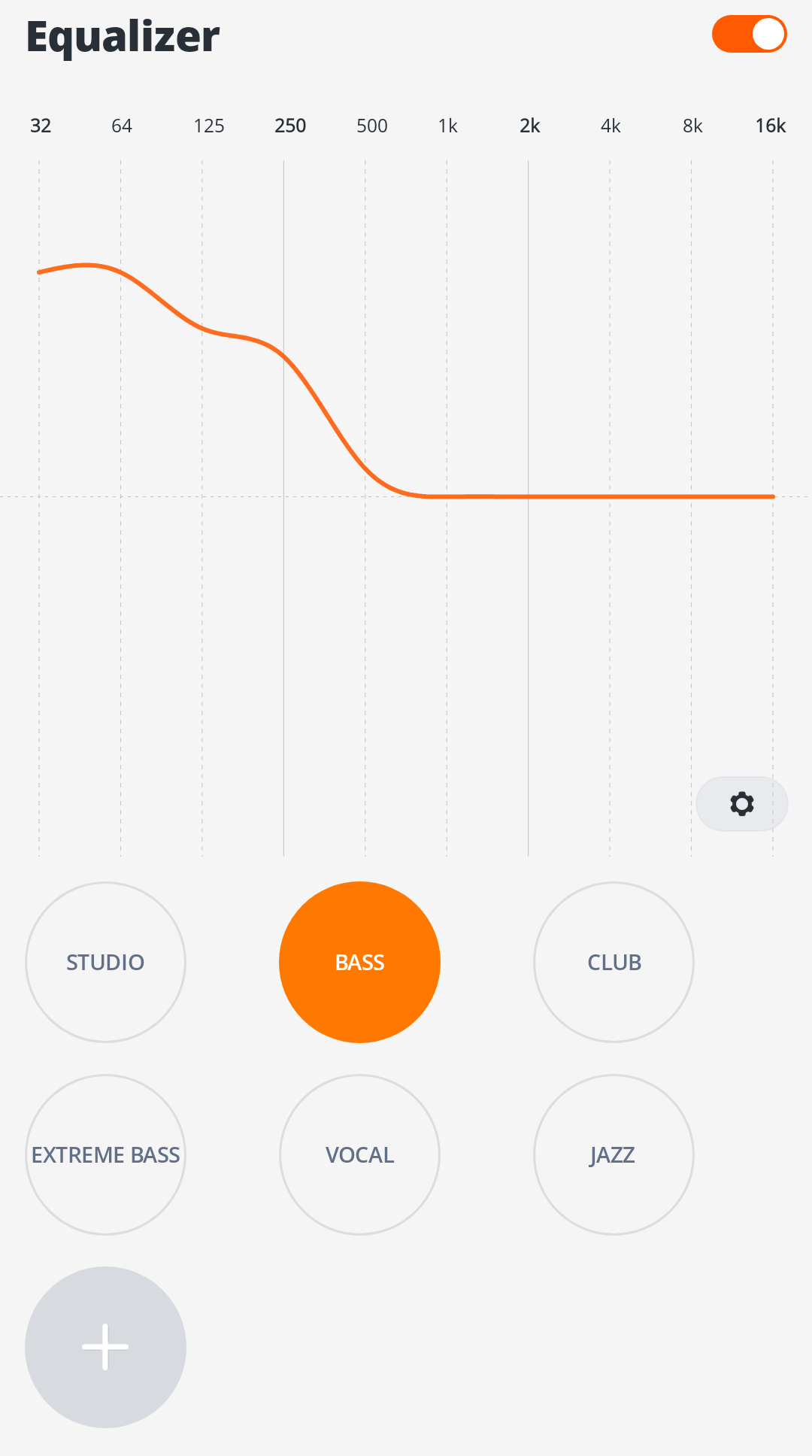
We are much more impressed by the phone app. JBL’s software is clear, stylish, and packed with features. A real stroke of genius is the ability to set a separate equalizer specifically for phone calls. This means you can have a brutally bass-heavy sound profile activated for your music without phone calls with the boss turning into an indistinct, muffled rumble. Truly smart!
The Sound
JBL is known for its warm and bass-focused sound, and the Live Buds 4 do not disappoint on that front. To test the limits, we naturally fired up Paul Kalkbrenner’s Aaron. The bass is fantastically present and heavy. If we are being extremely picky, we can sense that the bass is sometimes a bit sluggish and doesn’t quite keep up with the fastest transitions, but let us be clear: for pop and house music, these headphones are incredibly fun to listen to.
However, problems arise when we switch genres and demand dynamics and space. We turned on Nirvana MTV Unplugged and let Kurt Cobain tear through Where did you sleep last night. Here, we immediately felt that something was missing. It certainly doesn’t sound bad, but Cobain’s raw, patented angst somehow gets lost in the bass-heavy muddiness that occurs in the lower mid-range. Despite frantically playing with the equalizer, we never managed to coax out that absolute sense of goosebumps.
On the other hand, when we switch to Timo Räisänen’s stripped-back interpretation of Didn’t we almost have it all, the tide turns again. The emotion in his voice cuts through crystal clear, and at times it feels like a small private concert between your ears. The conclusion? The sound can be fantastically good, sometimes even magical, but it is difficult to get it consistently good across all genres in the same way we managed with, for example, the competitor Jabra Elite 10 Gen 2 (read our review of them here).
Noise Cancellation & Battery Life
The active noise cancellation (ANC) does a very good job. It blocks out most everyday noise and is clearly acceptable for the price tag, even if it doesn’t rival the class leaders from Sony or Bose.
But we stumbled upon a very strange design flaw. As soon as you take out one bud to listen in mono, JBL automatically turns off the noise cancellation. It cannot be forced back on via the app. This might sound like a very niche problem, but for those who are in the habit of sleeping with only one earbud in to drown out a partner’s loud snoring (we know there are many of you out there!), this unfortunately disqualifies the headphones entirely.
What about the battery life? It’s perfectly fine. During our test period, they neither stood out as exceptionally good nor remarkably bad compared to the competition. They do their job and get you through the work week without you constantly having to look for a charging cable.
Conclusion
We began by asking ourselves if we really need a screen on absolutely everything, and if the built-in interface on the case actually adds any value. The answer is mixed. If your top priority is being able to control your music without risking getting stuck doomscrolling on your phone, the JBL Live Buds 4 is an unexpectedly fun and smart solution. And if you primarily listen to pop, house, and electronic music, you will love the massive bass.
But we cannot ignore the downsides. The case is too bulky to live a frictionless life in a pants pocket, the color choices are somewhat misleading, and the sound struggles to maintain the same high level when the playlist moves away from club music. For 1,500 kronor (during our testing, the suggested retail price was lowered from 2,300 down to 1,500!), they are a strong, fun, and tech-packed choice, but if you are looking for a more neutral and consistent soundstage that suits all genres, there are sharper and much more pocket-friendly alternatives out there. With the new lower price, however, it’s hard to find more enjoyable buds without moving up a price bracket!
JBL sent review units for this test. Senders of material have no editorial influence on our tests; we always write independently with you, the readers and consumers, in focus
Review Highlights: Q&A
How comfortable are the earbuds for long use?
They sit incredibly comfortably, even during long sessions.
What can you do with the screen on the charging case?
You can change tracks, control ANC, and switch themes.
What does the "Sand" color actually look like?
In most lighting, the headphones look almost pink.
Which music genres sound best on these earbuds?
They are fun for pop, house, and electronic music.
Is the charging case easy to carry in a pocket?
No, the bulky case is too thick for tight pants pockets.
Can I use noise cancellation with only one earbud?
No, JBL automatically turns off ANC in mono mode.
Is there a specific feature for better phone calls?
Yes, you can set a separate equalizer for phone calls.
