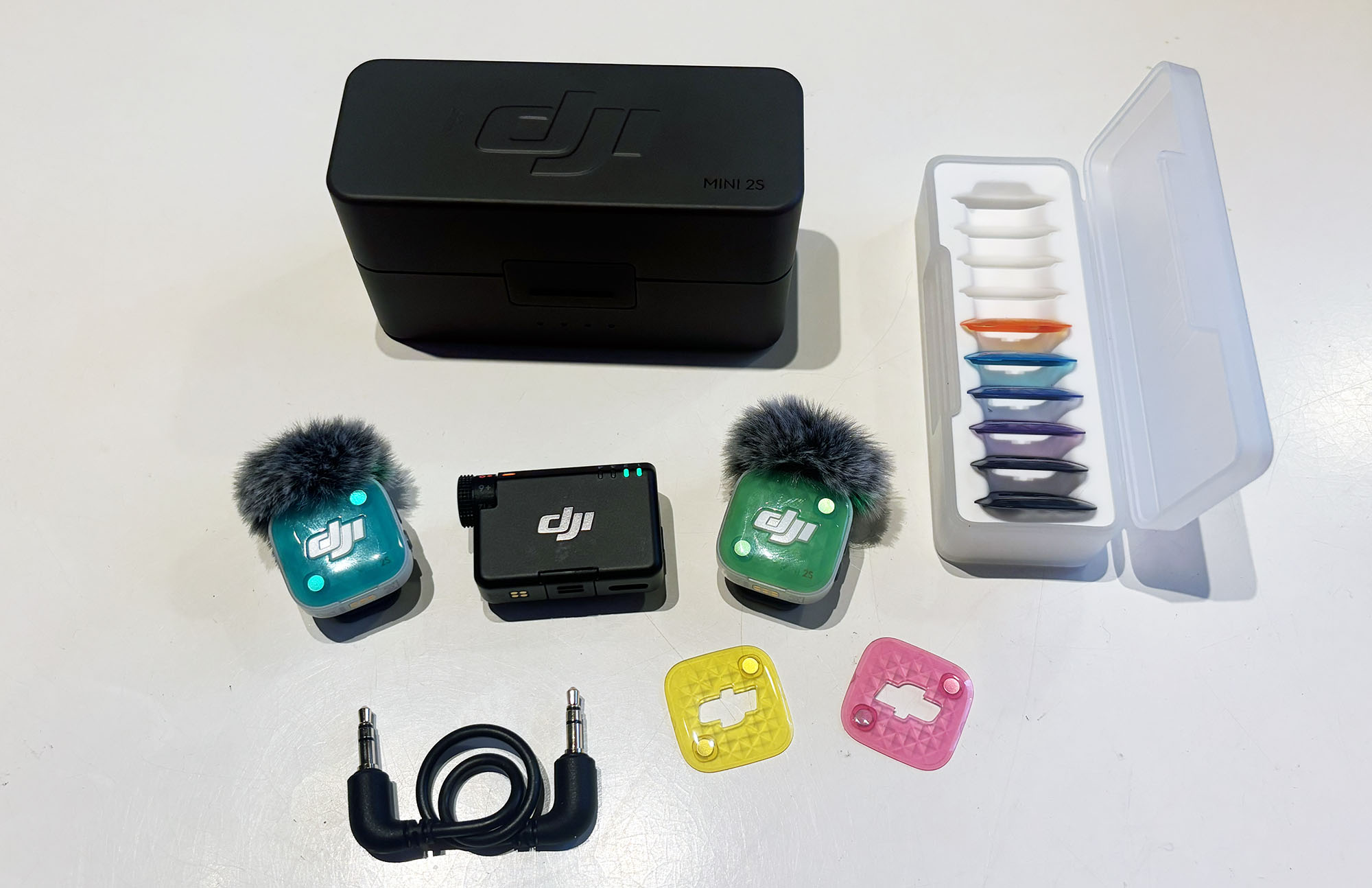

TL;DR
The DJI Mic Mini 2s is a compact wireless microphone system priced at 2,390 kr. It excels with 32-bit float internal recording, an impressive 400-meter range, and transmitter battery life reaching 11.5 hours. However, the receiver lacks a built-in display and requires the mobile app to adjust settings. It suits content creators wanting reliable audio without the higher cost of professional gear.
In several reviews, I have mentioned that I work with film and that having good sound is often more important than every image being in perfect focus. There is nothing worse than not quite hearing what the people in the film or clip are saying. I have tested a whole bunch of different mics now, and this time I am going to test Mic Mini 2s from DJI. When I pick up the box, I first start to wonder if they have sent the wrong one. It is strikingly similar to DJI Mic 3 which I reviewed just under a year ago.
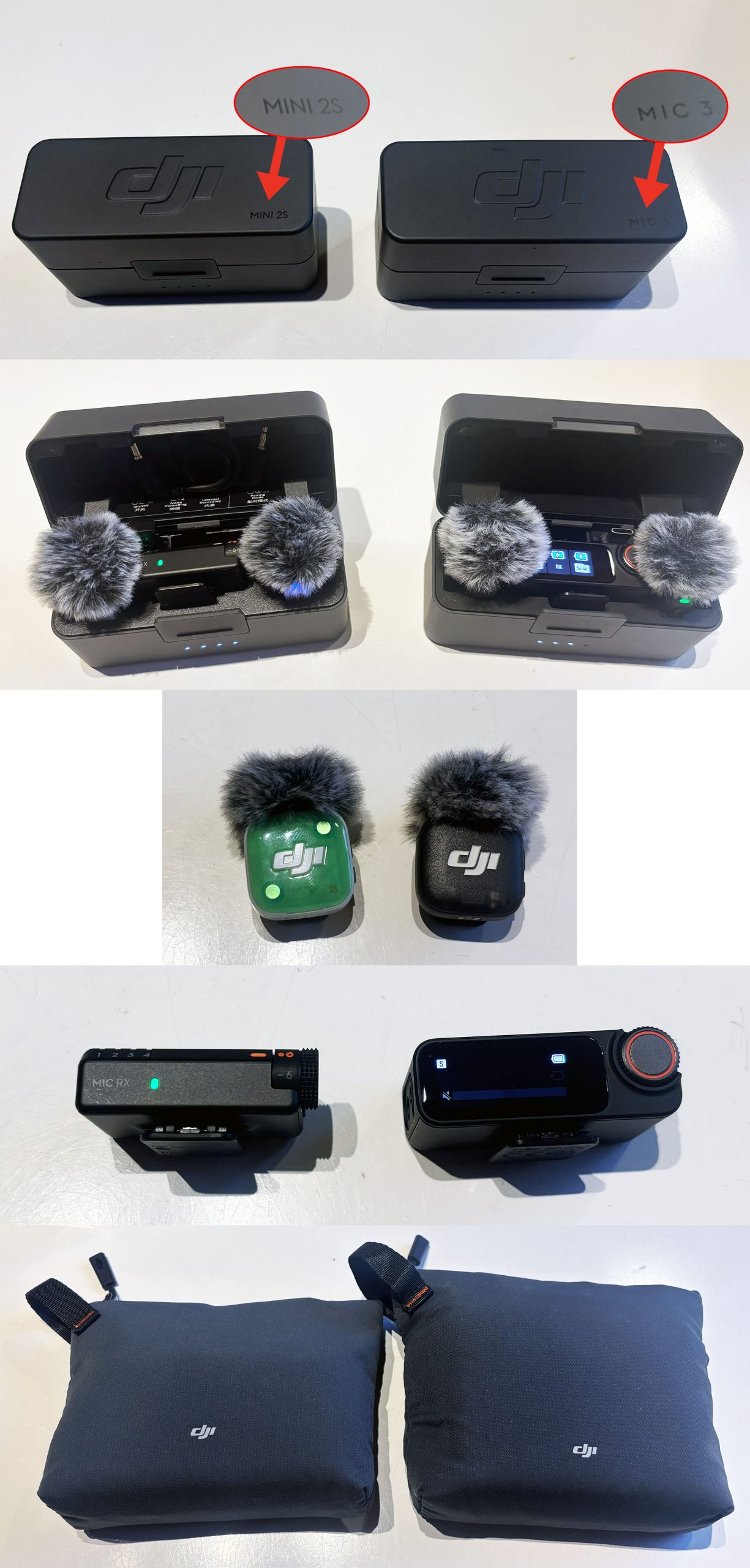
As you can see, there is not much that differs, and when I start digging into it, these two systems are confusingly similar, but there are differences. Above all, there is a difference between Mic Mini 2 and Mic Mini 2s. The “s” at the end shows that this is the premium version and has a lot that the standard version does not.
What does the “s” mean?
Now it gets a bit confusing, because I am going to try to explain both the difference between the two different mini versions and the Mic 3, which is the big brother. I’ll start by quickly breaking down what the “s” stands for. In short, this one costs about 1,000 kronor more, but for that extra money, you get internal recording (14.5 GB) in each mic. So if you lose contact with the mic, it is still recording. It also has a 32-bit float system that the standard version lacks.
Mic Mini 2s vs. Mic 3
Then we have the Mic 3 which, as mentioned, is confusingly similar to the Mic Mini 2s, but under the hood, there are several differences. For one, the Mic 3 has timecode recording and more than twice the internal memory per mic. The size is the same, but it weighs slightly more, 16 grams instead of 12. So which version should you choose? I will return to this further down.
Test with mobile, camera, and action camera
Once my initial surprise at the similarities subsided, I instead began by charging the case to then stress-test the Mic Mini 2s. I performed three tests. First, I connected it to my phone via the USB-C port that you plug into the transmitter, then with a 3.5 mm cable to my Blackmagic Pocket 6K, and finally, I connected them directly to the Osmo Action 6.
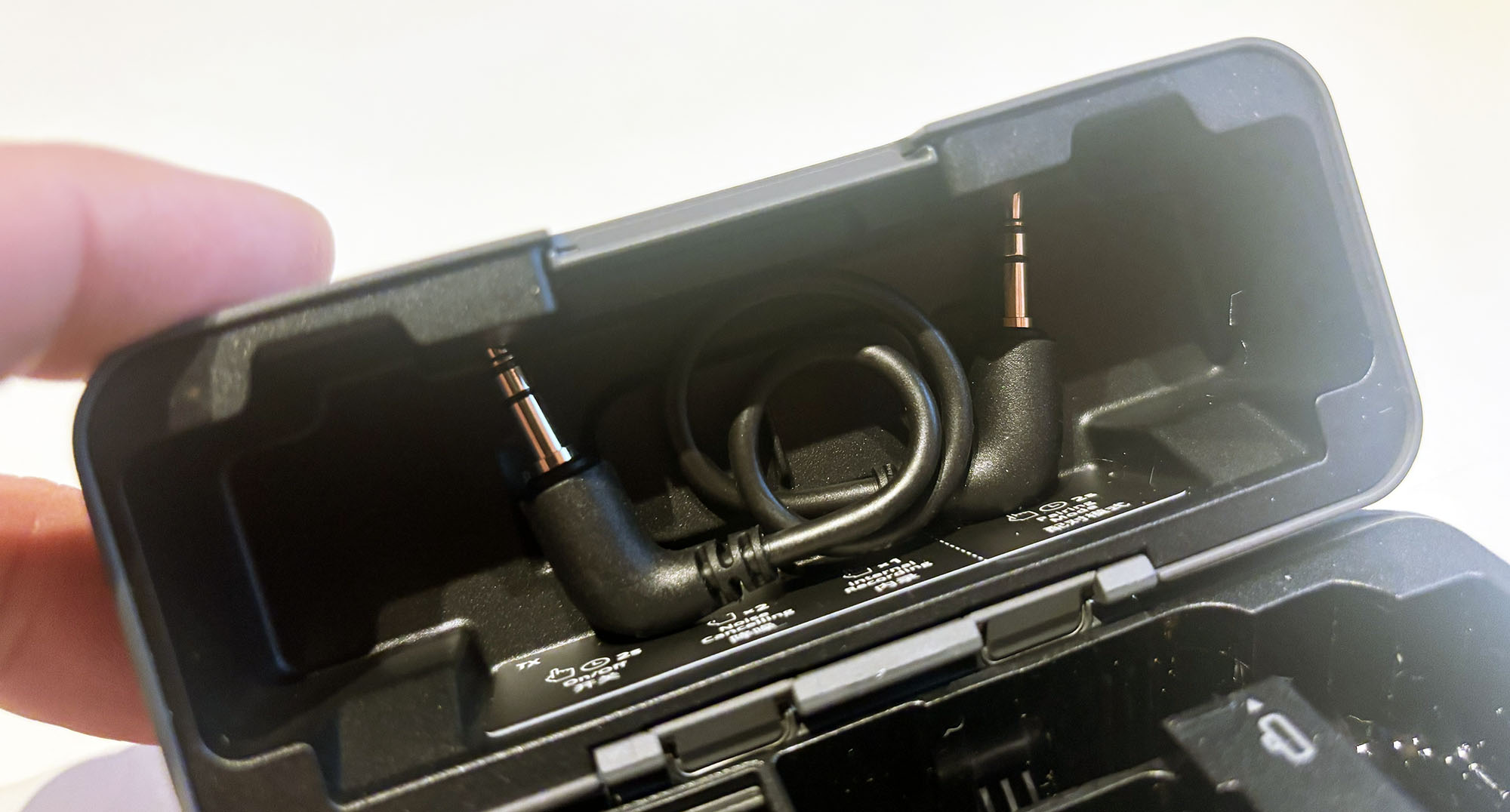
The receiver is what differs the most, and it has no display like the one on the Mic 3. What it does have is a physical gain knob where you can quickly change the recording volume, as well as a pairing button and a power button. So there isn’t much you can do with it without going into the app.
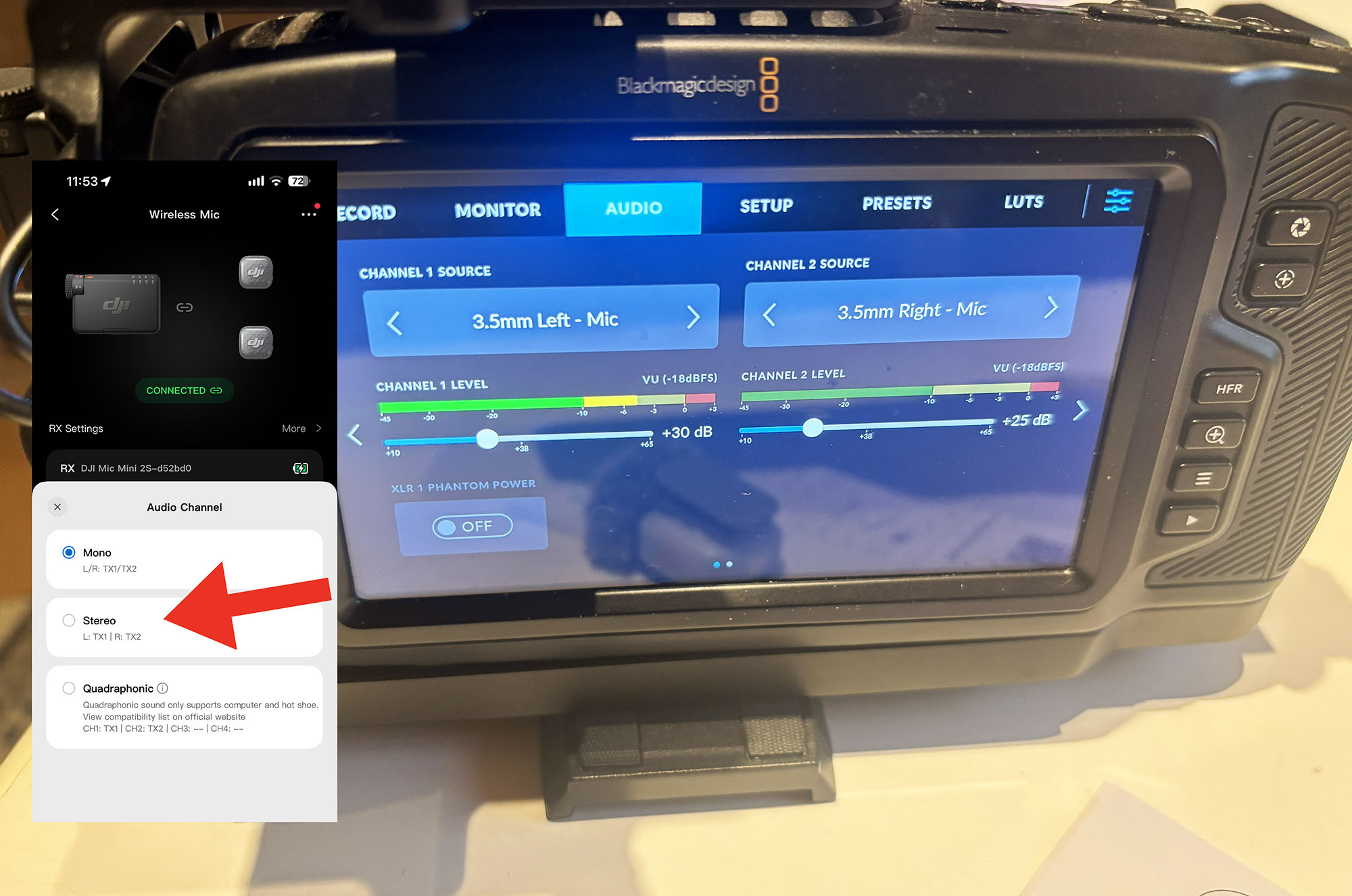
I started by connecting it via the 3.5 mm jack to my Blackmagic and immediately noticed it was set to output mono audio where the sound from both mics is mixed down to one track. This is something I never want, as I want to be able to mix the audio myself. So after a quick jump into the app, I had changed from mono to stereo, and suddenly it worked just the way I wanted.
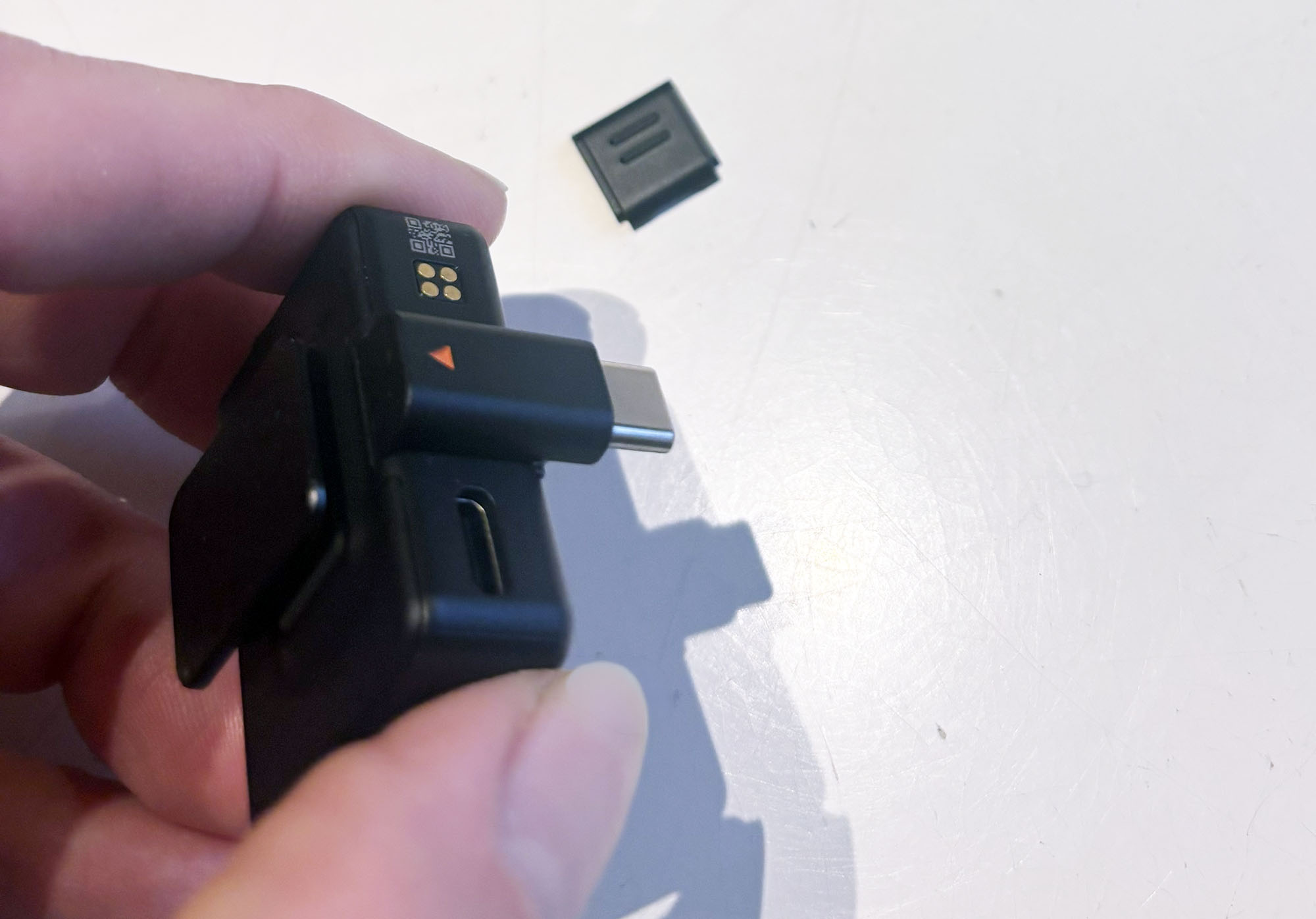
The next test was to connect it to the phone, and here I had to use the included USB-C adapter. Suddenly, the phone was using the wireless mics. Smooth and simple.
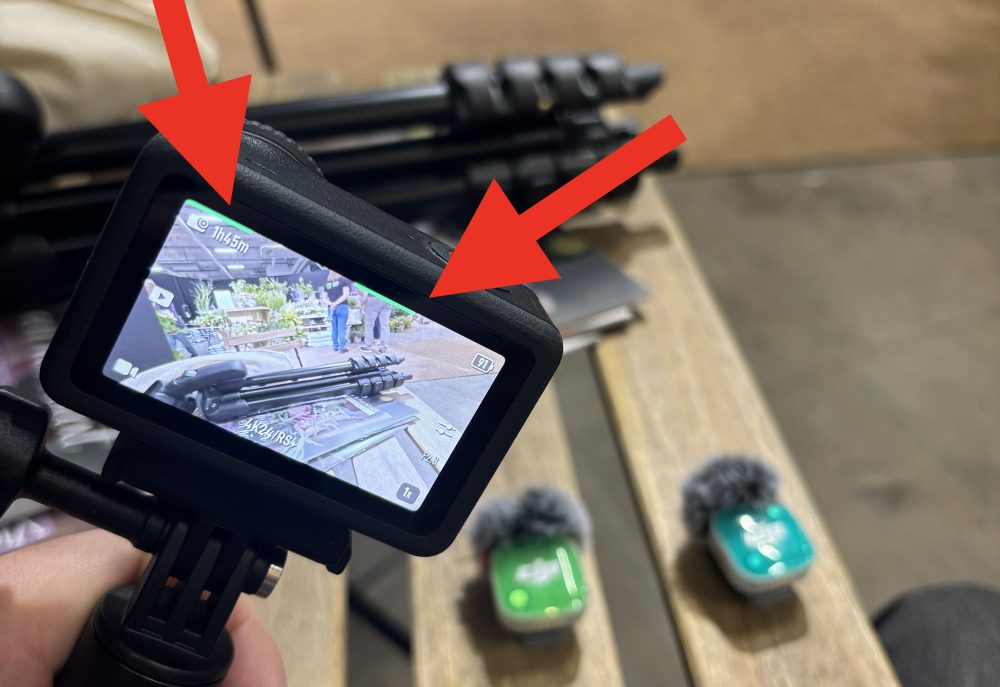
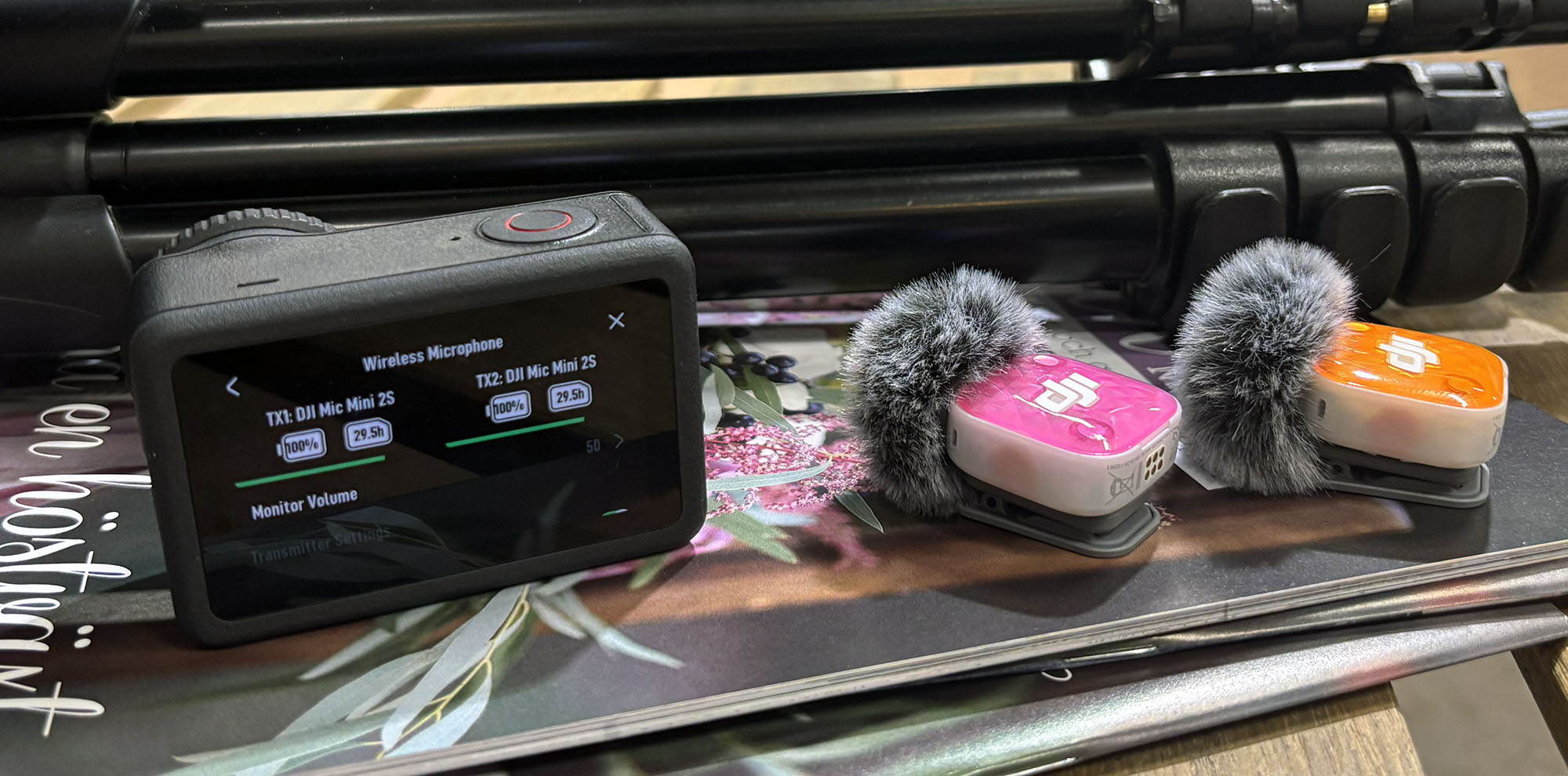
The final test I did was connecting them directly to the Osmo Action 6, and then I didn’t need to use the receiver at all; the mics connected directly to the camera. This is incredibly efficient, and I also like that you can see the levels at the top of the display. You can also adjust all other settings directly in the camera without having to use the app.
Sound quality and range
Three different cameras and three different connections, but the result is the same. Below is an audio test in a very noisy environment, and the voice comes through perfectly. Mic Mini 2s has a frequency range of 20 Hz to 20 kHz, which means the entire audible spectrum is reproduced.
The frequency curve is relatively neutral but with a slight emphasis on the speech range to make voices clearer. The noise level is low, and you can set several levels of noise reduction. The maximum sound pressure level is 120 dB, which is more than enough even in noisier environments with high volume levels.
The range is around 400 meters, but since this is the Mic Mini 2s, nothing happens if the mic loses contact because it has internal memory. You can also record directly on the mic by pressing the record button, so if something needs to be recorded and the camera isn’t running, it is no problem.
Battery life and accessories
The battery life is also impressive. The transmitter lasts up to approximately 11.5 hours of operation and the receiver about 10.5 hours. With the charging case, the system can be used for up to 48 hours before everything needs to be connected to the wall charger. In practice, the battery is sufficient for several days of recording.
Another interesting detail with the Mic Mini 2s is that it comes with a set of covers in different colors so you can match the mic with the clothes you are wearing. The front is attached using magnets, and they stay on well without the risk of falling off.
Which version should you choose?
So which version should you choose now? First and foremost, I would always choose a mic with internal recording, because there is nothing worse than losing audio during a recording. Therefore, the choice really lies between Mic Mini 2s and Mic 3, and here we simply have to ask the question: What will it be used for?
Mic Mini 2s has an impressive range and the sound quality between the two versions is hard to distinguish. So it comes down to pure facts. Mic 3 has larger storage, a better receiver, a display, and is developed for professional productions down to the smallest detail.
Mic Mini 2s is hot on its heels, and even if the internal recording is smaller, the battery life is actually longer and, above all, it costs almost half as much. I’ll say it again: the cost is almost half of what the Mic 3 costs, and I don’t consider the 3 to be twice as good, even if the storage is.
In summary, it is up to you what you feel you need, as both products maintain an incredibly high standard. When I realize how much cheaper the Mic Mini 2s is, the rating also jumps up to a definite must-have for those who need really good mics without burning a hole in their wallet.
Then you are probably wondering if you can pair Mic 3 mics with Mic Mini 2s transmitters and vice versa to have four mics running simultaneously. The short answer is no, but you can connect them via a separate product called the Mic Series Mobile Receiver and then you can mix several different versions.
DJI sent review units for this test. Senders of material have no editorial influence on our tests; we always write independently with you, the readers and consumers, in focus.
Review Highlights: Q&A
What is the difference between the standard Mini 2 and the Mini 2s?
The DJI Mic Mini 2s costs about 1,000 kronor more than the standard version and adds 14.5 GB of internal recording per mic along with a 32-bit float system.
How long does the battery last on the transmitters and receiver?
The transmitters last approximately 11.5 hours, the receiver operates for about 10.5 hours, and the charging case extends total use up to 48 hours.
Can these microphones connect directly to action cameras without the receiver?
The microphones connect directly to the Osmo Action 6 without using the receiver, allowing level monitoring and setting adjustments right on the camera display.
Can you pair Mic 3 microphones with the Mic Mini 2s receiver directly?
They cannot pair directly together to run four mics simultaneously, but different versions can be mixed using a separate Mic Series Mobile Receiver.