
TL;DR
Razer's Aether Monitor Light Bar offers a sleek, space-saving solution for monitor lighting, with a forward-facing desk lamp and rear RGB. While it effectively reduces eye strain and provides customizable desk illumination, the review highlights issues with Razer Synapse and the Chroma App, which can be complex and lack intuitive device grouping. Glare on glossy keyboards is also a concern, and the RGB intensity could be better. Despite these software quirks and potential glare, the hardware itself is well-built and provides good value. Discover if these features make it the perfect addition to your setup!
As a continuation of our test of Razer Aether Standing Light Bars, we are following up with Razer’s other lighting solution for your monitor, this time testing the Razer Aether Monitor Light Bar. Instead of placing the lamp on your desk, you hang this one on your screen in the exact same way as the Logitech MX Brio.
(Photo: senses.se)
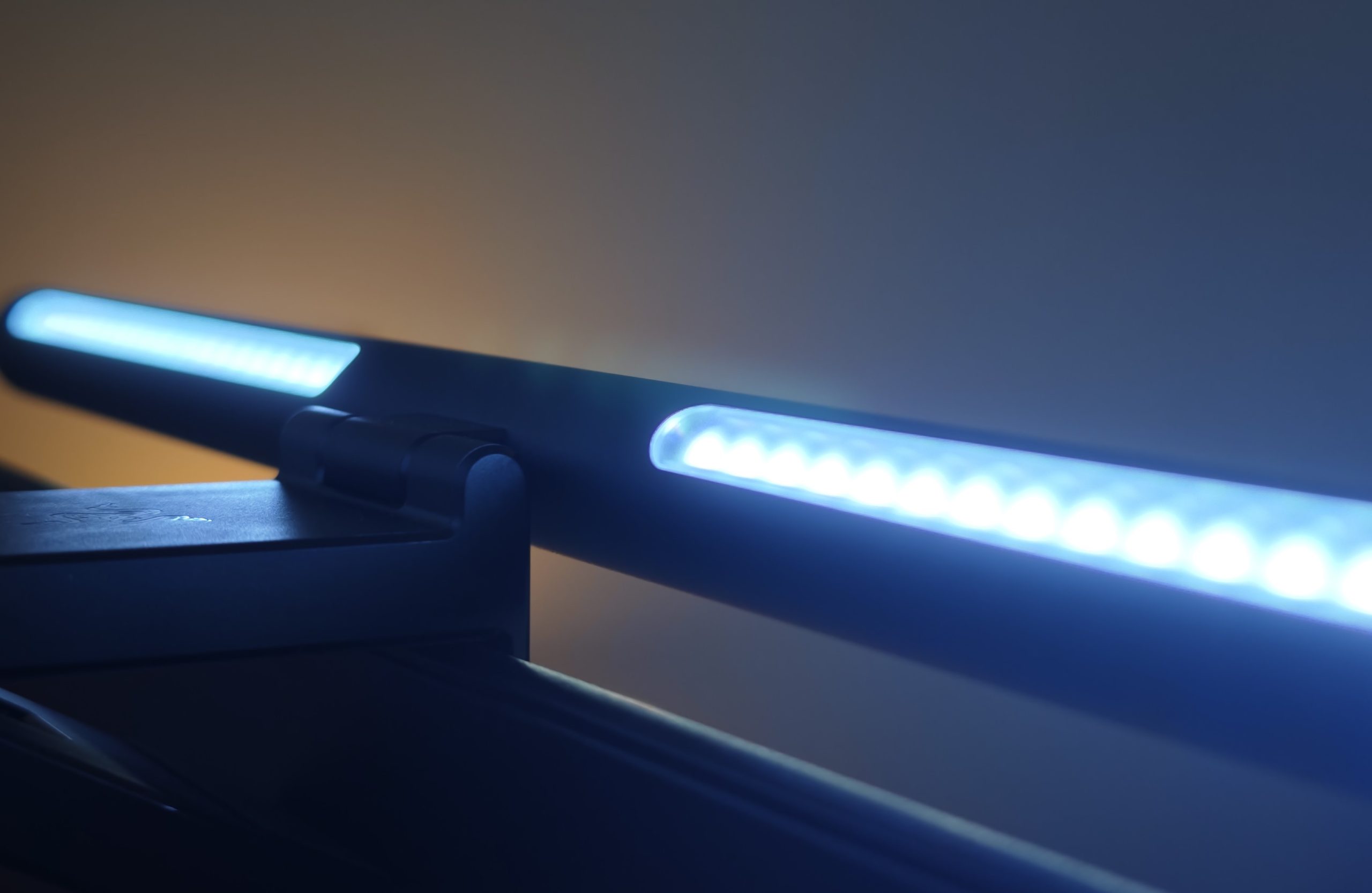
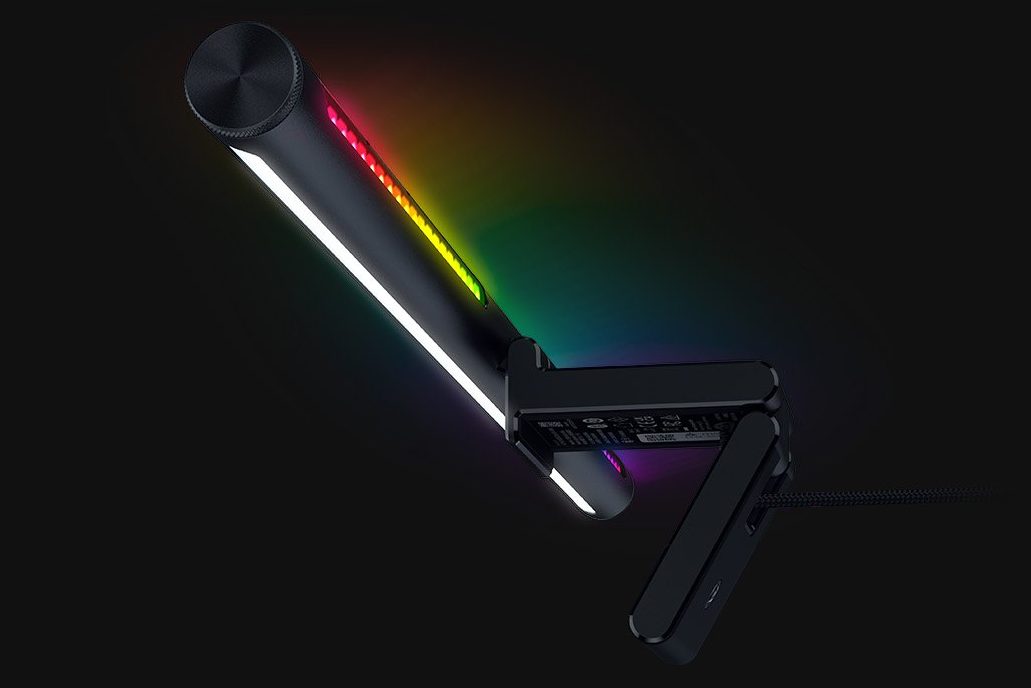
The lamp doesn’t just illuminate the back of your screen with effective colors; it also features a lamp facing the front of the screen that lights up your desk. It most closely resembles a classic desk lamp without a footprint on the desk surface, or picture lighting with exciting details. However, not all discoveries were positive, and Razer Synapse, along with the Chroma App, still needs some polishing in terms of usability.
First impressions – Aether Monitor Light Bar
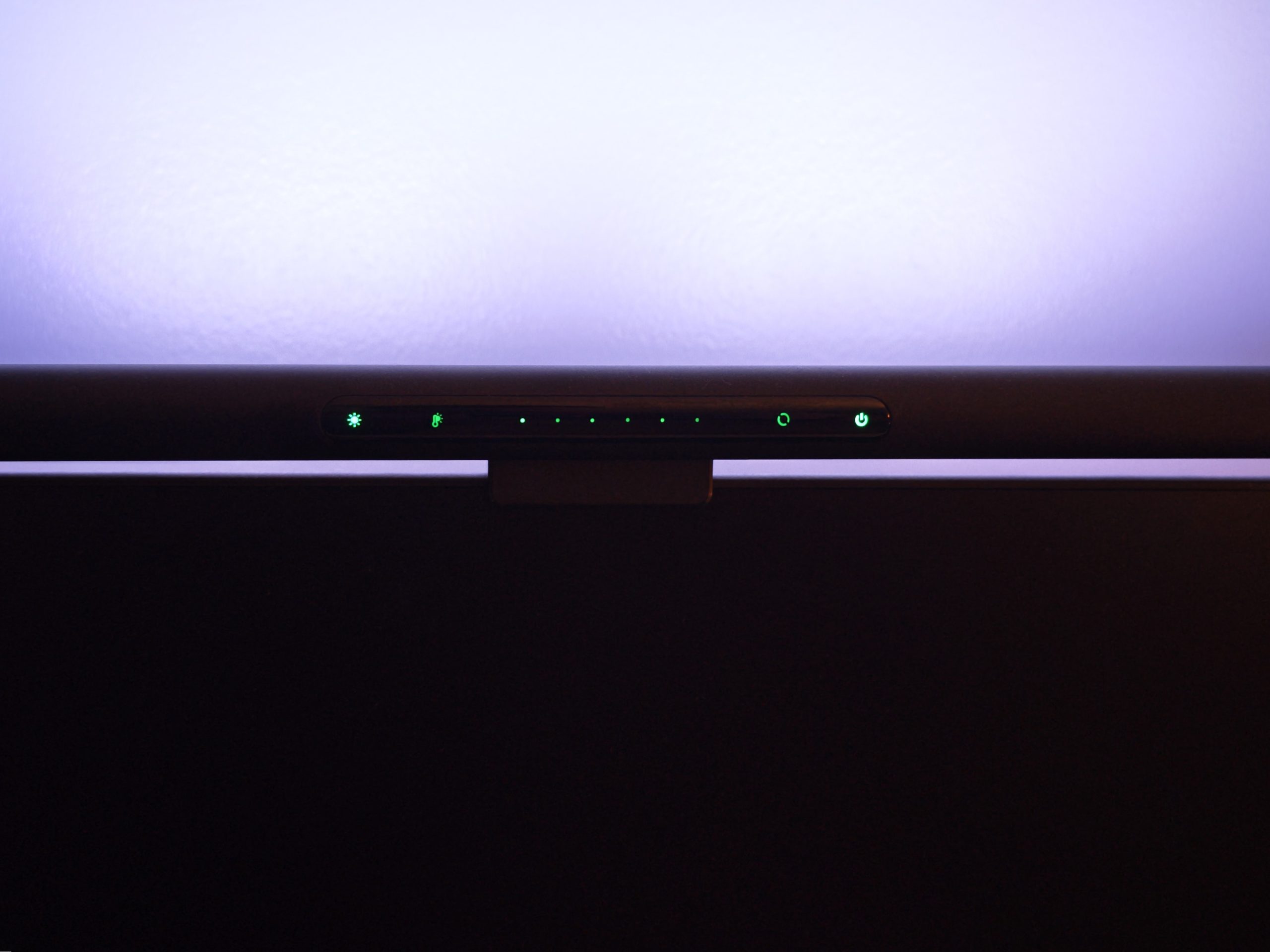
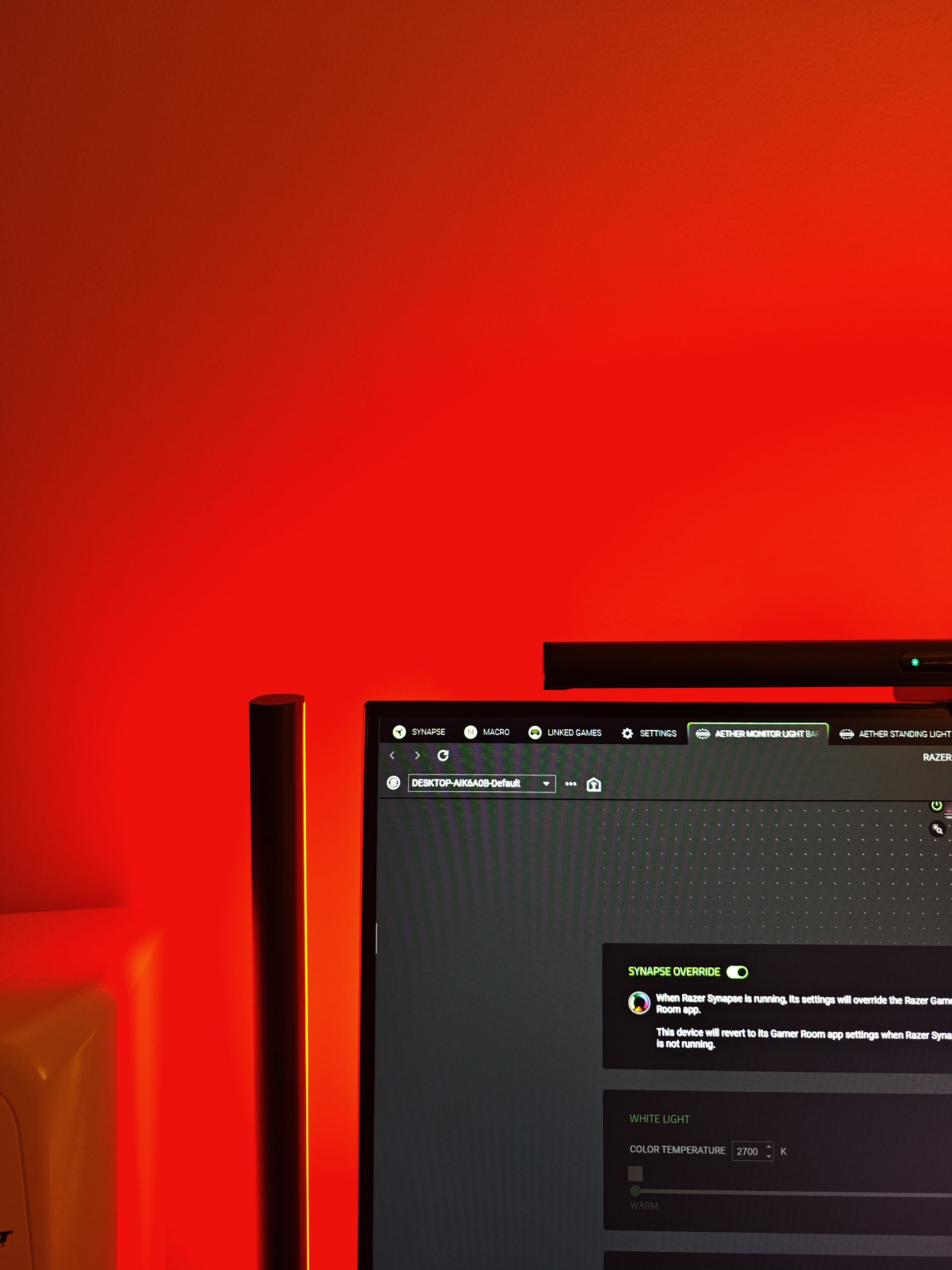
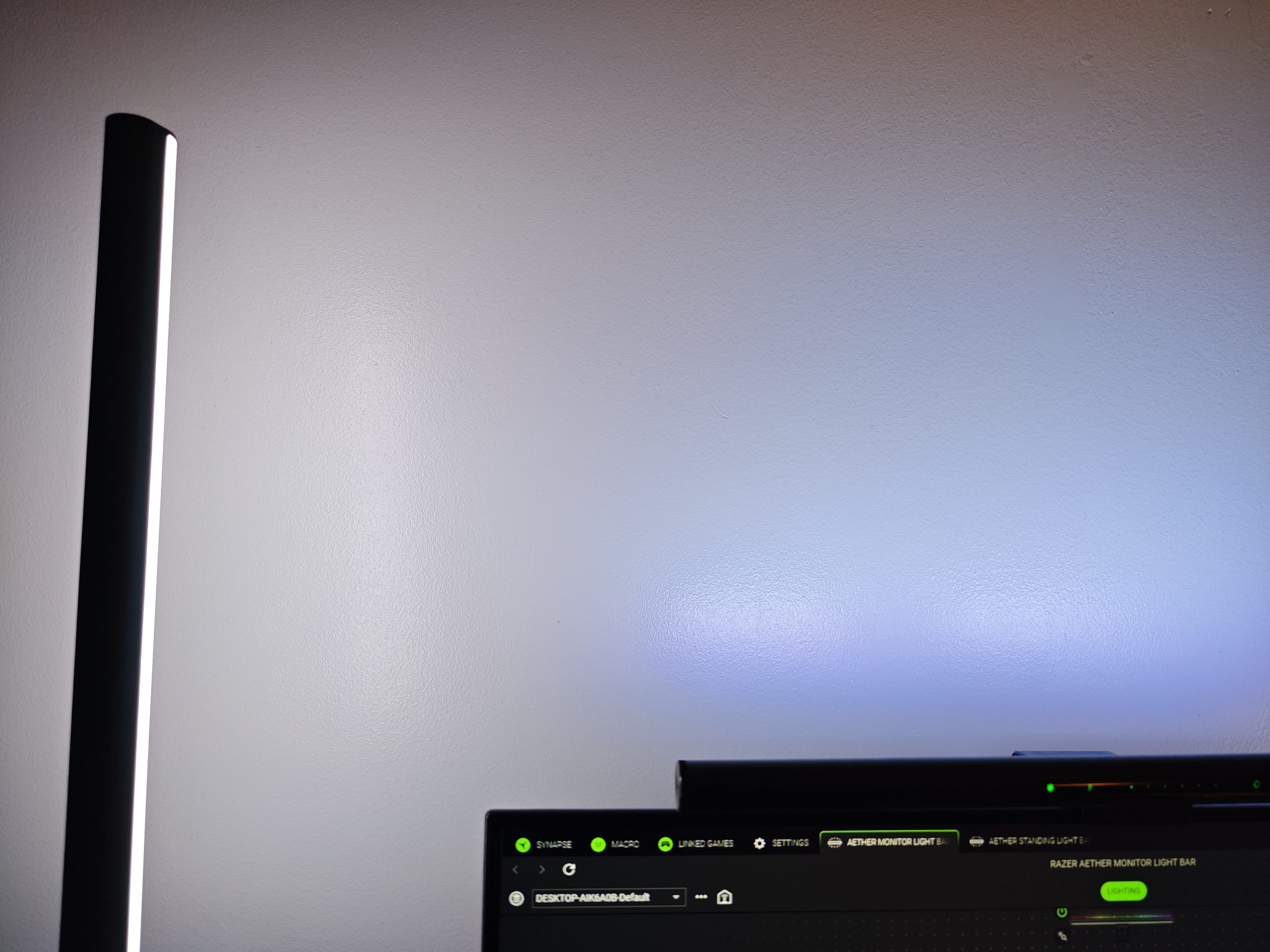
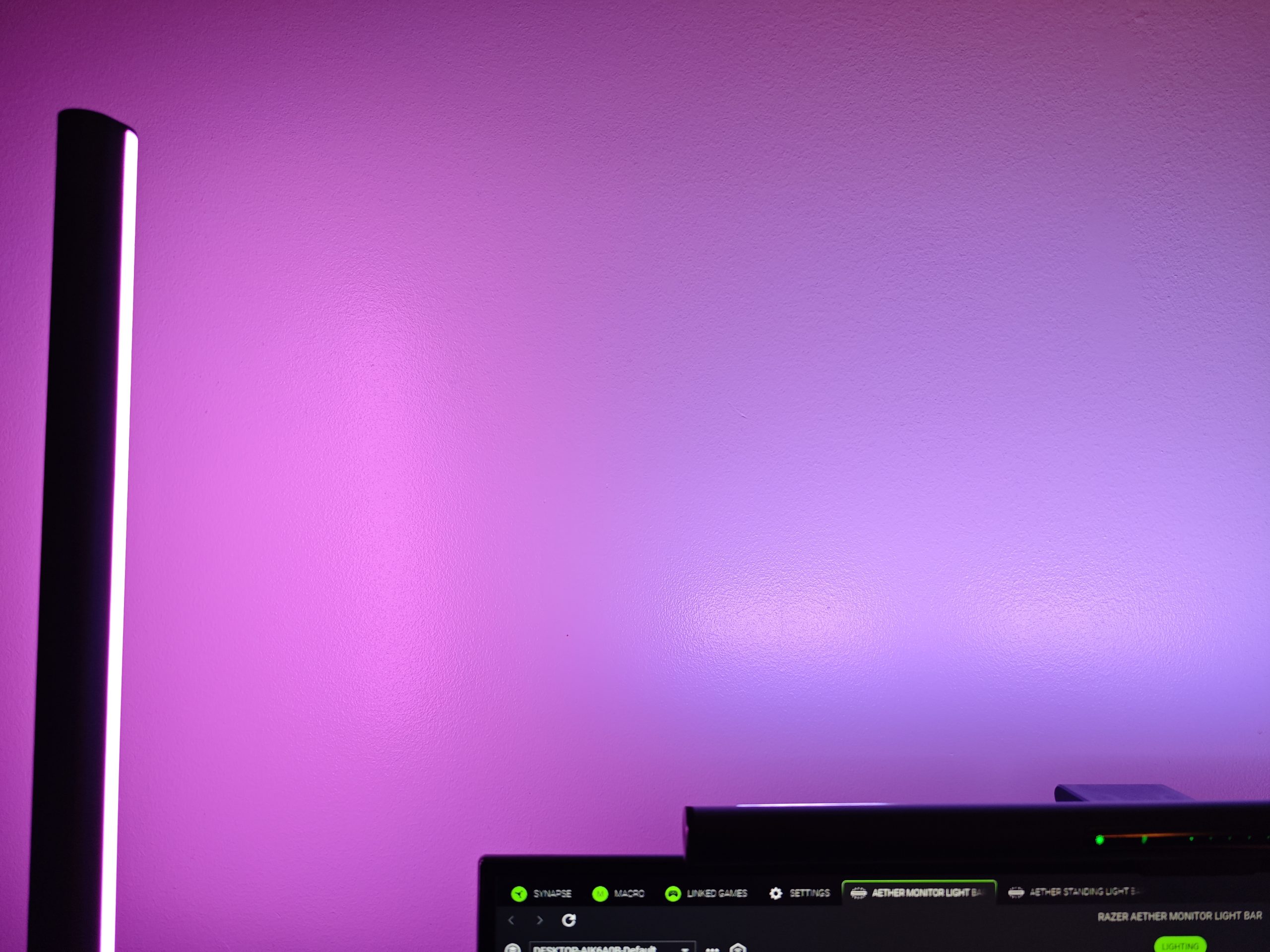
Just like the Standing Light Bars, the Monitor Light Bar has an elegant and discreet appearance. It is controlled via Razer Gaming Room, Google Home/Alexa, or the Razer-green panel on the lamp itself. There you can manage everything except for two parts: advanced settings and, somewhat annoyingly, turning the desk lamp on or off independently without also turning off the RGB light. This must be done via the app on your phone or computer. The desk lamp can, however, be dimmed, and you can also adjust the color temperature. This is a good feature for finding a balance between “cozy” and work modes. Below you can see the difference between the two shades.
(Photo: senses.se)

(Photo: senses.se)
But all in all, the Aether Monitor Light Bar is stylish and effective in helping you avoid unnecessary eye strain caused by sharp contrasts in light levels around your monitor.
Synapse 4 and Chroma App
We won’t dive too deep into Synapse 4 in this test, as you can read most of it here. However, a difference arises when there is more than one device, even if it doesn’t get any simpler. What we’ve experienced as the biggest drawback is that if you want the same static color, you have to sync the different units manually. There is no lack of ways to sync them to different games or programs, how to set routines for different times of day, or how you can (if you have multiple monitors with a Monitor Light Bar on each) set how they should sync with the screen. But if you want them to function as a single unified light, this must be done manually. Surprisingly, the otherwise illogical Google Home is better at grouping them together.
Fears that didn’t come true and some we discovered
The absolute biggest concern was that the desk lamp would interfere with the screen and that reflections would disrupt the experience. But that wasn’t the case. However, light directed toward the screen requires a more intensive cleaning routine, as there’s no escaping dust and splashes. This is something you might normally not notice at all until you unfortunately happen to touch the screen and accidentally create a “clean spot”—which in turn leads to cleaning the entire screen.
(Photo: senses.se)
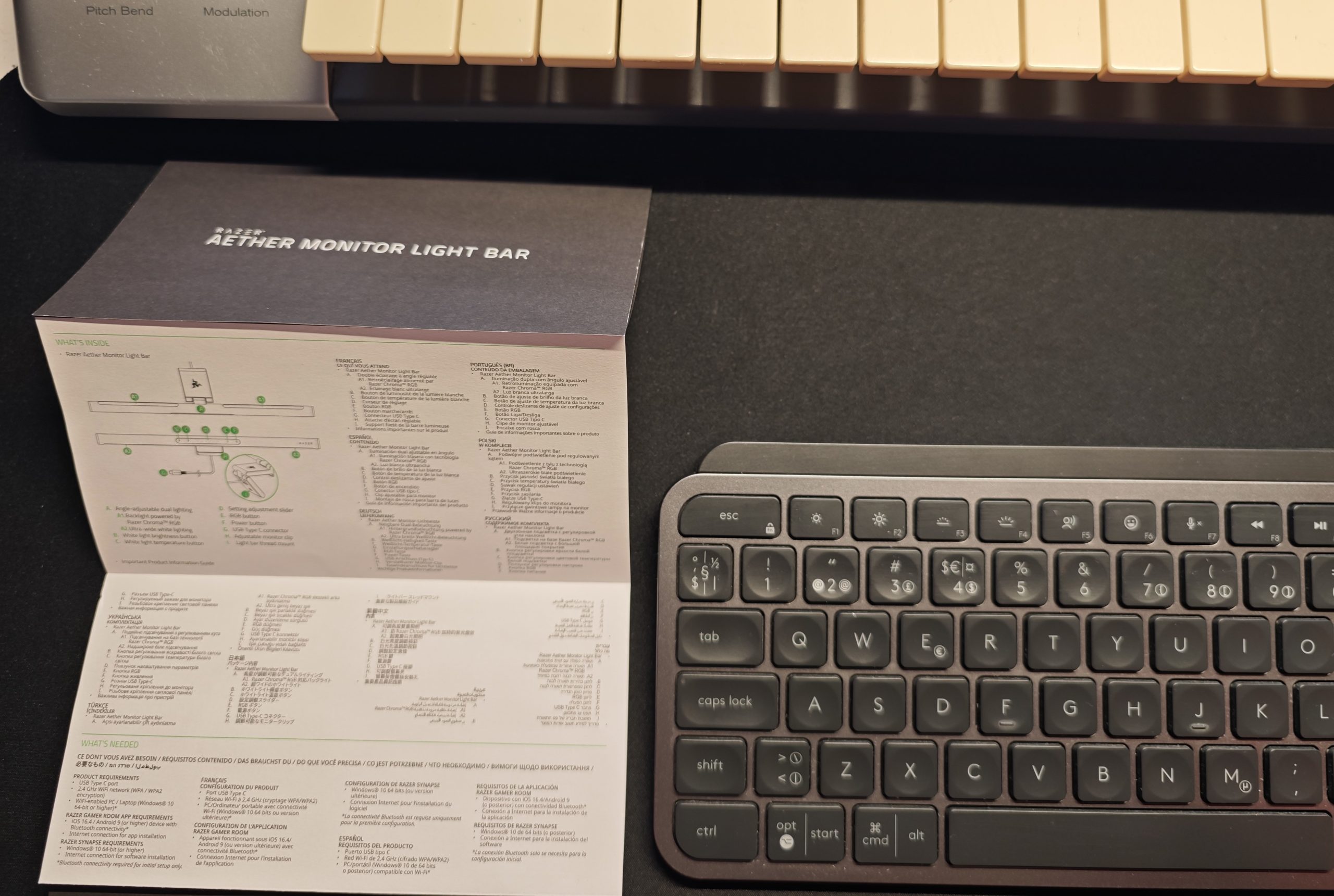
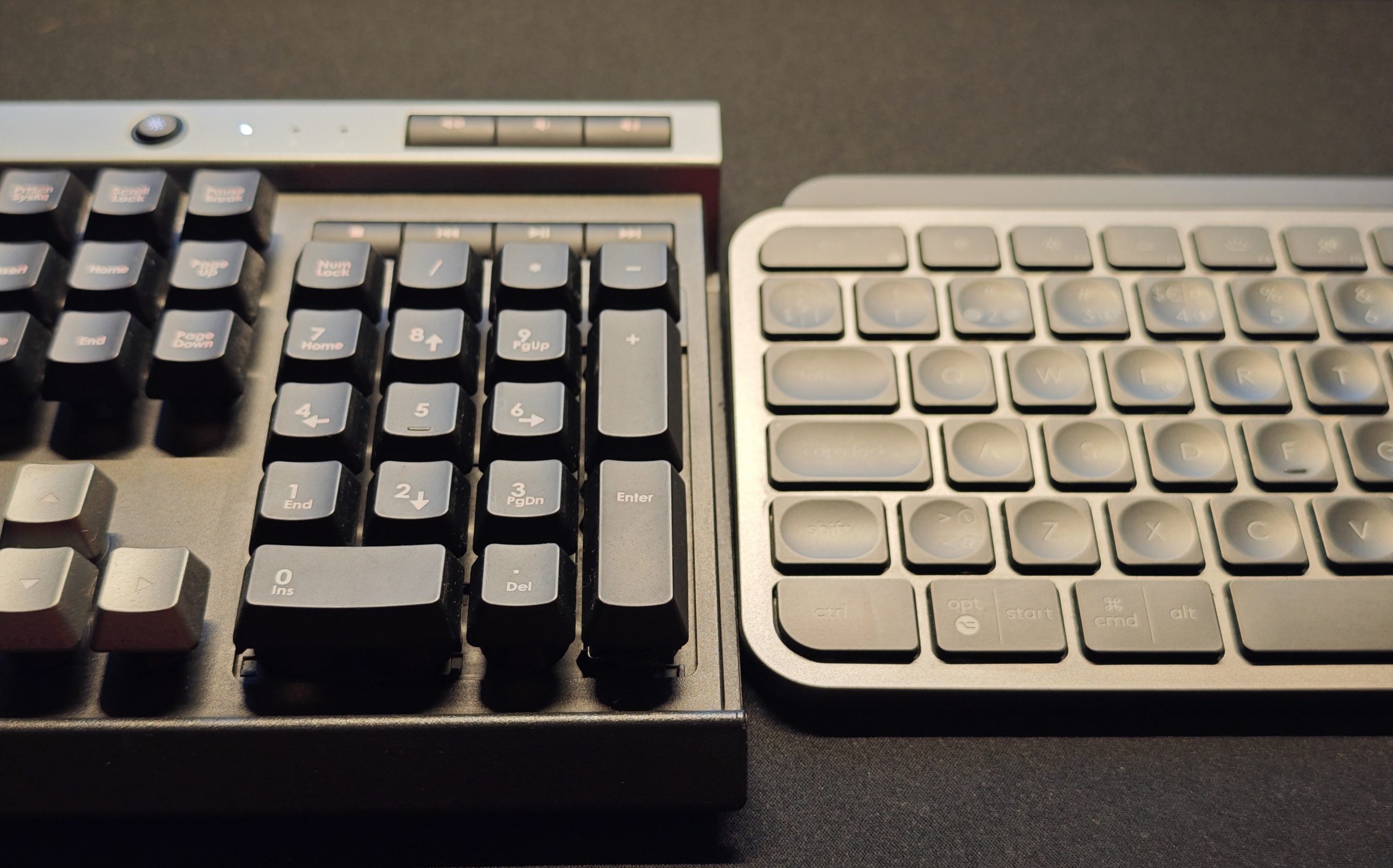
An unexpected downside is that on some keyboards with a glossy surface, the desk lamp glares as much as it illuminates. On the otherwise phenomenal Logitech MX Keys S, it becomes a challenge to see the keys, while the Corsair Raptor K30 is not affected nearly as much. This specific problem is at least partially personal, depending on how you sit, distance from the screen, eye level, and where you prefer to have your keyboard. But for our tester, it became a small point of irritation.
(Photo: senses.se)
(Photo: senses.se)
Another thing we discovered was that the RGB light on the Monitor Light Bar has certain preset base colors that deviate from the same settings on the Standing Light Bars. It is not universal, but in some cases, the Monitor Light Bar has a more bluish glow. It is also not as bright as the Standing Light Bars, but then again, it is not as large either.
The bottom line – Aether Monitor Light Bar
The complicated Synapse 4 remains extremely capable but, unfortunately, still difficult to navigate. It is easiest if all lamps are connected to and controlled by the same device, though in theory, that shouldn’t matter. This isn’t something we can blame the Monitor Light Bar for, either. But the lamp itself is smooth to use, relatively easy (see Synapse 4 again) to set up in advanced ways, and the RGB light on the back looks great, though it could have been brighter. The desk lamp concept is brilliant, aside from the risk of glare on keys (and other glossy surfaces), and it actually makes your desk a pleasant workspace for various purposes. For example, illuminated keys on a musical keyboard if you produce music.
(Photo: Razer)
The Aether Monitor Light Bar costs approximately 1,600 kronor. Given the build quality and features, it feels well-priced. Two competitors worth mentioning (which we have not tested, however) offer similar features. BenQ Screenbar Halo 2 (approximately 2,200 kronor), which includes a small remote control, has only white light on the back. Asus ROG Monitor Aura Light Bar (approximately 1,600 kronor) has largely the same features with RGB light on the back. In other words, the Aether Monitor Light Bar is neither at the top nor the bottom of the price range.
So the final word is somewhat similar to the Razer Standing Light Bars: we like the Aether Monitor Light Bar for its nice light, smart desk illumination, generally good functionality, and convincing build quality.
Razer sent review units for this test. Senders of material have no editorial influence on our tests; we always write independently with you, the readers and consumers, in focus.
Review Highlights: Q&A
How do you mount the Razer Aether Monitor Light Bar?
You hang it on your screen, similar to the Logitech MX Brio.
Does the lamp provide both RGB and desk lighting?
Yes, it has RGB backlighting and a front lamp that lights your desk.
Can I turn off the desk lamp using only the physical panel?
No, independent power control requires using the phone or computer app.
Does the front light create reflections on the monitor?
No, but the light makes dust and splashes on the screen more visible.
Is it possible to change the color temperature of the front lamp?
Yes, you can adjust the temperature to balance cozy and work modes.
What is the main drawback of the Razer Synapse 4 software?
It is difficult to navigate and requires manual syncing for static colors.
How does it perform on glossy keyboards?
It can cause distracting glare on keys with glossy or shiny surfaces.
How much does the Razer Aether Monitor Light Bar cost?
This monitor light bar retails for approximately 1,600 kronor.
