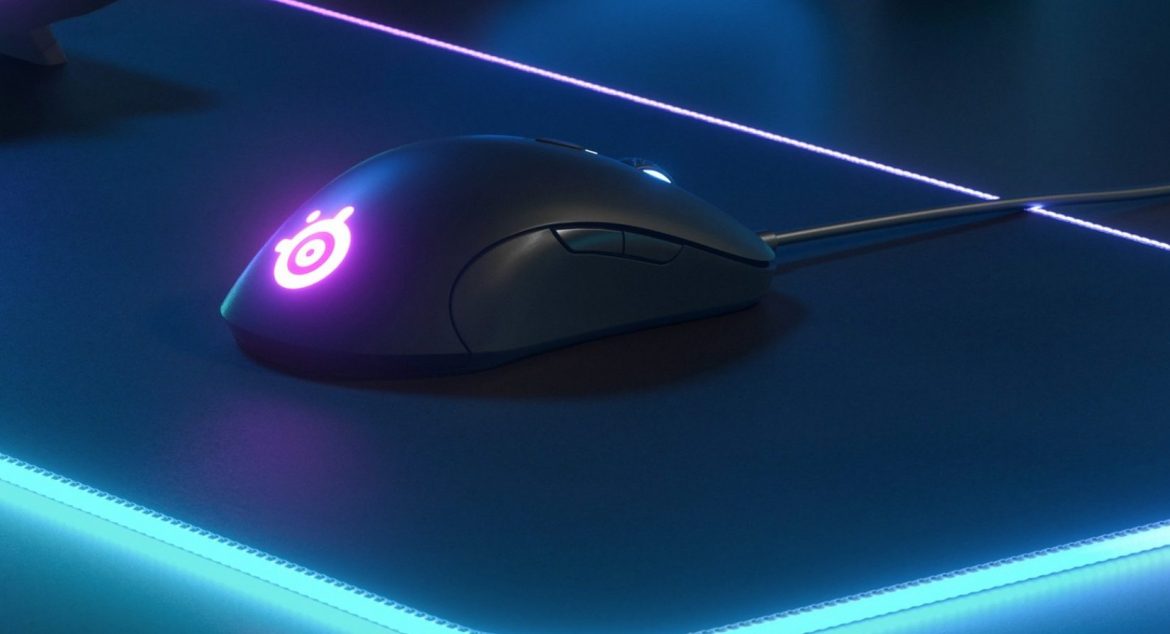

TL;DR
SteelSeries' new Sensei 10 revives a classic, but does it live up to the hype beyond gaming? This reviewer, a film editor, found it surprisingly adept for design and VFX work, praising its precision, exceptional programmability for custom macros, and Tilt Tracking for stable cursor control. While the compact size offers comfort for some, larger-handed users might find it a bit cramped, leading to occasional accidental button presses. Despite a premium price, the Sensei 10's build quality and versatile functionality make it a compelling option for more than just gamers. Discover if this versatile mouse is the perfect fit for your workflow – read on for the full deep dive.
As I noted in my review of the SteelSeries Rival 710 some time ago, I don’t typically use a mouse for gaming. However, with SteelSeries revitalizing the classic Sensei mouse after a decade, now named the Sensei 10, we have a gaming mouse specifically designed for that purpose, which nonetheless offers distinct advantages for my workflow. I primarily use a mouse for film editing, visual effects work, and various design program tasks. These applications demand a mouse with excellent precision and programmability; crucially, it must also be comfortable for extended use.
Purchase the Sensei 10 at the best price here and support independent tech journalism.
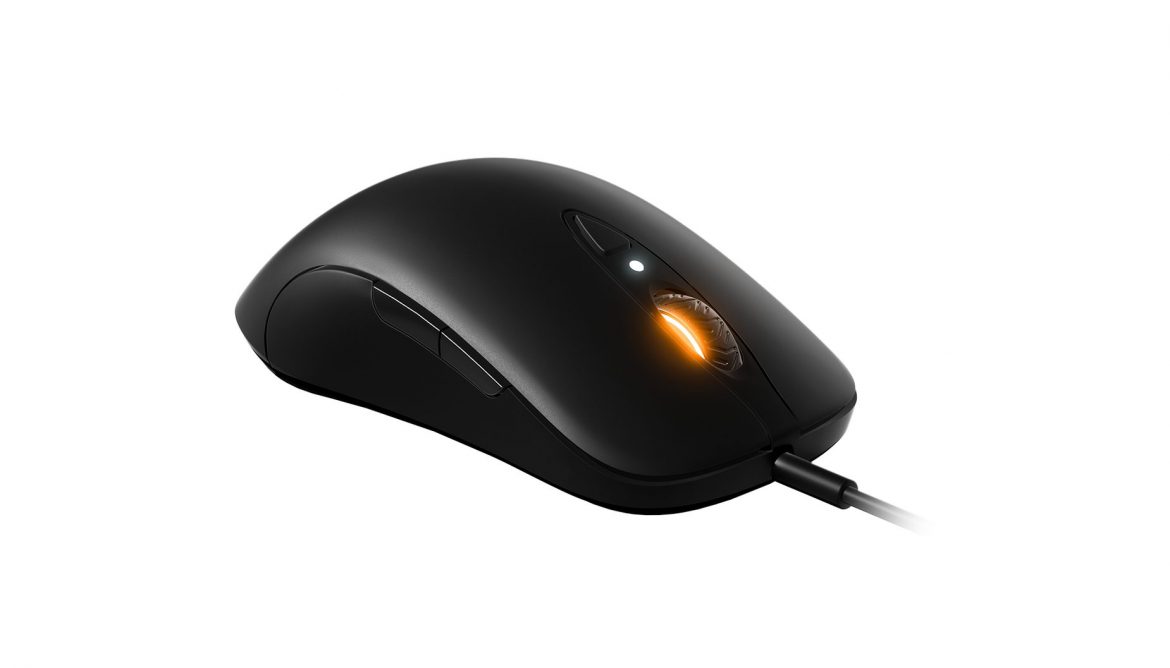
My initial impression upon unboxing the Sensei 10 is that it’s a well-built and robust mouse, despite its relatively compact size. It feels stable and precise. After installing the software suite – readily available for download – I was able to customize the Sensei 10 to my exact preferences.
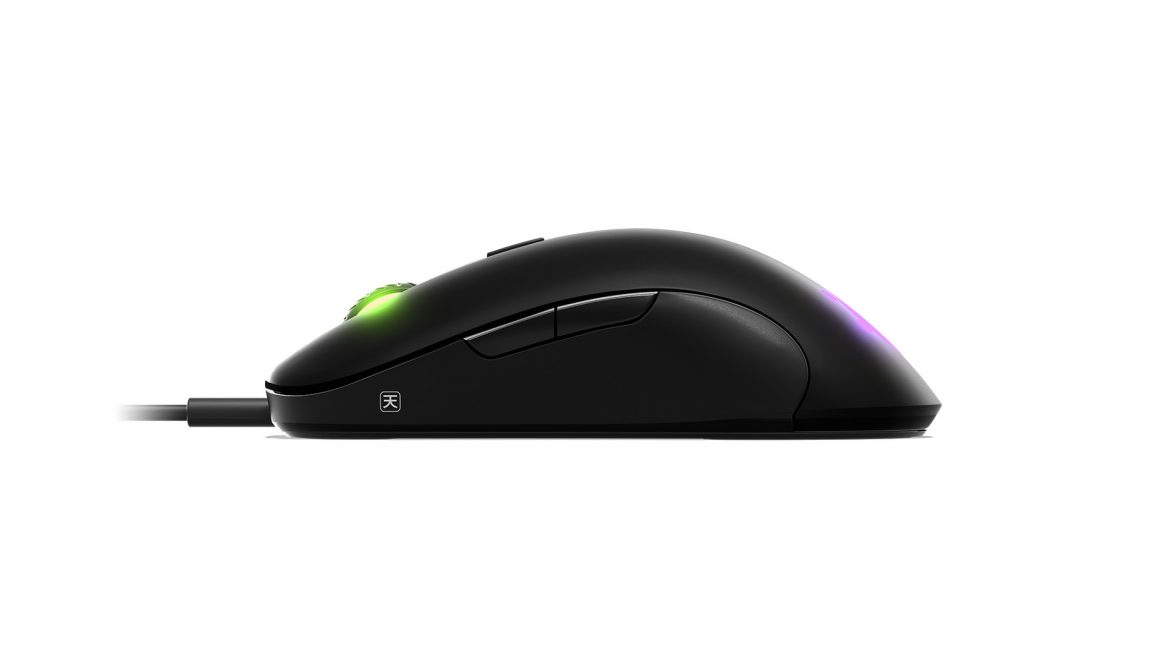
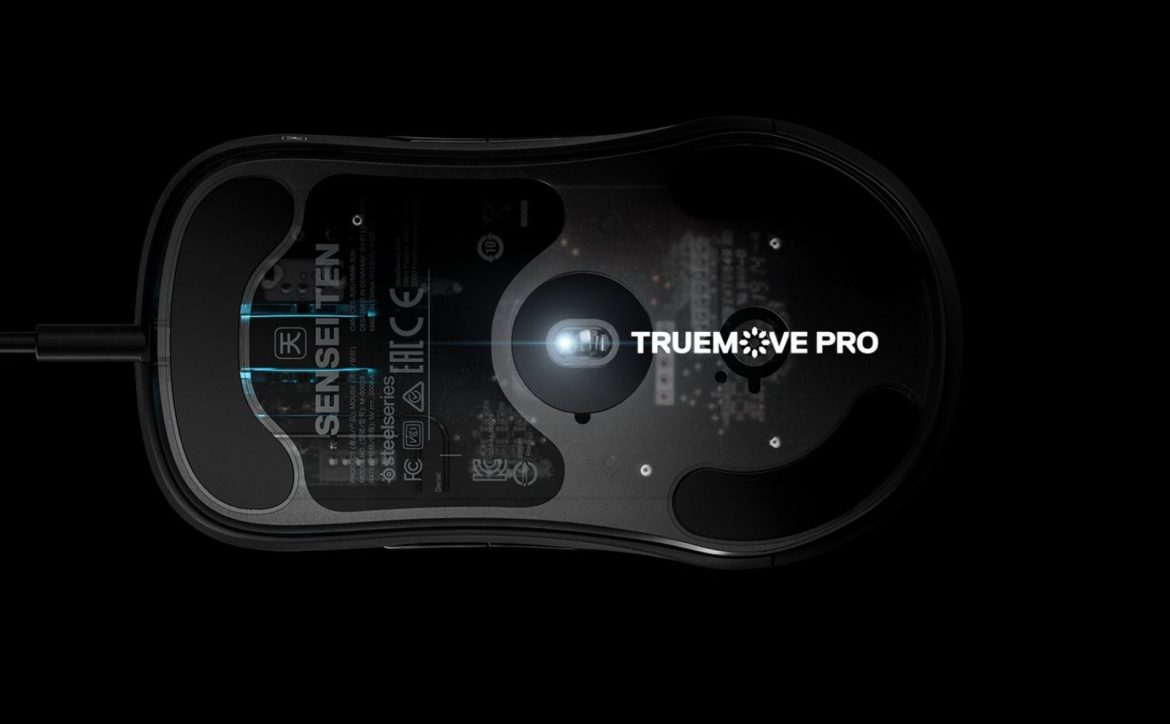
Assigning functions and macros to the Sensei 10’s buttons is remarkably straightforward. This is invaluable for gaming, but also beneficial for effects work, eliminating the need to navigate menus by assigning standard keyboard shortcuts directly to the mouse. Another advantageous feature, both in gaming and applications like Photoshop, is the inclusion of Tilt Tracking, which maintains cursor control even during slight lift-off.
Are there any drawbacks? A couple of minor ones exist, especially for users with larger hands. The Steelseries Sensei 10’s smaller form factor can make it slightly less comfortable to handle compared to, for instance, its larger counterpart, the Rival 710. Consequently, I occasionally inadvertently press the side buttons, which can trigger unintended actions such as unwanted scene changes in Sketch-up.
Our highlights from TechBrief 2019 were, in fact, edited using the Sensei 10, as will be an upcoming feature film project that we will share more details about soon.
Beyond the minor issues mentioned, this is an excellent mouse suitable for both right- and left-handed users. It delivers exceptional precision and, as previously stated, extends beyond “just” gaming applications. While the price point is considerable, its robust feature set and build quality make it a worthwhile investment.
Sensei Ten best price, your purchase via this link supports senses, and we receive a small commission.
Review Highlights: Q&A
Can the mouse buttons be customized with shortcuts and macros?
Yes, assigning functions and macros to the buttons on the STEELSERIES SENSEI 10 is straightforward via the downloadable software suite, allowing keyboard shortcuts to be mapped directly to the mouse.
Is the mouse comfortable for users with large hands?
The compact form factor can make it slightly less comfortable for people with larger hands, which can occasionally lead to accidental clicks of the side buttons.
Can left-handed users use this mouse?
Yes, this mouse is designed to be suitable for both right- and left-handed users.
How does cursor tracking perform when the mouse is lifted?
The mouse features Tilt Tracking, which maintains cursor control even when the device is slightly lifted off the surface.
Is this mouse only suitable for gaming?
No, its stability, precision, Tilt Tracking, and macro programmability make it useful for film editing, visual effects, and design applications like Photoshop and Sketch-up.