
TL;DR
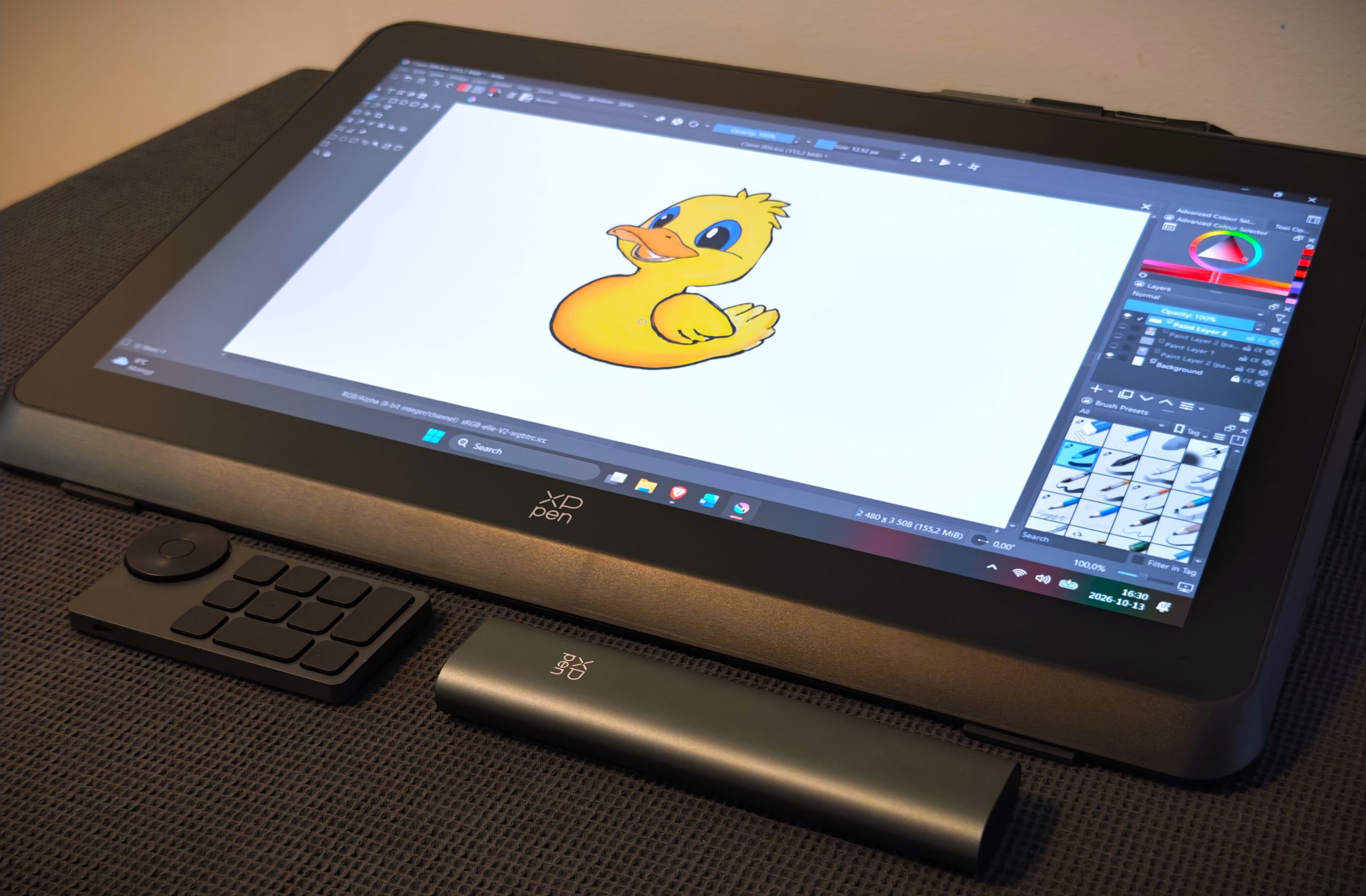
The XPPen Artist Pro 22 (Gen.2) is a 21.5-inch drawing display priced at 7,100 kr. It excels with factory-calibrated color accuracy, measured at a Delta E of 0.79, and 16,384 pen pressure levels. However, screen brightness peaks at only 250 nits, and resolution tops out at 2560 x 1440 rather than 4K. It suits enthusiasts taking a step toward serious digital artwork.
Creating, being unique, and innovative are likely the most important parts of today’s society regarding art and media. As the internet is drowned in watered-down AI-created copies, handmade, human, and standout genuine art is important. XPPen Artist Pro 22 (Gen.2) enables the artist, but also the amateur, to transfer the human factor to the digital realm. One early observation we made was that the sound of the pen movements against the screen actually resembles the sound a real pen creates against paper. It is likely a bonus, but even the sound of the creative process is included.
The drawing tablet is possibly primarily aimed at the established artist, as the possibilities for refinement and detail settings are extensive. Not least, the more advanced drawing programs require solid knowledge to fully utilize all the details and all the power under the hood. In this test, we downloaded the drawing program Krita, which is completely free, to test the Artist Pro 22 (Gen.2), and for those of you who have never used it, it is not entirely unlike Photoshop (though not quite the same thing). But it is advanced, and it is needed to do the drawing tablet justice.
A first encounter with XPPen Artist Pro 22 (Gen.2)
What is XPPen Artist Pro 22 (Gen.2)?
Simply put, it is a screen that you can draw on by hand using a pen. It requires a computer to run various drawing programs, so it is not stand-alone, and depending on your computer’s specifications, different sets of cables may be required. Also, depending on which drawing program you run, the resolution, and how many layers and details you work with, a steady amount of RAM tends to be important, preferably along with a good graphics card.
(Photo: senses.se)
The Pen – X3 Pro Smart Chip Stylus
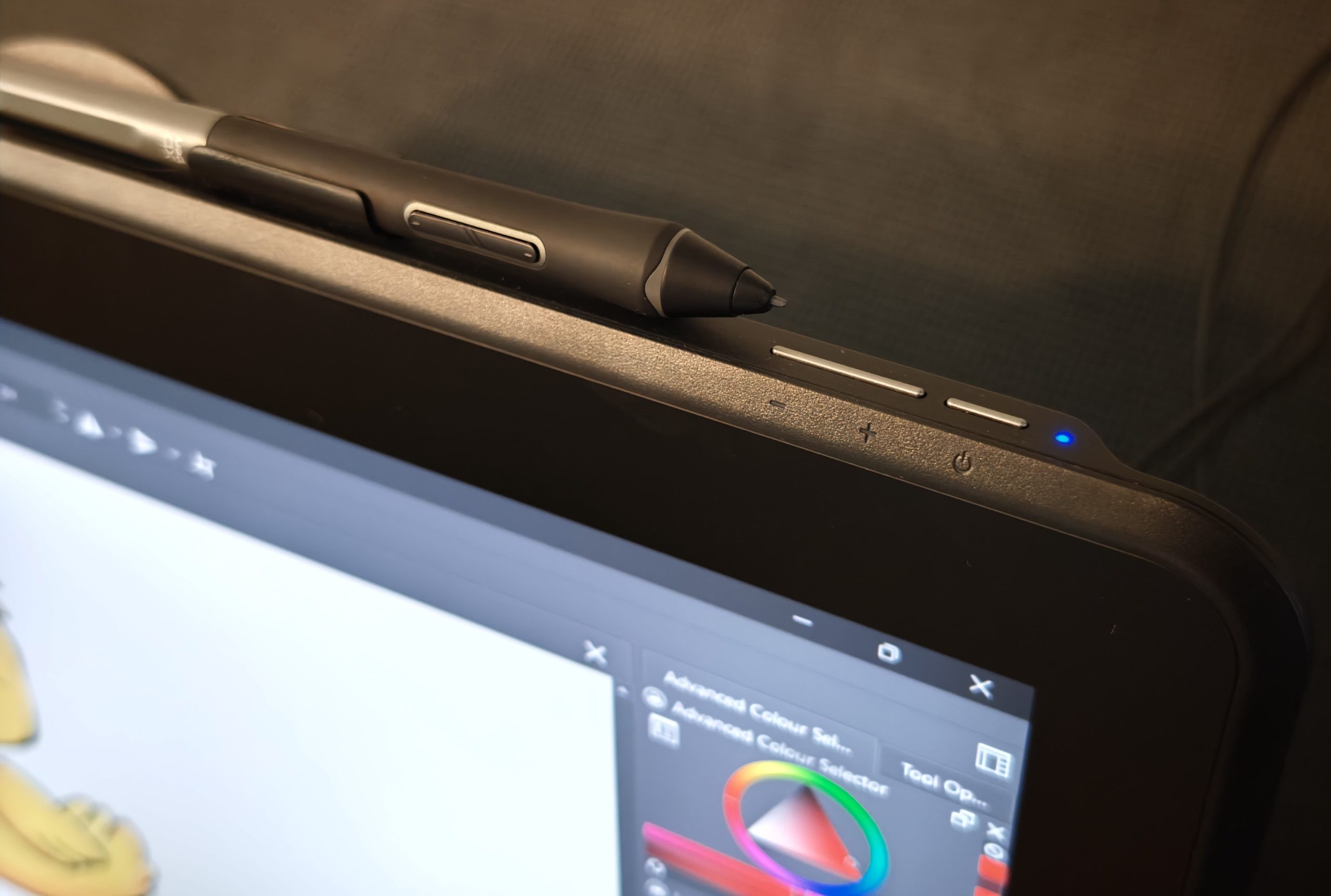
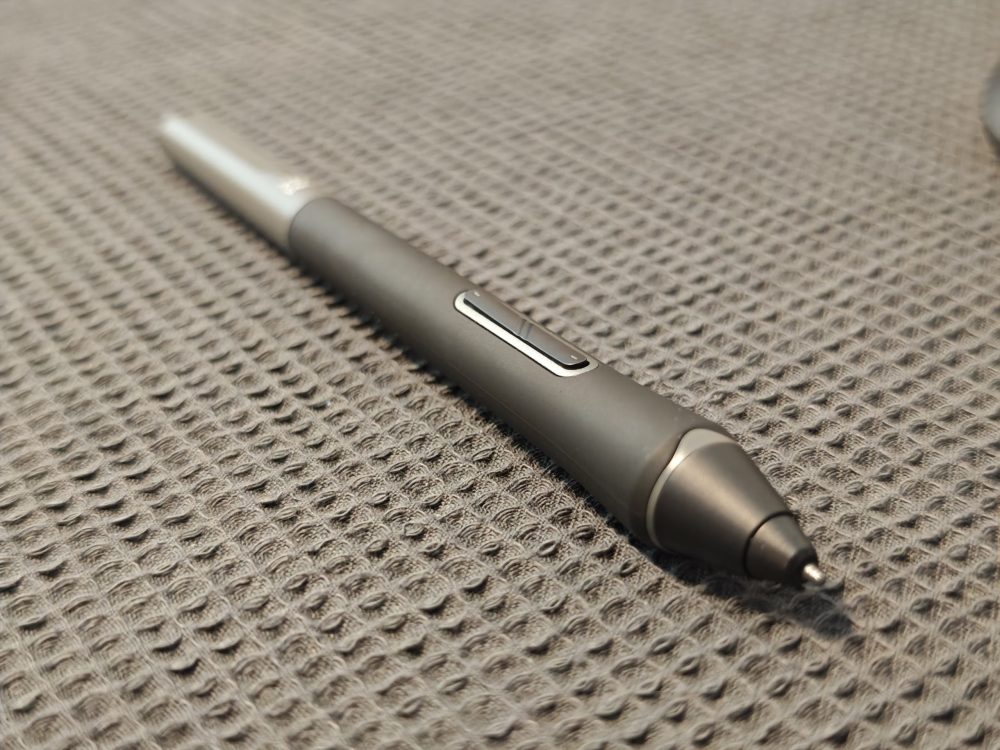
The screen itself does not react to your hands, but only to the pen tip. The pen, an X3 Pro Smart Chip Stylus, is battery-free and communicates through electromagnetic resonance. On the surface, it all sounds simple, but as soon as we start mentioning specifications, it starts getting interesting. For example, the pen handles 16,384 pressure levels, a resolution of 5080 LPI, has an initial activation pressure of 3g, and supports tilt sensitivity up to 60 degrees. The pen also features two buttons that function like a computer mouse’s right and left buttons, and the pen must be in contact with the screen to provide a signal. What these buttons activate naturally varies depending on the program used, but it allows you to use the pen like a mouse to move windows or access menus. And double-clicking with the pen tip is just like double-clicking with a mouse.
(Photo: senses.se)
(Photo: senses.se)
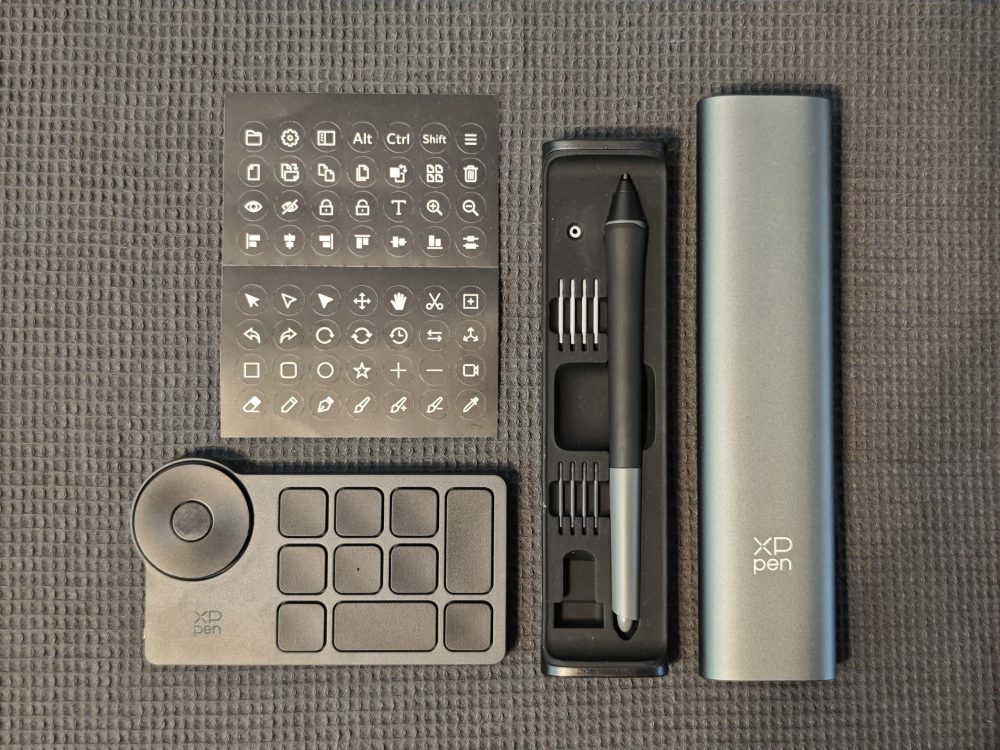
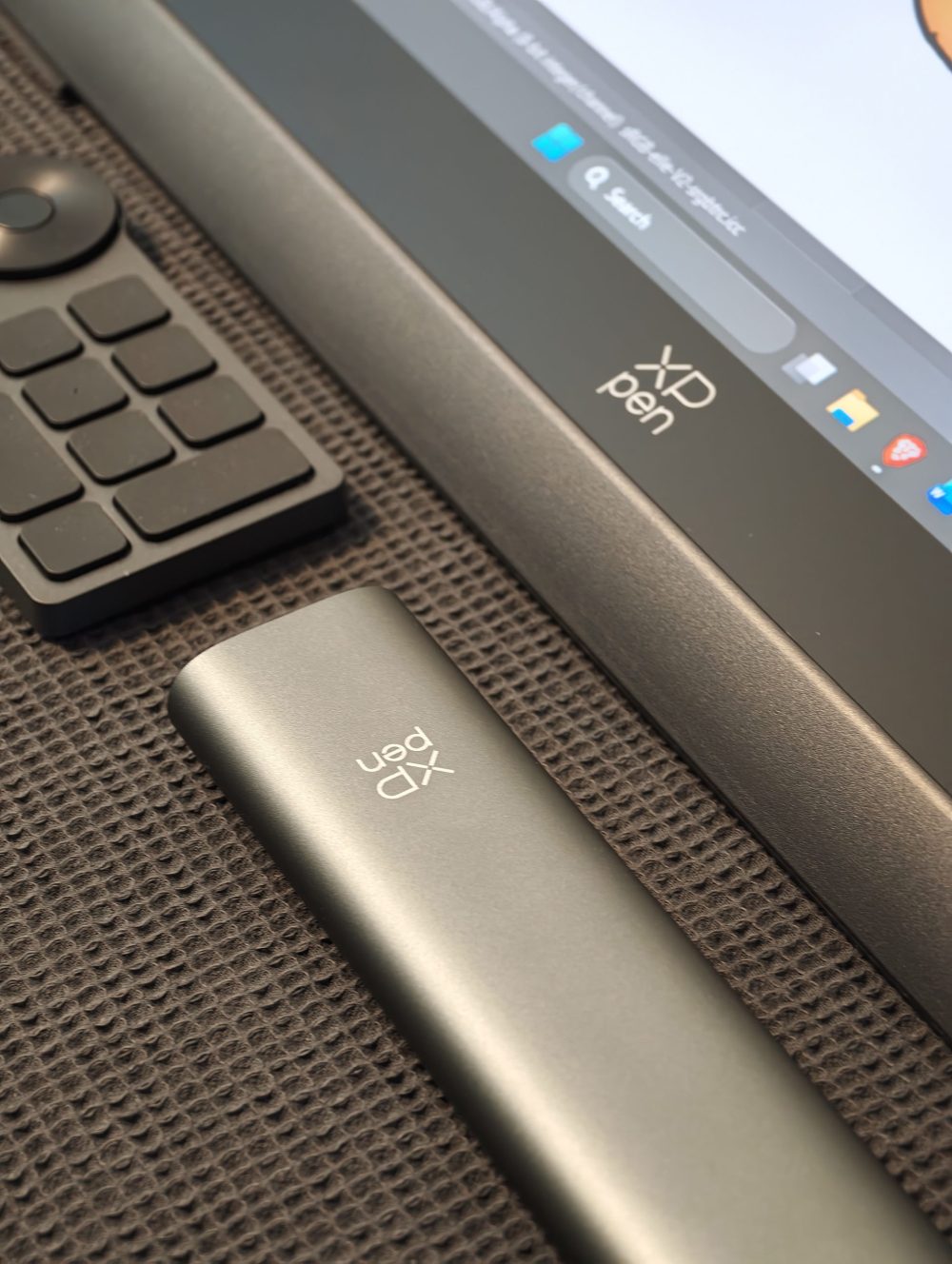
The pen comes in a really stylish case containing extra nibs in two varieties and a small ring for switching them. One variety is a felt nib to provide as realistic a feel as possible (and also that inspiring sound we mentioned at the beginning), and the other is a plastic nib that creates a faster and smoother feel against the surface. When switching, the difference is noticeable, and it is of course a matter of taste which one you prefer. Before we move on to the screen itself, we will linger on the other control device included in the box, the ACK05 Shortcut Remote.
(Photo: Xppen)
The Keypad – ACK05 Shortcut Remote
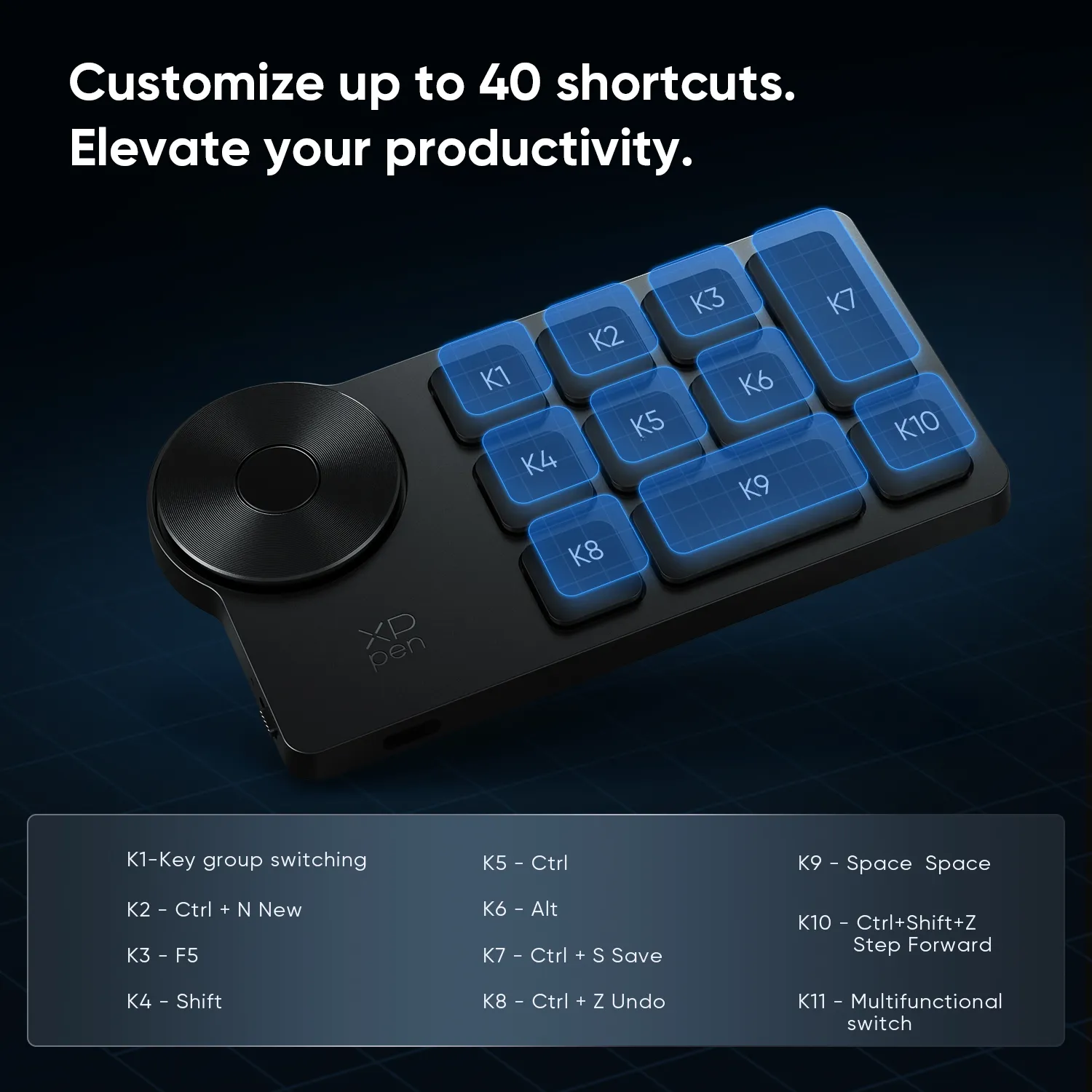
The ACK05 is a clever but simple little keypad whose primary task, of course, is to provide shortcuts so that you have the most important controls close at hand. The keys are preset according to the image above but can be reprogrammed, and the battery life is 300 hours on paper. On top of that, you can create four profiles, which makes its usefulness greater than one might first think. Compatibility extends across Windows, macOS, and Linux. The scroll wheel is the gem of the ACK05, where the center button opens a small menu with different options. But it is in combination with key presses that it shines during, for example, zooming and scrolling horizontally and vertically. So let us now move over to the screen itself, as there is quite a bit to go through here.
The Screen – Artist Pro 22 (Gen2) 2.5K QHD
The Artist Pro 22 (Gen.2) is not XPPen’s largest screen, but it is nonetheless a substantial piece at 21.5” with a weight of 5.55 kilograms, including the sturdy stand mounted on the back. We won’t lose ourselves too far in the technicalities—we’ll list those below—but instead reflect on the advantages and disadvantages of a drawing screen measuring approximately 55x36x3 cm with a resolution of 2560 x 1440 (QHD).
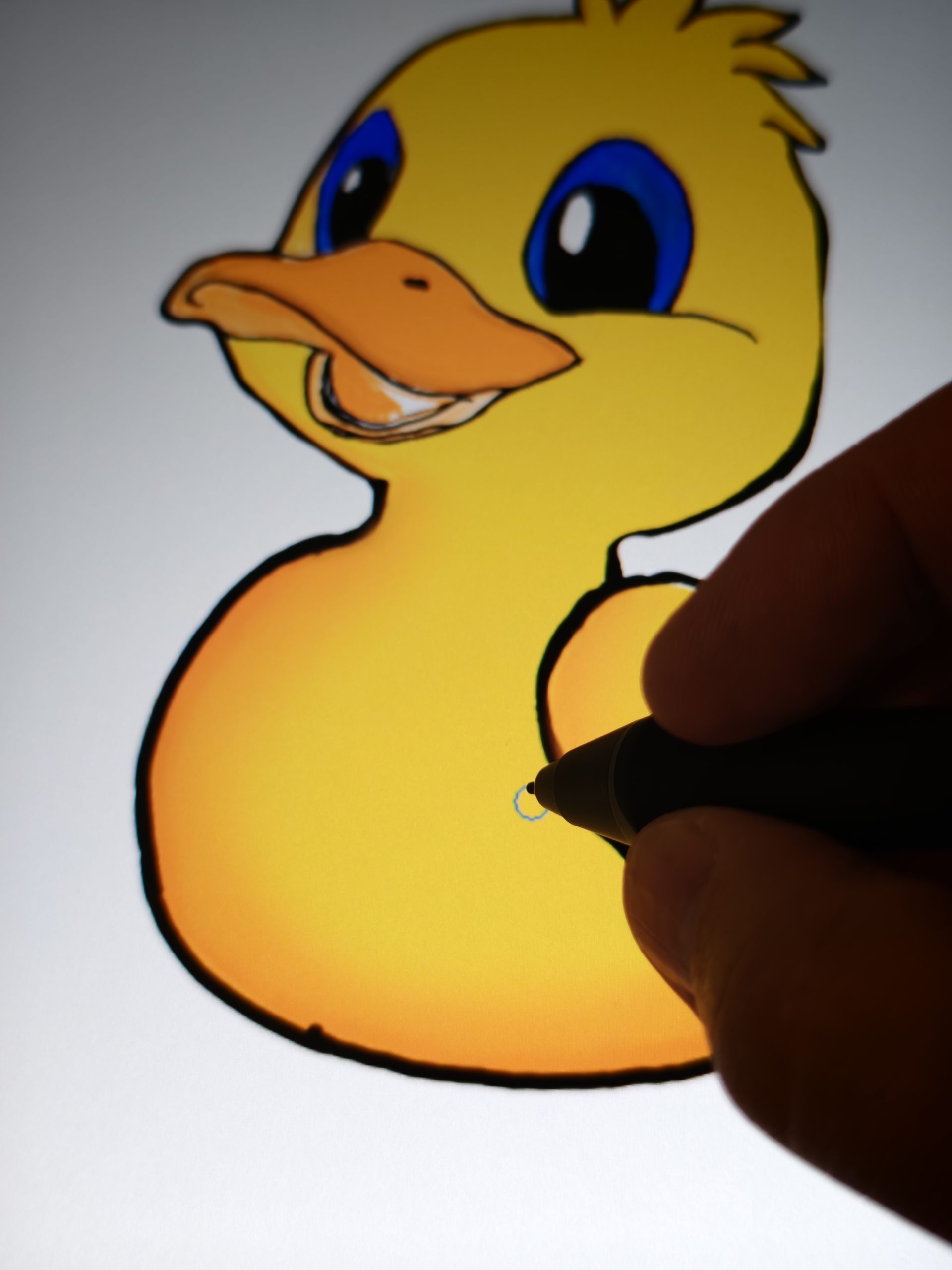
First and foremost, the large surface area makes it fully possible to run multiple windows simultaneously, which can be a major advantage if, for example, you are working with a reference motif. Furthermore, the surface allows for large arm movements when drawing, and with that, an enhanced feel. The larger format also provides a better overview, and up to a point, your creations can be viewed in life size. The screen also has an anti-glare surface so that lamps or light from windows do not interfere. The ability to handle ambient light also naturally minimizes eye fatigue and increases endurance.
(Photo and illustration: senses.se)
But the size also requires its own power source, and it is not something you can sit with in bed. It requires space, and preferably a dedicated spot. If you don’t have USB-C outputs on your computer, you’ll need to run HDMI plus a USB-C to USB-A cable. And on top of that, the screen’s power cable, so there is a lot to keep track of. And XPPen certainly has solutions for these specific problems with other tablets, but then it comes at the expense of the advantages mentioned above.
Not the brightest screen, but maybe that’s not needed?
Side by side with a laptop, it becomes clear that the screen’s brightness of 250cd/m² (candela per square meter, today better known as nits) is not the strongest. If you compare it, for example, with one of our reference monitors, the AOC CU34E4CW, whose value is 350 nits, it becomes clear that the Artist Pro 22 (Gen2) has a significantly darker screen. There can, of course, be a point to this since your face is sometimes very close when drawing. But in that case, it is preferable to have a higher brightness that can handle a really bright environment and be adjusted down in darker settings. At the top of the screen is a button with that exact function, but it peaks at 250 nits. This also means that its use as a screen for movies or games is not the most convincing part of the Artist Pro 22 (Gen.2).
Color reproduction is world-class and documented
But in return, the color reproduction is outstanding. The color value is calibrated at the factory and is individual for each screen. Our specific unit received a Delta E value of 0.79 in the Calman verification. Very briefly, Delta E is a value used to measure and quantify the color difference between two colors. This refers to the deviation between the screen’s color and a reference color. Between 2.0 and 3.0, a trained eye can see the difference. Between 1.0 and 2.0, a careful side-by-side comparison is required to even perceive a difference. Anything under 1.0 represents differences that are essentially impossible for the human eye to detect. In other words, the color reproduction of the Artist Pro 22 (Gen.2) is phenomenally good.
The Experience – Artist Pro 22 (Gen.2)
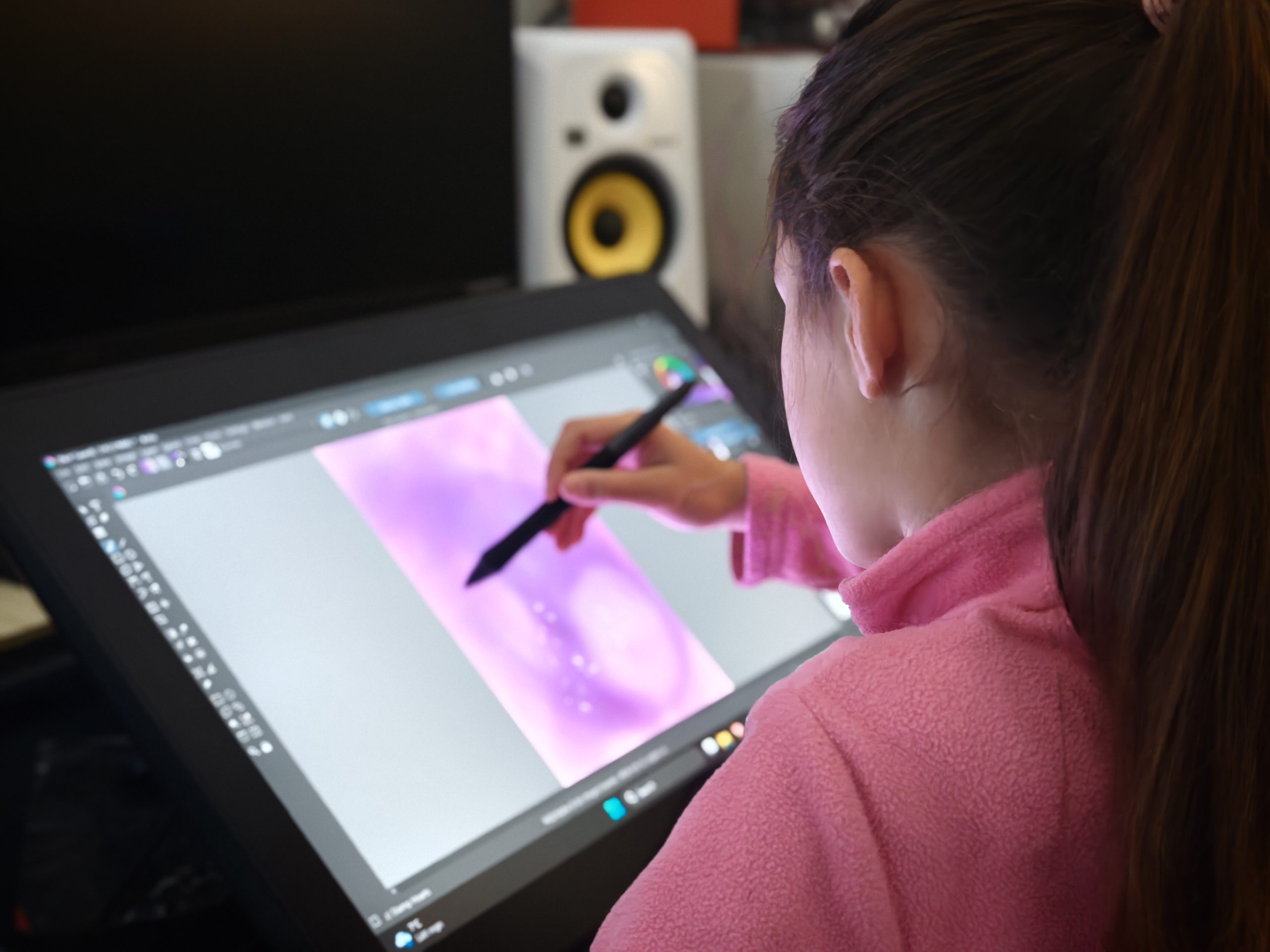
Sitting at the Artist Pro 22 (Gen.2) is inspiring and addictive. You don’t actually need to be a fully-fledged artist; even amateurs, children, and anyone who wants to learn to draw can immediately sit down and let their mind spontaneously shape a unique graphic creation. As mentioned, we used the free program Krita in which, if you have some knowledge of Photoshop, it is easy to load an image as a base in one of the layers and start practicing your hand on another layer. Like many things, you improve quickly and begin to understand the basics. And it is the proximity to the screen, the comfortable position, and an actual pen in hand (which has a pressure-sensitive eraser on the other end) that makes the difference. It is a wonderful journey.
(Photo: senses.se)
But looking at the technical values, there isn’t much to complain about even for professional artists. It is hard to imagine that the aforementioned technical values wouldn’t be sufficient, along with the phenomenal color reproduction that is important for all designers. The Artist Pro 22 (Gen.2) thus almost becomes a reference screen for color. We say almost because we also know that screens are something of a perishable commodity and without external calibration tools, one cannot rely on the factory value in the long run.
The experience throughout has been that it is a professional, well-built, and high-quality machine with high precision that is superb to draw on. The low nits value has not been perceived as a problem, but on the other hand, we have not sat in direct sunlight. As a drawing tool, it undoubtedly delivers on everything it promises, and together with the included accessories (as well as all the cables that guarantee a solution for all computers), the Artist Pro 22 (Gen.2) becomes a complete platform for the artist.
(Photo: senses.se)
The Verdict – Artist Pro 22 (Gen.2)
The only thing we haven’t touched on yet is the price, and the lowest price we can find right now is on XPPen’s own website, where you pay approximately 7,100 SEK. But the big question is whether it is worth the money. XPPen’s ambition with the Artist Pro 22 (Gen.2) is to deliver a drawing screen aimed at artists who have drawing as a major hobby or perhaps those who truly want to take the step toward a more serious machine. It is also not entirely right to call it an entry-level model, as the quality of the Artist Pro 22 (Gen.2) is high, not least the color calibration and pressure sensitivity. But at the same time, it doesn’t offer 4K resolution like the truly professional models do, which is naturally reflected in the price. After all, it is not hard to find a drawing tablet for 16,000 SEK and up.
The great strength of the Artist Pro 22 (Gen.2) is how well XPPen has succeeded with the overall package at a lower price—an accessible price for the enthusiast. Because the feel is there (even the sound is in place), the accessories are there, and throughout, the feeling is of high quality.
XPPen sent a review unit for this test. Senders of material have no editorial influence on our tests; we always write independently with our readers and consumers in focus.
Review Highlights: Q&A
Does it work as a standalone drawing tablet?
No, the XPPen Artist Pro 22 (Gen.2) requires a connected computer running drawing software to function, along with its own dedicated power source.
How bright is the display?
The display reaches a peak brightness of 250 nits, which is lower than typical reference monitors and less suited for use in direct sunlight.
What stylus specifications does it feature?
The battery-free X3 Pro Smart Chip Stylus supports 16,384 pressure levels, 5080 LPI resolution, an initial activation pressure of 3g, and tilt sensitivity up to 60 degrees.
What shortcut accessories come in the box?
The display includes the ACK05 Shortcut Remote, which features reprogrammable keys, a scroll wheel, four profiles, and a 300-hour battery life.
