
TL;DR
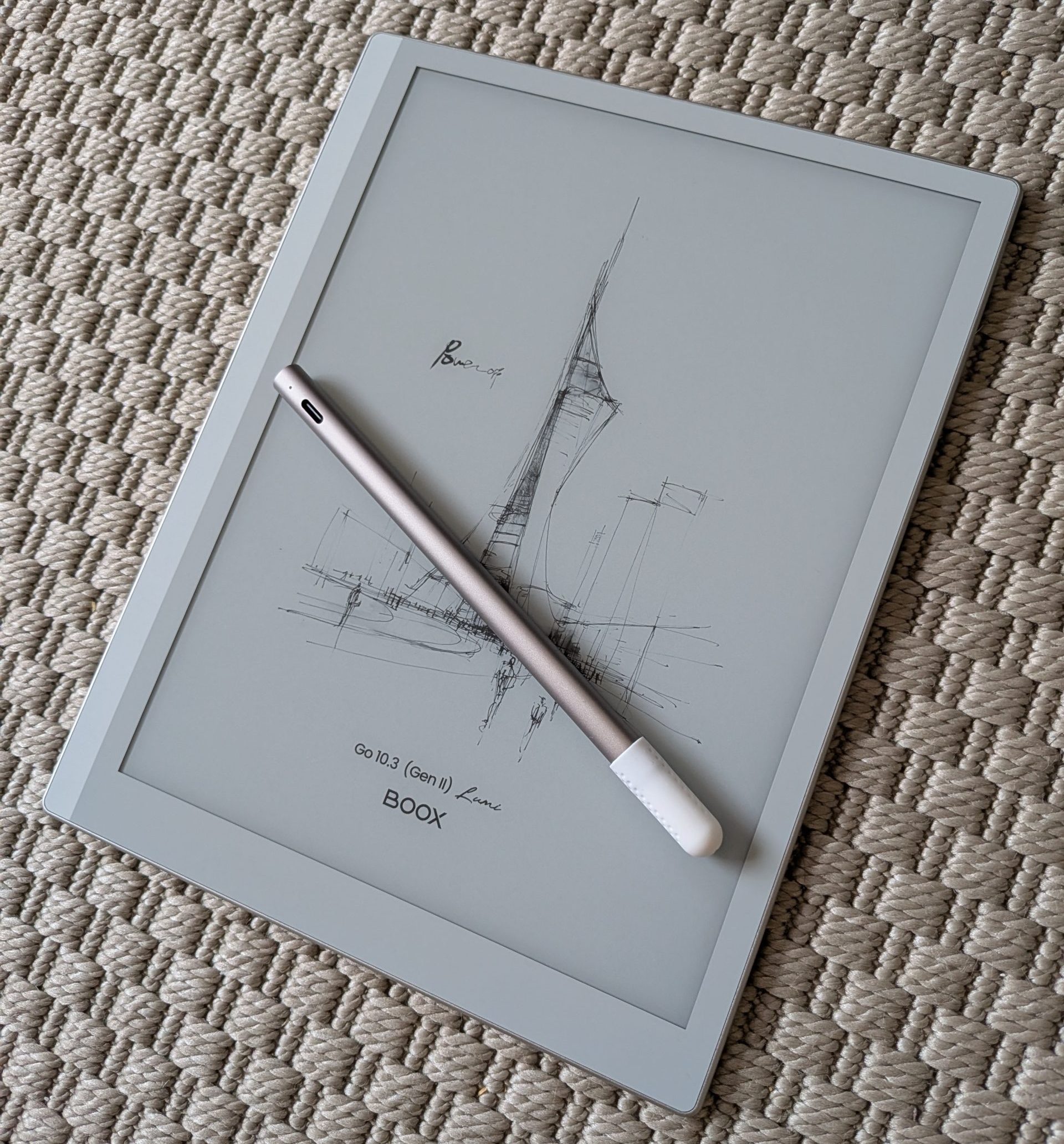
The Boox Go 10.3 Gen 2 Lumi is a premium digital notebook designed to bridge the gap between paper and screen. Featuring a crisp Carta 1200 E Ink display with adjustable lighting, it offers a superb reading experience for everything from text-heavy documents to graphic novels. Its greatest strength lies in its customized Android OS, providing full Google Play Store access to apps like Kindle, Notion, and Evernote. With a remarkably paper-like writing feel, industry-leading handwriting recognition, and marathon battery life, it stands as a powerful challenger to the established giants in the e-ink space. While the premium price and separate accessories are notable, the device's versatility makes it a compelling candidate to finally replace your physical notebooks. Is this the hardware that will revolutionize your productivity? Read the full article to discover how it performs in everyday use.
How many half-used notebooks do you actually have in your desk drawer? Probably significantly more than you’d like to admit. There is something deeply rooted in us that makes us stubbornly refuse to let go of the analog pen and that tactile, physical feel of paper. This is despite the fact that we now live virtually our entire lives through glowing, glossy mobile and computer screens. There is something about paper that helps us focus. Boox Go 10.3 Gen 2 Lumi claims to be the definitive bridge between these two separate worlds. It is launched as a dedicated digital notebook and e-reader, boldly priced to take on the already established giants in the field. But can a tablet really replace the comfort of a real notebook, or is it just another expensive gadget that ultimately ends up at the back of the same drawer as your old papers? We have spent the last few weeks with the tablet to find out exactly how it performs in everyday life.
Design and Build Quality
As soon as you pick up the tablet from its elegantly designed box, you are struck by how incredibly stylish it is. There is an immediate and tangible premium feel to the hardware. The minimalist aesthetic, combined with an extremely thin profile, makes it feel like a sophisticated work tool rather than a traditional tablet. Despite the built-in lighting layer, it sits fantastically well in the hand, and the weight is light enough that you can hold it with one hand during long reading sessions without your wrist protesting.
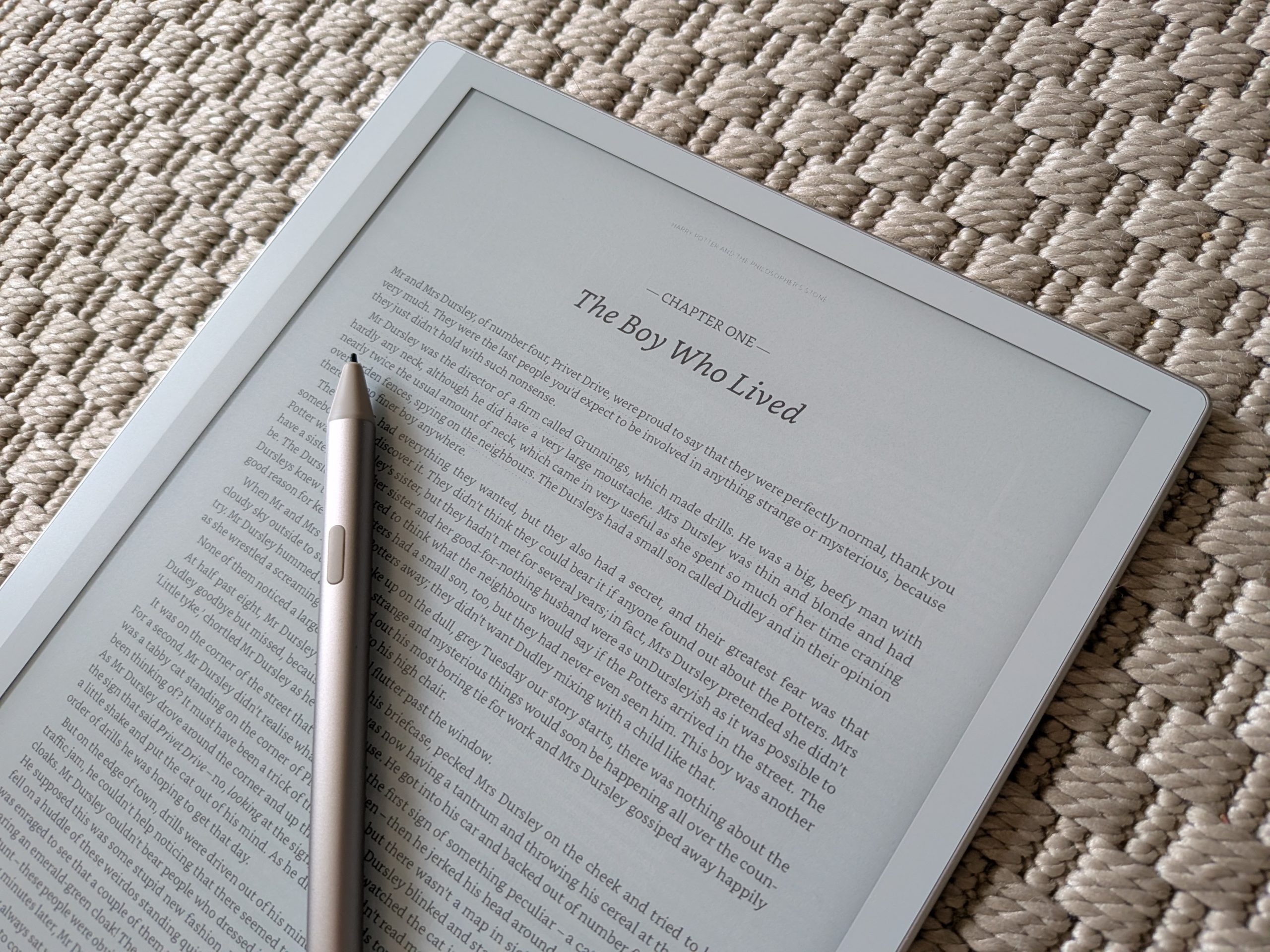
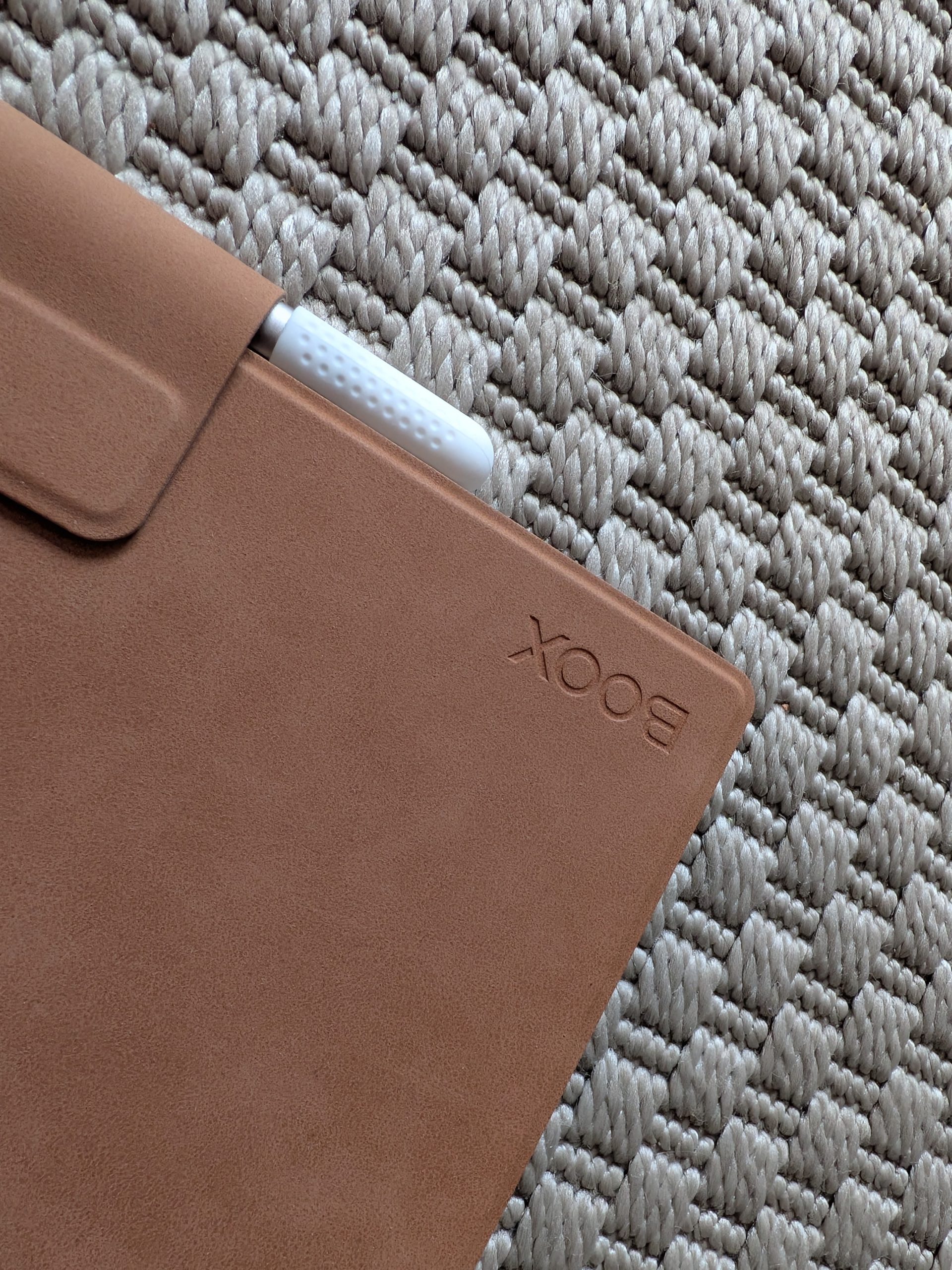
On the other hand, we quite quickly encounter a classic modern nuisance when it comes to the accessories. The magnetic screen protector case, which also doubles as a stand, is not included in the box. It must be purchased separately for a fairly significant amount. The case itself is admittedly very good once it’s in place and protects the screen excellently. But there is a catch. The accompanying flap intended to hold the stylus in place is genuinely awkward to deal with and can even be completely detached. It’s hard to get it to sit neatly, gets in the way when you fold back the cover, and feels far from intuitive to use on the go. This inevitably brings down the overall impression slightly for those who want to toss the tablet into a backpack between meetings.
Screen and Media
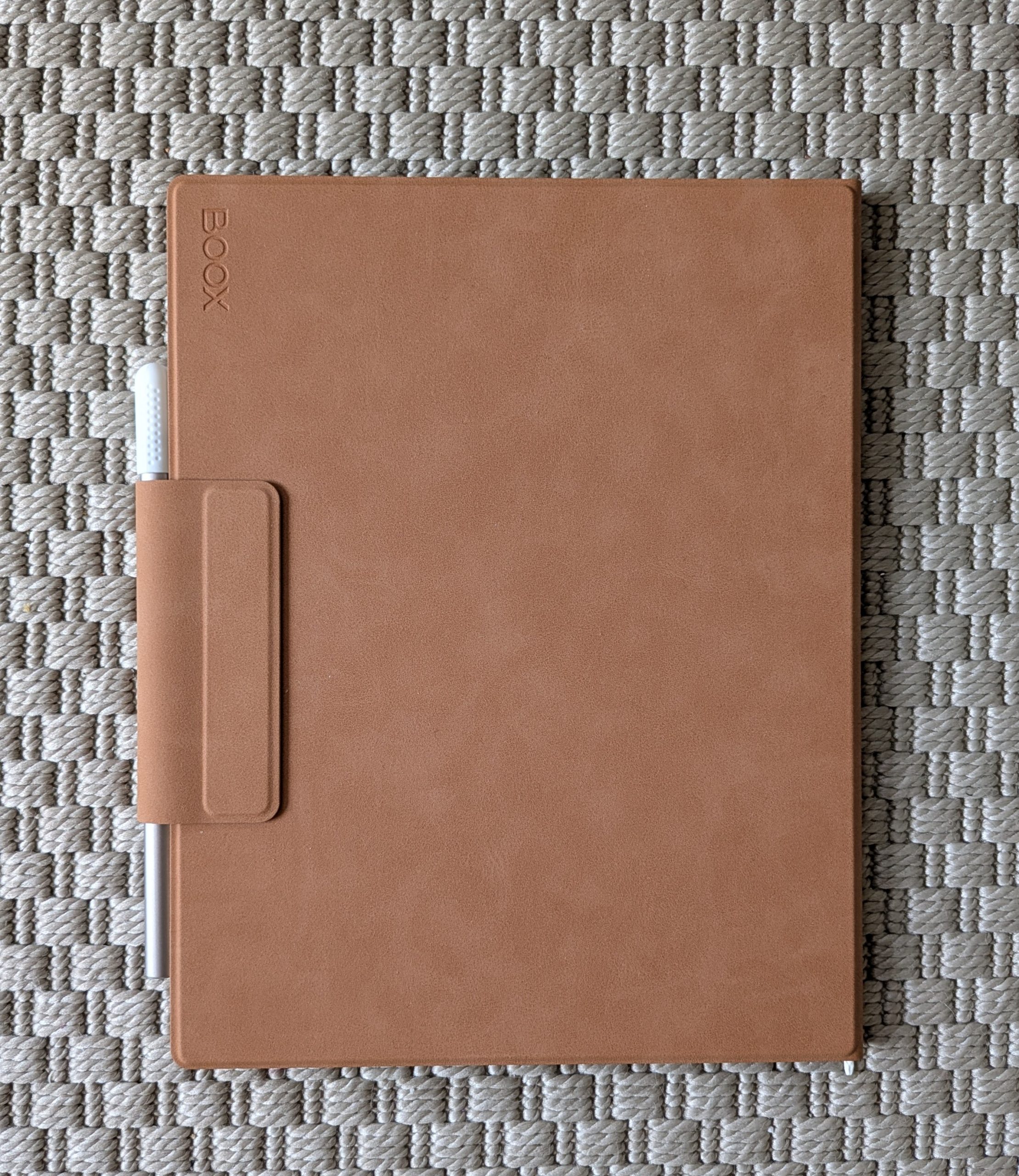
Turning our attention to the star of the show, the 10.3-inch E Ink screen, it is incredibly hard not to be deeply impressed. Boox has used a Carta 1200 panel that delivers fantastic contrast. But what truly makes the Lumi model a winner is the ability to read long texts with or without background lighting. The lighting is even, pleasant, and adjustable in both brightness and color temperature. Plowing through text-heavy documents works brilliantly whether you are in a well-lit open-plan office or want to read in a darkened bed without disturbing your partner.
An unexpected but welcome pleasure during our testing period has been reading black-and-white comic books. The 10.3-inch size is the absolute sweet spot for graphic novels; the panels are large enough that the text in speech bubbles and the fine details in the drawings never feel difficult to read or cluttered. It is simply a joy for comic lovers, and the tablet handles PDFs and ePub files without any issues.

Writing Experience
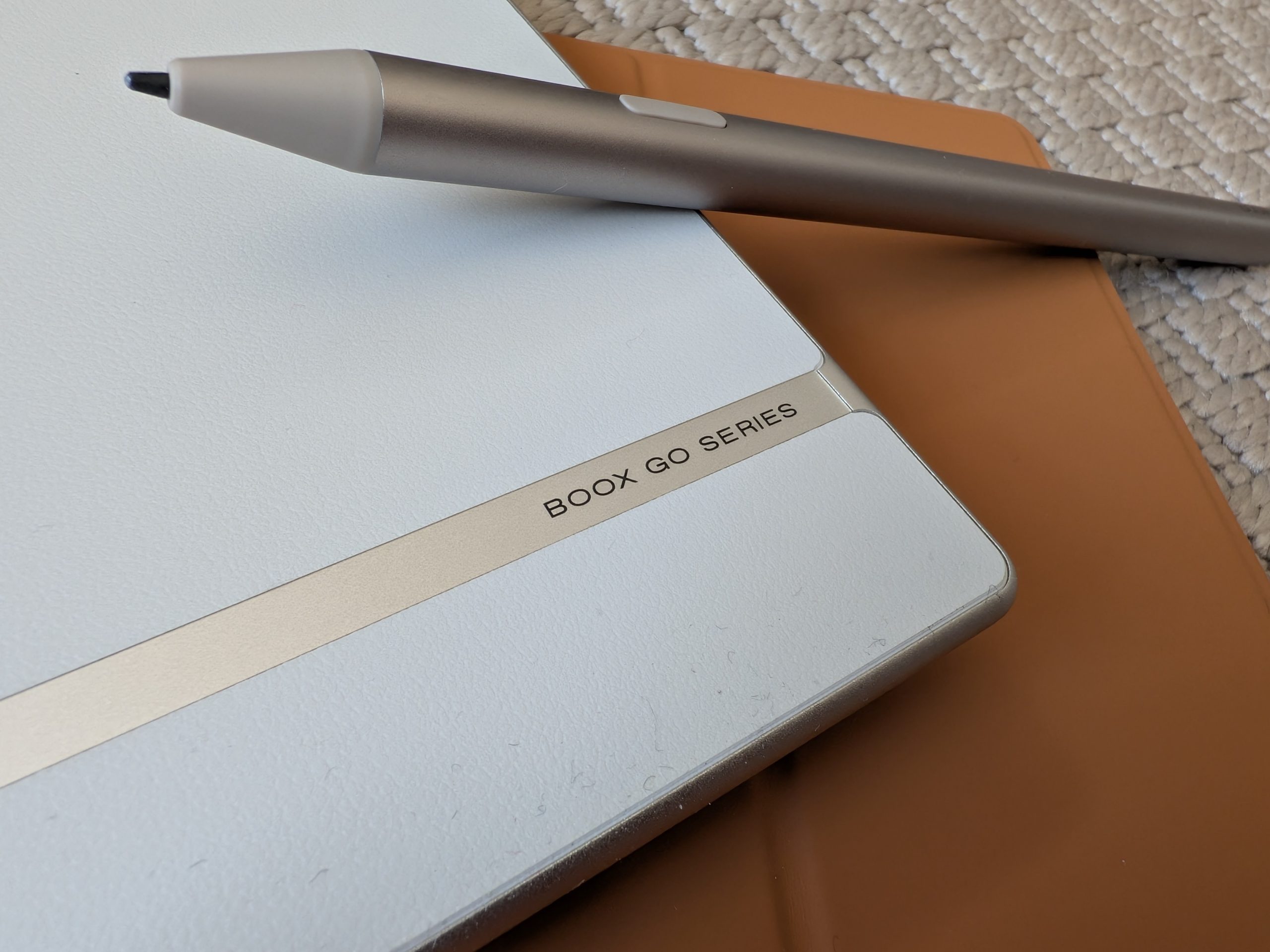
Writing on a glass screen usually feels just like writing on thin ice. It clatters and the pen slips away. But with the included BOOX InkSense Plus stylus, Boox has truly cracked the code. It feels astonishingly similar to a paper-like material when the tip is drawn across the screen surface; there is a perfectly balanced resistance that makes writing enjoyable. The stylus is also fantastic for sketching and drawing as it handles many different pressure levels. After a while of use, the brain tricks itself into believing you are actually holding a real pencil. A brilliant detail is the eraser button on the side, which makes erasing feel quite natural.
The stylus itself is magnetic and attaches to the side of the tablet. However, the magnet is a bit on the weak side, and we definitely wouldn’t fully trust this solution during careless handling – the risk of the stylus falling off in a bag is significant. Another small negative is the cap for the stylus. It feels cheap, plasticky, and seems more like a pure transport solution for shipping to the customer than a genuine protector you would actually want to take on and off every day.
Software
Even stronger and more impressive is the experience under the hood. Boox Go 10.3 Gen 2 Lumi runs Android, and here Boox has done a monumental job. They have created a really good, streamlined, and customized version of the operating system. Everything is sleek, minimalist, and incredibly smooth to navigate. There is no cluttered home screen filled with bloatware, but rather an interface tailored for E Ink.
The single biggest advantage compared to competitors, however, is access to the Google Play Store. You are not locked into a closed ecosystem. You can easily download the Kindle app to access your existing library, local library apps to borrow e-books for free, or why not add Gmail, Notion, or Evernote if you want to fully integrate the tablet into your existing workflow.
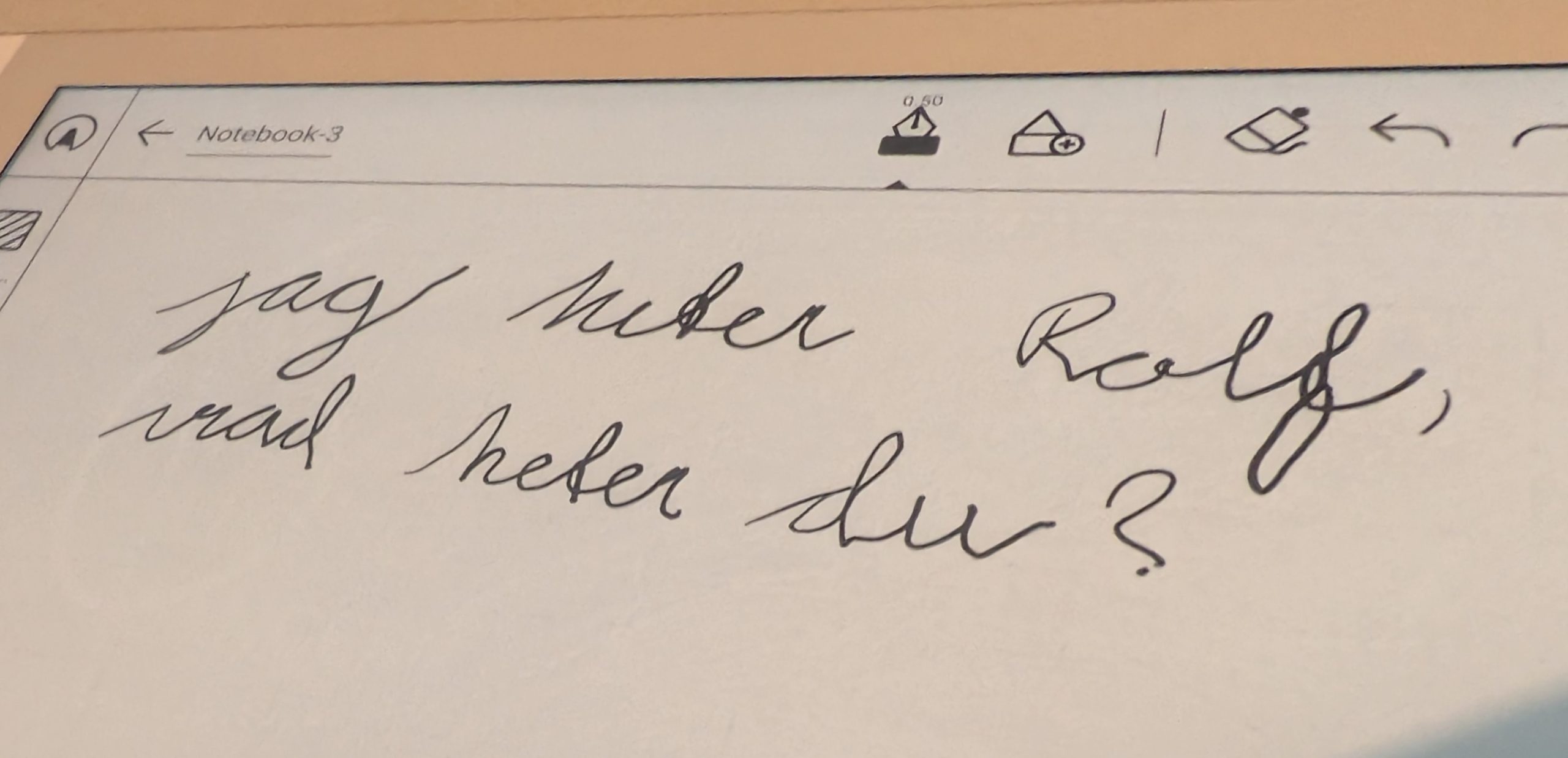
The note-taking app that comes pre-installed is also brilliant for managing structure for everything from short meeting notes to massive university lectures. The crowning achievement is the handwriting recognition. Many tablets fail completely at Swedish “chicken scratch,” but Boox handles our sloppily written cursive in Swedish with absolute bravado and converts it to digital text with frighteningly high precision.

Battery Life
Even with the built-in Lumi lighting turned on, power consumption is incredibly modest compared to a traditional, bright OLED color screen. The battery life is, in short, superb. The tablet chugs along day after day without you needing to cast nervous glances at the charging cable. This makes it an incredibly reliable tool, whether you are traveling, sitting in day-long meetings, or reading marathon comic series in a hammock.
Conclusion
Onyx Boox Go 10.3 Gen 2 Lumi is certainly no cheap toy; the price is, in all honesty, quite high. But it is strategically and deliberately priced to challenge its biggest competitor. If you ask us, Boox has at least as strong, if not a significantly stronger, argument thanks to an excellent writing experience, the built-in lighting and, above all, the open Android system with full access to the Google Play Store. Being able to customize which apps you want to use completely changes the game.
So, to answer the question we asked ourselves at the beginning: You can clear out your desk drawers with a clear conscience now. After writing on this tablet and realizing how seamlessly your meeting notes can be synced to your cloud solutions, you will likely happily toss your half-used paper notebooks and never want to return to dead paper again.
Boox sent a review unit for this test. Senders of material have no editorial influence on our tests
Review Highlights: Q&A
Does the tablet include a protective case?
No, the magnetic case must be bought separately.
Can I install apps like Kindle or Notion?
Yes, it has full access to the Google Play Store.
How does the writing experience feel?
It feels like writing on real paper with resistance.
Can you read on this tablet in the dark?
Yes, it has adjustable lighting and temperature.
How reliable is the battery life?
The battery life is superb and lasts for many days.
Does it support handwriting recognition?
Yes, it converts sloppy cursive with high precision.
Is the stylus included in the box?
Yes, the BOOX InkSense Plus stylus is included.
