
TL;DR
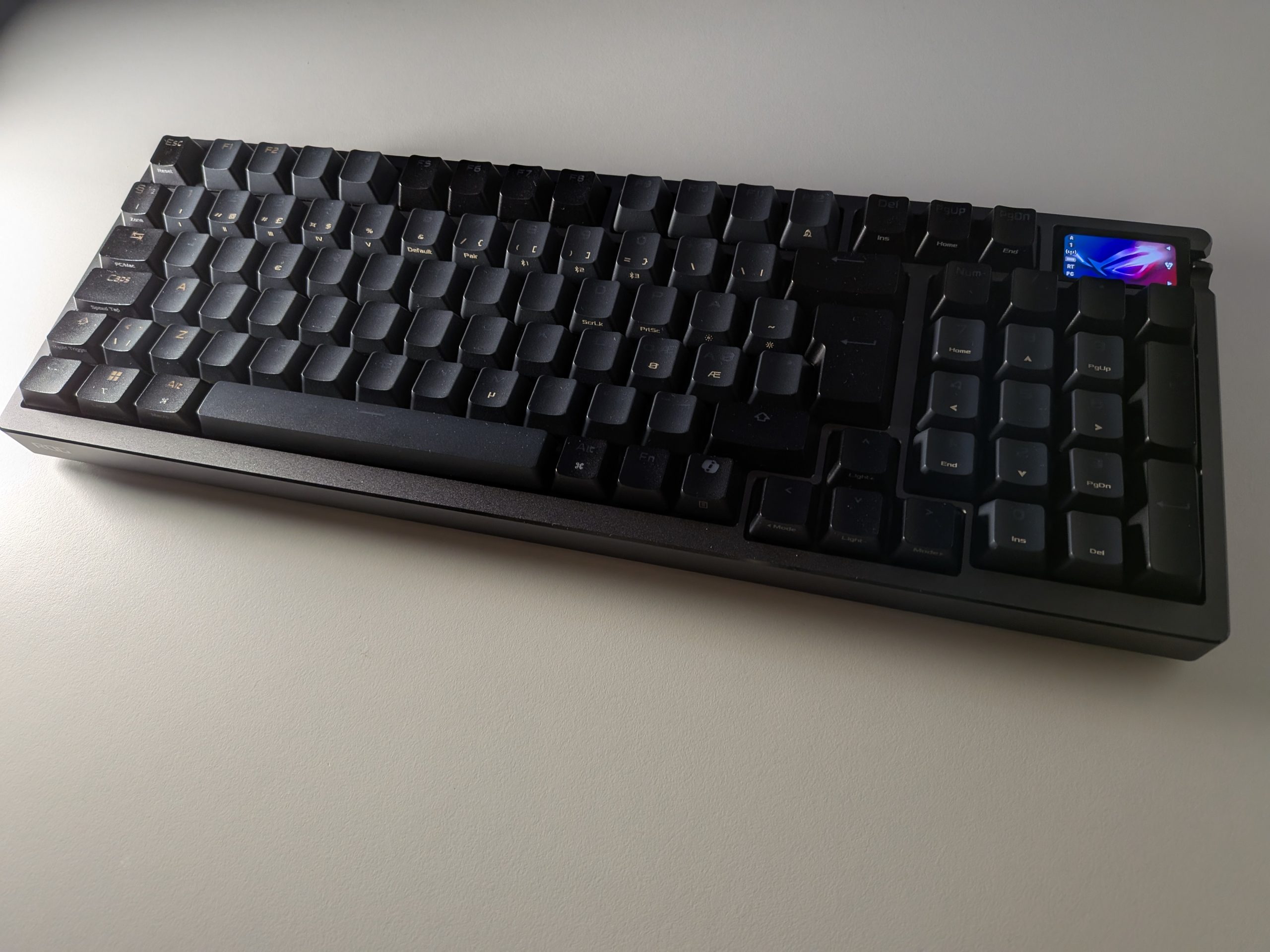
The ASUS ROG Azoth 96 HE is a technical powerhouse that bridges the gap between mass-produced luxury and enthusiast performance. Featuring cutting-edge Hall Effect magnetic switches, this keyboard offers unparalleled precision with adjustable actuation points and hyper-responsive Rapid Trigger technology—making it feel like a literal extension of your nervous system in competitive games. While its 96% layout saves desk space without sacrificing functionality, the real magic lies in its revolutionary browser-based control, freeing you from bloated software. It boasts a premium aluminum build and superb damping, though its proprietary switch design might give hardcore customizers pause. Is this magnetic masterpiece the ultimate hybrid for gamers and pros alike, or does it trade too much soul for raw speed? Dive into our full review to see if the Azoth 96 HE claims the throne for your desktop.
When we at senses.se recently got our hands on the Norwegian masterpiece Invintix Drekiskip, we were reminded of what happens when you stop seeing a keyboard as a tool and instead see it as an instrument. There was a magic there, and an acoustic soul in every click. Now, we have been living with ASUS’s latest flagship, ROG Azoth 96 HE. The question we asked ourselves was simple: Can a tech giant truly challenge the craftsmanship of an enthusiast studio by throwing magnets into the equation?
First Impressions and Form Factor
The first impression when we lift the Azoth 96 HE out of the box is the weight and the cool feel of the thick aluminum frame. This is a piece that commands respect from the first touch, and it feels significantly more premium than most mass-produced competitors. Regarding the 96 percent layout itself, it is important to remember that size is a matter of personal preference rather than absolute perfection. If we compare it to the extremely compact ROG Falchion at 65 percent, we lose a lot of valuable surface area for the mouse. For the pure FPS player who swipes their mouse across the entire desk, the Azoth might feel slightly clunky.
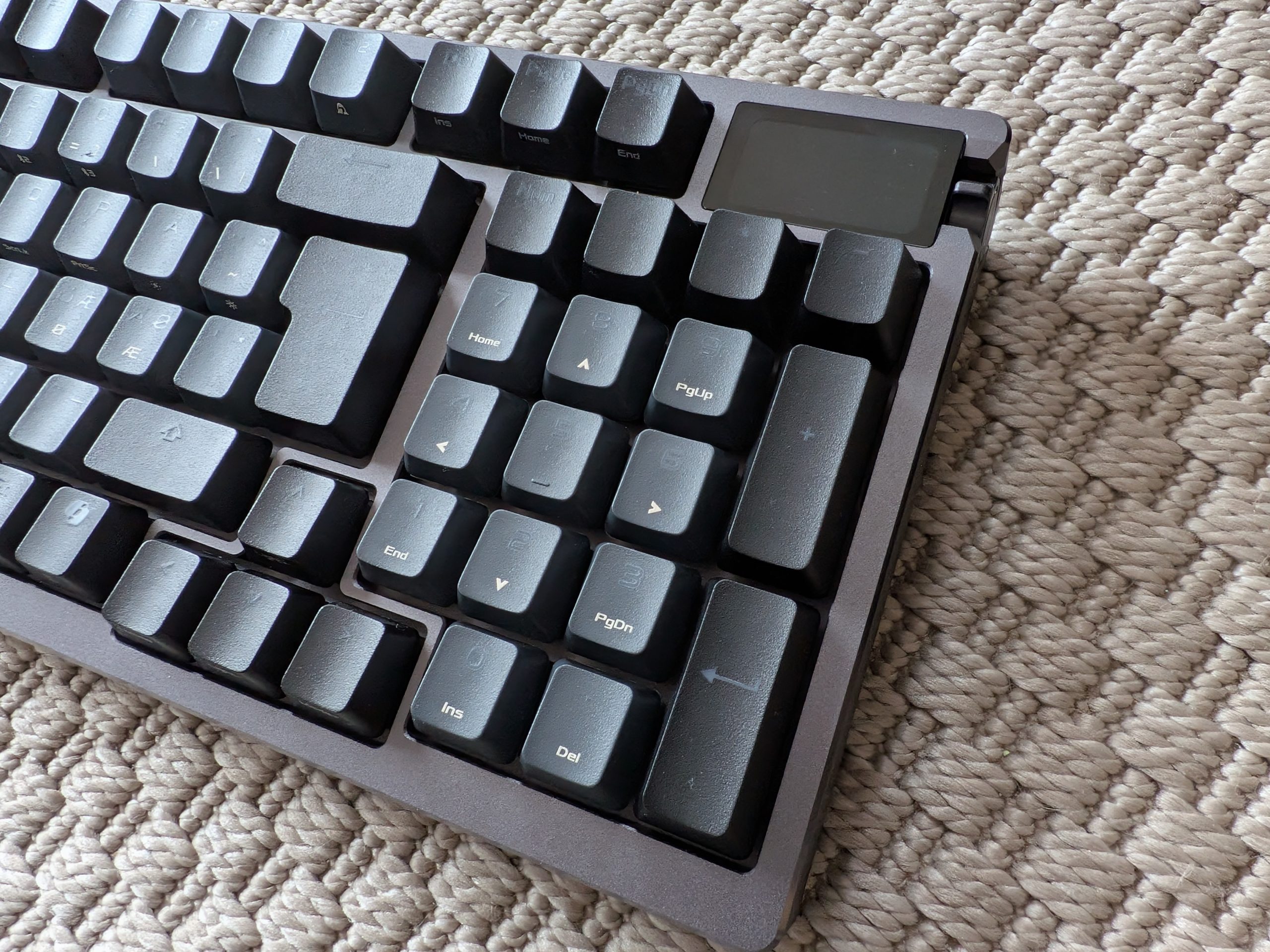
What is impressive, however, is how ASUS has managed to squeeze almost all the keys into a surface area barely larger than what we found on the 75 percent Drekiskip build. By eliminating all dead space between the letters and the numpad, they have created a keyboard that offers full functionality without taking up much more space than a significantly smaller board. It is a technical feat that suits those of us who balance gaming with productivity well, even if some users will still prefer the total freedom of smaller models.
Hall Effect Fundamentally Changes Gaming
We are here for the two letters at the end of the name. HE stands for Hall Effect. Unlike traditional mechanical switches, where one piece of metal must touch another to send a signal, these switches use magnets. The keyboard measures exactly how close the magnet is to the sensor on the PCB.
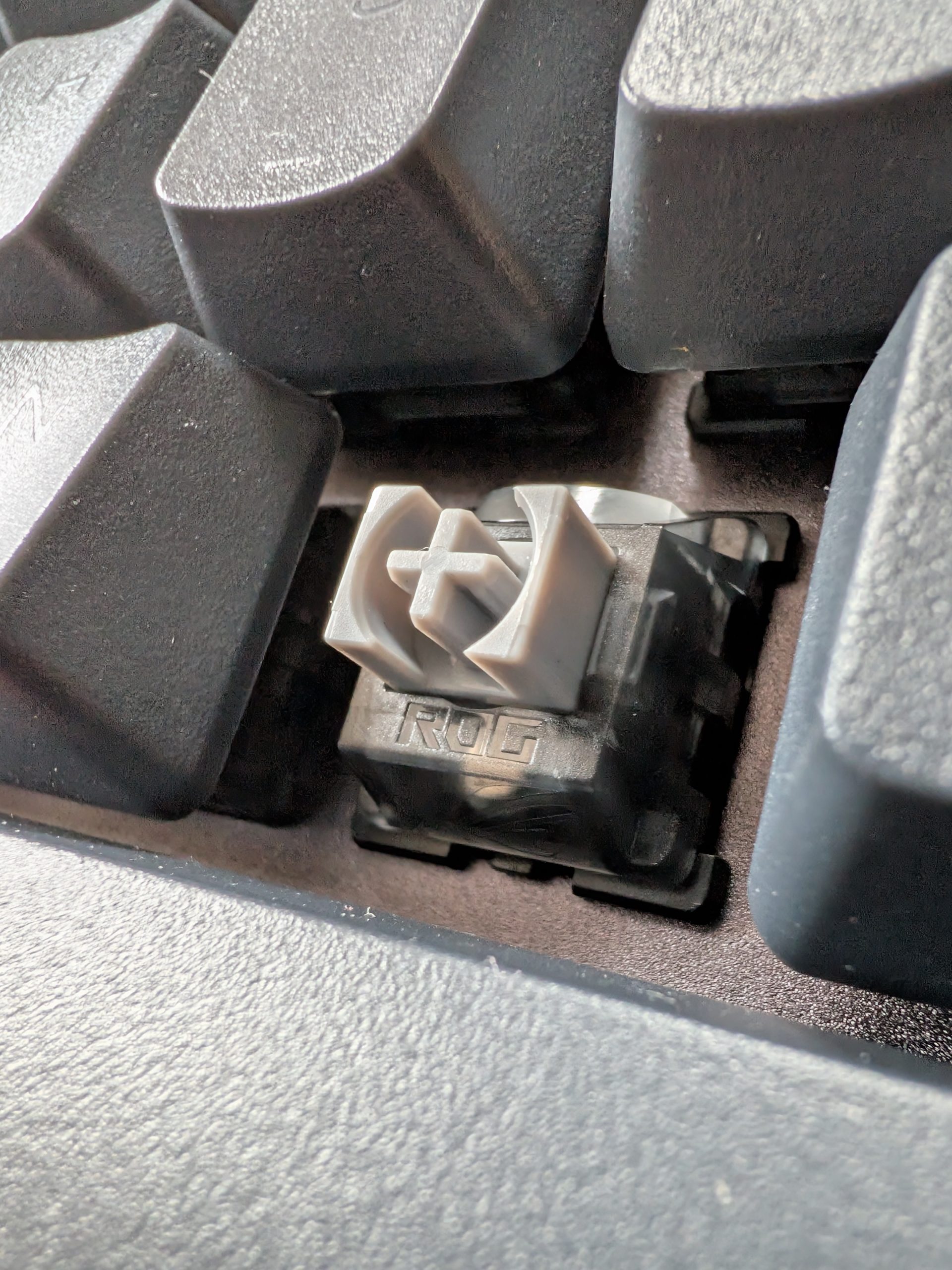
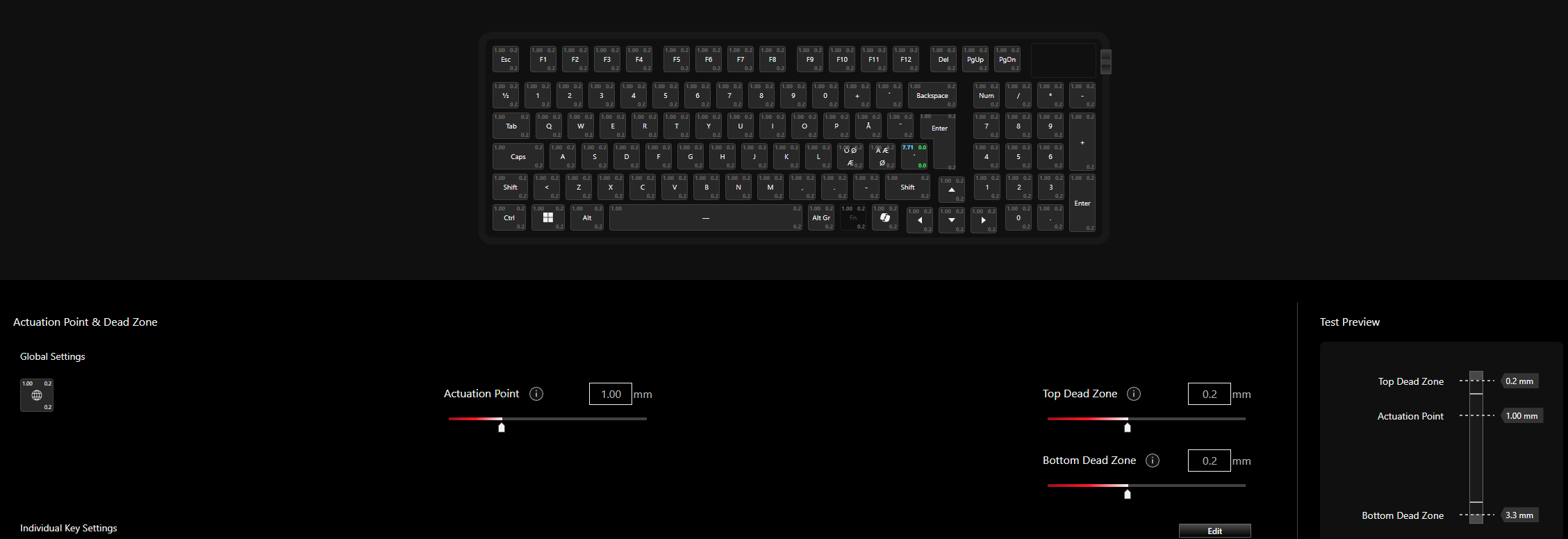
This changes gaming in two key ways. First, we can set exactly how deep we need to press for a command to register. For fast-paced games like Counter-Strike 2, we set the WASD keys to an extremely sensitive 0.1 millimeters. A light touch is enough for the character to react. Second, we have Rapid Trigger. A standard switch must reset past a certain point before you can press it again, but with HE, the switch resets the moment you start lifting your finger. This makes our lateral movements feel incredibly responsive, like pure magic. In the heat of battle, the keyboard feels like an extension of the nervous system. However, if you are not a hardcore gamer, this might not be worth the price. That said, the ability to adjust the actuation depth was useful for those of us who type a lot, as it could be configured exactly as we wanted without having to swap switches.
The Golden Cage
Here, however, comes the bitter aftertaste for us enthusiasts. Despite ASUS boasting that the board is hot-swappable, we are in practice locked into their own HE switches. You cannot, therefore, bring in your favorite switches off the shelf and experiment like we could with the Akko 5075B Plus. It is a golden cage. It is beautiful and functional, but it limits that true joy of customization which, for some of us, is half the fun of premium keyboards.
The Sound and the Digital Future?
When we start typing, we notice that the sound profile is good thanks to six layers of damping. However, it does not reach the level of the Drekiskip. It lacks that deep and personal character. It sounds more like an extremely well-oiled machine than a hand-built instrument.
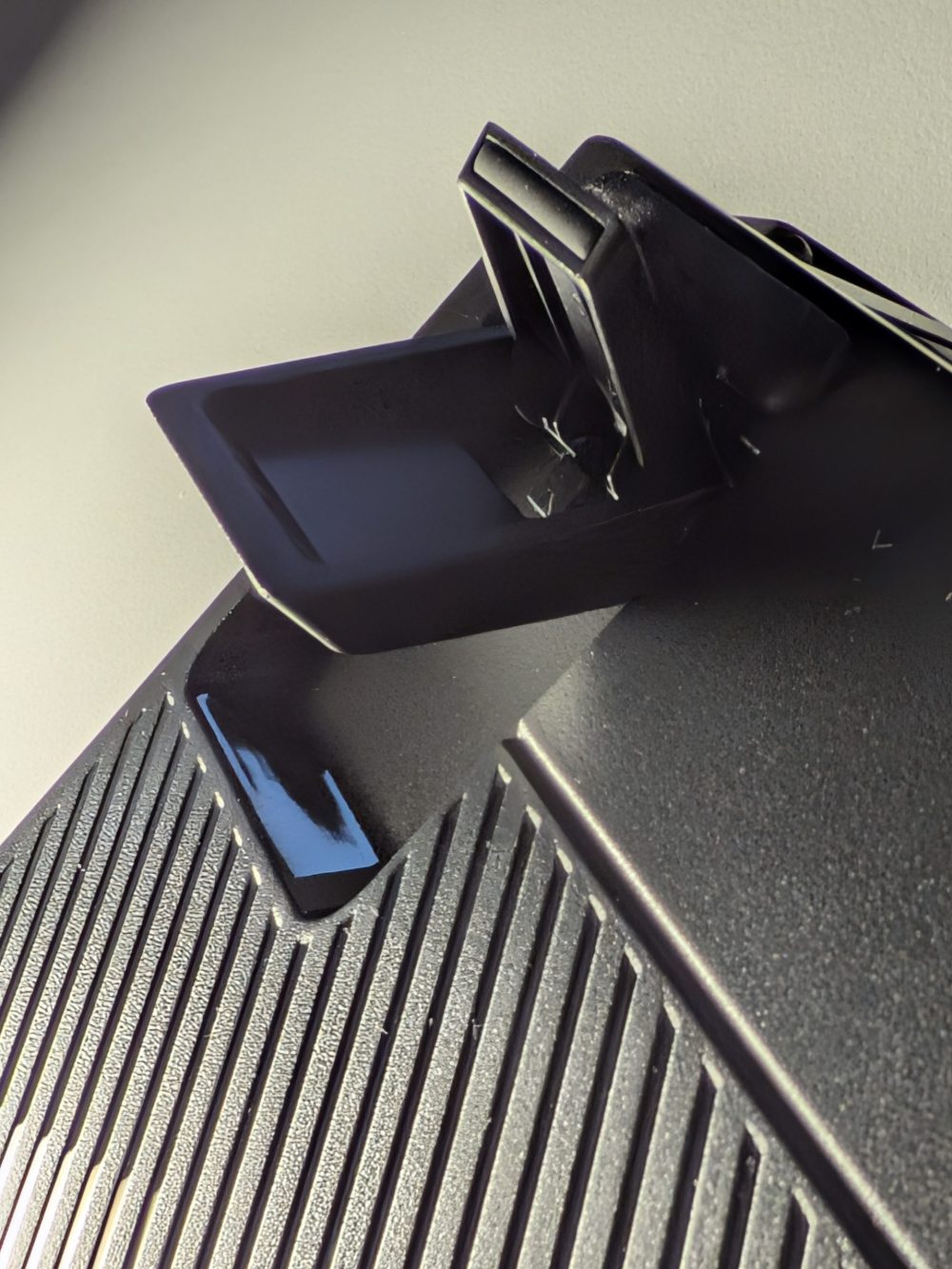
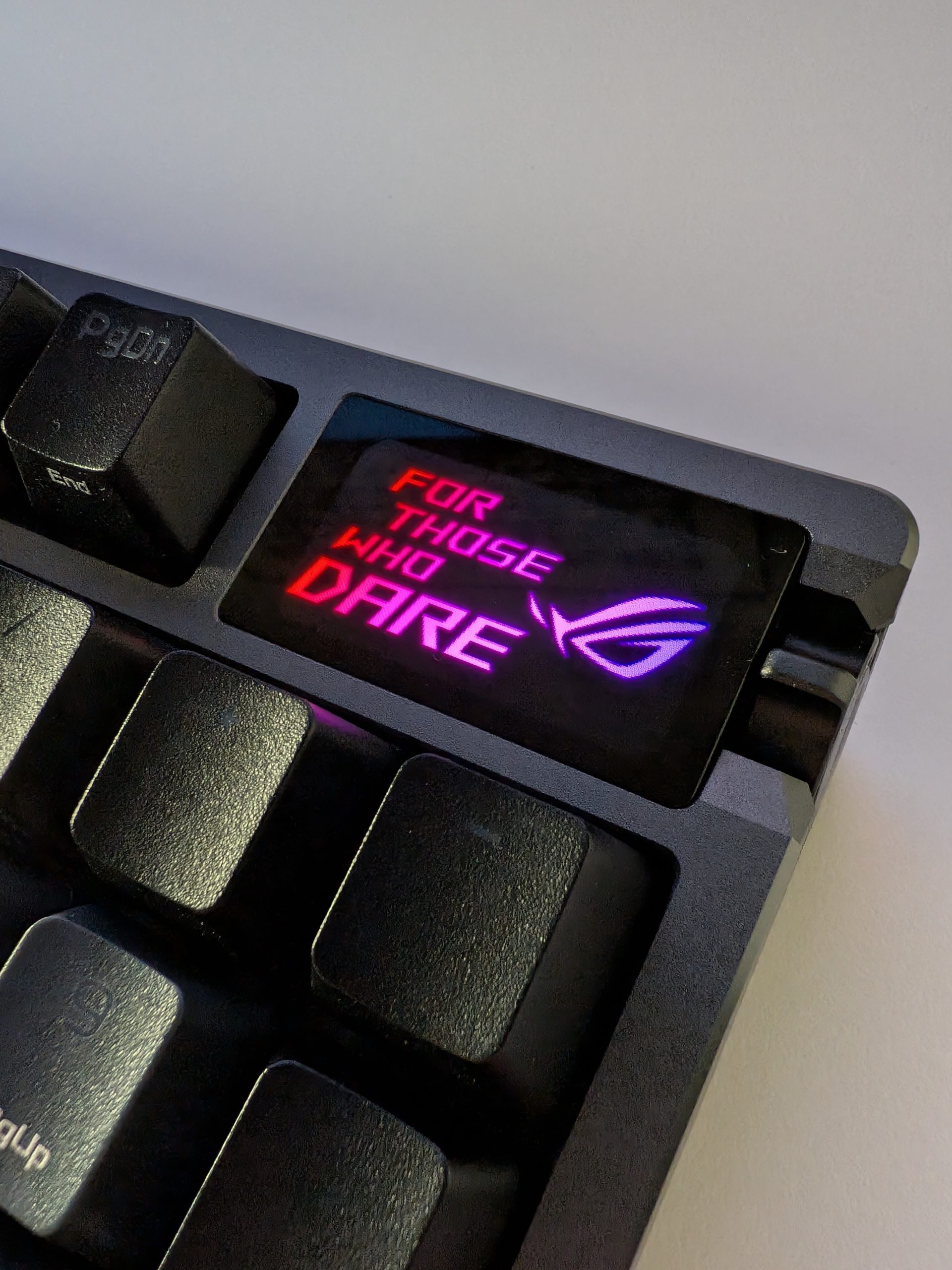
Up in the corner sits the OLED screen. We immediately uploaded a GIF of a wildly hammering Jim Carrey, which looks fantastic and gives the board a personal touch. To be honest, however, the screen is too small to be genuinely useful for system info. Furthermore, the built-in menu is quite unintuitive, and we often found ourselves misclicking in the cramped menus.
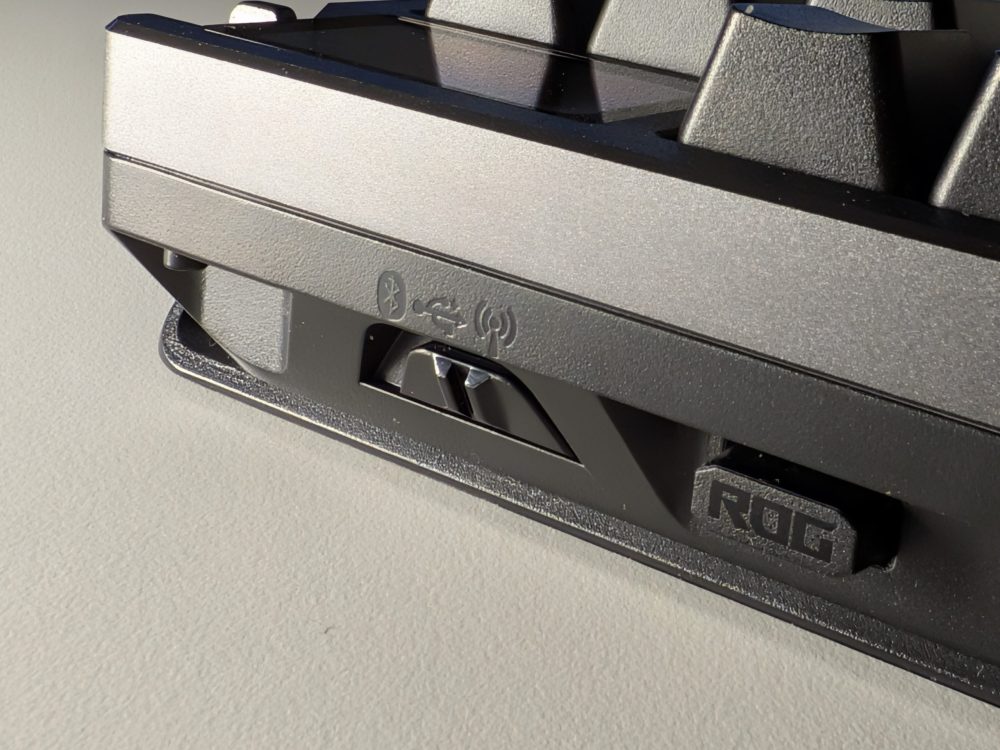
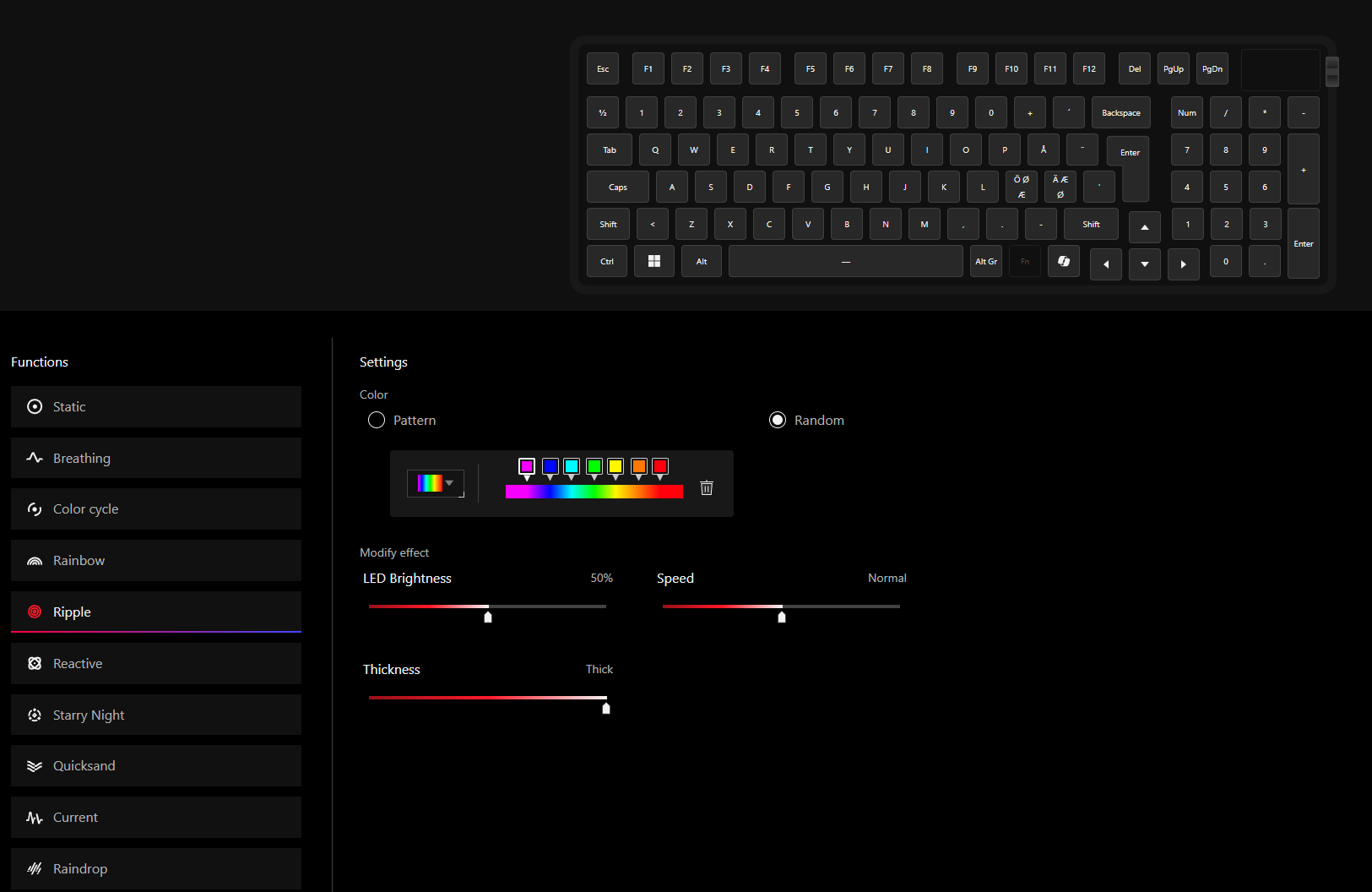
On the other hand, ASUS has done something revolutionary for the future. By offering control via the browser, we are finally spared from downloading heavy apps. Being able to adjust actuation points and RGB directly in Chrome is a liberation. It works flawlessly and is fast. This is exactly how hardware should be handled going forward; nobody likes having to download yet another app.
Conclusion
The ASUS ROG Azoth 96 HE is undoubtedly the most technically impressive gaming keyboard we have tested. The precision in games is addictive, and the browser-based control is a vision of the future. However, it is no Drekiskip. It lacks that final bit of acoustic magic and the freedom to swap switches to your heart’s content. If you want the absolute sharpest technology and a build quality that exudes luxury, this is the king of the hill, but if you are looking for that purely sacred typing experience, you will have to look elsewhere. The question you must answer is: Are you primarily a gamer, or are you a keyboard nerd who likes to game?
